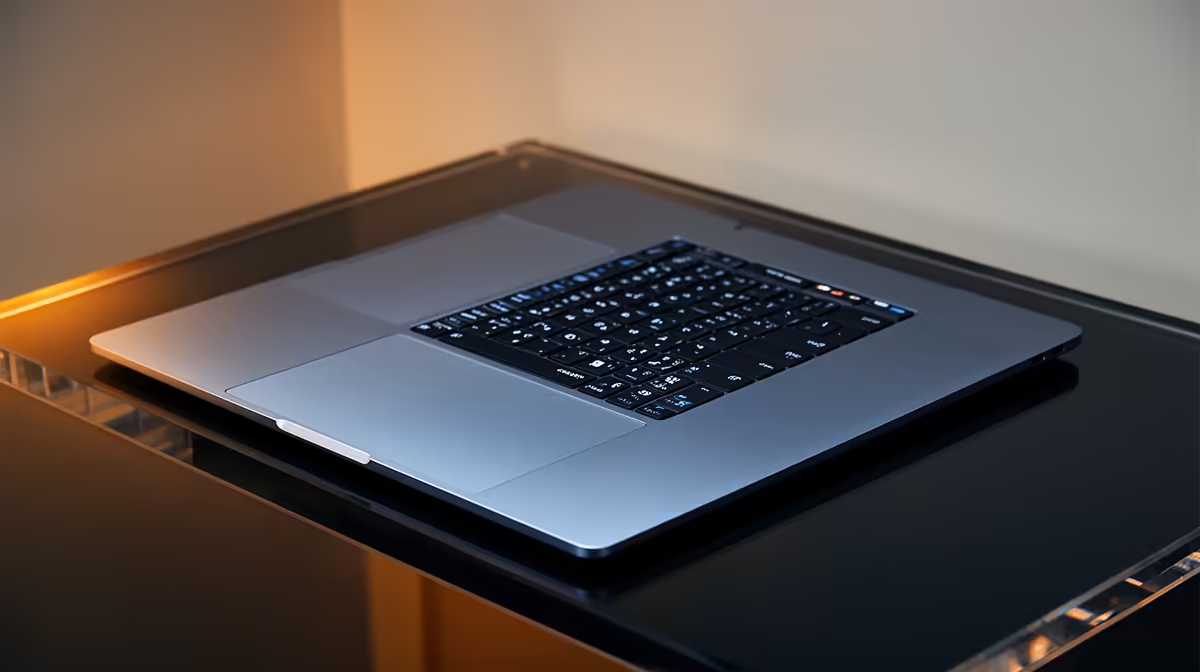
Apple silicon used to mean paying a steep premium just to get through the door. That has shifted. The single best value entry point into the Mac world for a South African buyer right now is the M4 MacBook Air, available at around R17,413, comfortably under the R18,000 mark and roughly R7,500 cheaper than the newer M5 Air. It runs the current macOS, supports Apple Intelligence, and gives you genuine Apple silicon without the flagship price.
Quick Answer
The best entry-level Mac in South Africa under roughly R18,000 is the previous-generation M4 MacBook Air at about R17,413. It runs the latest macOS, supports Apple Intelligence, and costs around R7,500 less than the M5 Air while delivering the bulk of the same everyday experience. For price-conscious buyers who want real Apple silicon, it is the clear pick.
Why the M4 Air, not the newest model
There is a recurring pattern with Apple laptops worth understanding. When a new generation lands, the previous one does not vanish; it drops in price while remaining fully supported with current software and security updates for years. The M4 Air is in exactly that sweet spot. The M5 Air is faster on paper, but for the tasks an entry buyer actually performs, browsing, documents, email, video calls, light photo editing, the difference is hard to feel in daily use.
That R7,500 gap is the whole argument. You are paying a large premium for benchmark numbers that rarely surface in real work. The M4 chip already runs cool, lasts a full day on battery, and handles Apple Intelligence features. Browse the current MacBook range at Evetech and the value of the older generation against the newest becomes obvious the moment you compare price tags.
What you actually get at this price
The M4 MacBook Air is a fanless, silent laptop. With no cooling fan it never makes noise, even under sustained load. The build is the familiar thin aluminium chassis, the keyboard and trackpad are excellent, and the screen is a sharp, colour-accurate Retina panel that punches well above what you find on similarly priced Windows machines.
Battery life is a genuine strength. Apple silicon sips power, so a full working day on a single charge is realistic rather than optimistic. For a student moving between lectures or a professional working away from a desk, that endurance matters more than a few extra percent of processing speed.
The one spec to watch: storage and RAM
This is where entry buyers need to be careful. The base configuration ships with a modest amount of unified memory and storage, and on a Mac you cannot upgrade either after purchase, it is fixed at the factory. For light use, the base memory copes. If you keep dozens of browser tabs open, edit photos, or plan to keep the machine for many years, paying once for more memory upfront is wiser than regretting it later. Storage fills quickly with photos and files, so consider the next tier up if your budget stretches.
Unified memory is worth understanding because it works differently from a typical Windows laptop. On Apple silicon, the processor, graphics and memory share a single fast pool, which is part of why even the base chip feels quick. The downside is rigidity: there is no second slot to add a stick later and no swapping the drive for a bigger one. The decision you make at the till is the machine you live with, which is exactly why the memory and storage tier deserves more thought than the chip generation does.
Ports, connectivity and the everyday details
The M4 Air keeps the connection set lean, which suits its travel-friendly brief but is worth knowing before you buy. You get a small number of high-speed USB-C ports that double as the charging connection, a headphone jack, and the MagSafe magnetic charger that pops free if someone trips on the cable. If you rely on lots of wired peripherals, a USB-C hub becomes a useful companion rather than an optional extra. Wireless is current-generation Wi-Fi and Bluetooth, so it pairs cleanly with phones, earbuds and the wider Apple ecosystem if you already own an iPhone or iPad.
Who the M4 Air suits, and who should look elsewhere
The M4 Air is ideal for students, writers, professionals doing office and web work, and anyone wanting a reliable, long-lived laptop with the macOS experience. It handles the everyday workload of most people effortlessly and will stay current for years.
It is not the machine for heavy, sustained workloads. Serious video editing, 3D rendering, or long compiles push toward the MacBook Pro with its active cooling and more powerful chips. The Air is built for quiet, efficient everyday computing, and within that brief it is outstanding. If your needs are heavier, the broader best-selling laptops listing includes both Mac and Windows options worth weighing up.
Entry Mac value compared
Set the M4 Air against its alternatives and the case firms up. Against the M5 Air, you save roughly R7,500 for a barely perceptible everyday difference. Against a similarly priced Windows ultrabook, you gain longer battery life, silent operation, and the polish of macOS, though you trade away the upgradeability and touchscreen options some Windows machines offer. Against older Intel-based Macs still floating around the second-hand market, the M4 is in a different league on speed, battery and software support.
Frequently Asked Questions
Is the M4 MacBook Air still worth buying with the M5 out?
Yes. The M5 is faster on benchmarks, but the M4 handles everyday tasks identically in practice and costs around R7,500 less. For browsing, documents, media and light creative work, the M4 Air is the smarter spend.
Will the M4 Air get the latest macOS and updates?
It will. Apple supports its silicon Macs with current macOS versions and security updates for years. The M4 Air runs today's macOS and supports Apple Intelligence, so it stays current well into the future.
How much RAM and storage should I choose?
The base configuration suits light, everyday use. If you multitask heavily, edit photos, or want the machine to last many years, pay for more unified memory upfront, since it cannot be upgraded later. Step up storage too if you store a lot of photos and files locally.
Is the M4 Air good enough for video editing?
For light editing, yes. For heavy, sustained editing or 4K project work, the fanless Air will throttle under prolonged load, so a MacBook Pro with active cooling fits better. The Air shines at everyday tasks and lighter creative work.
Does it have a fan?
No. The M4 Air is fanless and completely silent, even under load. The trade-off is that very long, intense workloads can warm it up and slow it, but for normal use it stays cool and quiet.
If you want genuine Apple silicon without the flagship price, the M4 MacBook Air at around R17,413 is the entry Mac to beat. Check current configurations and pricing in the MacBook range at Evetech and pick the memory tier that fits how long you plan to keep it.