You've finally upgraded to that lekker high-speed fibre connection. The speed tests look amazing, but when it's time to clutch a 1v3 in Valorant... you're hit with a lag spike. What gives? Your powerful gaming laptop or sleek ultrabook is likely relying on Wi-Fi, which can be the bottleneck holding back your true internet performance. The solution is simpler than you think: a direct, wired connection through an ethernet-ready dock. 🚀
Why Your Wi-Fi is Holding Your Fibre Back
Fibre internet gives you incredible bandwidth (speed), but for gaming and real-time applications, low latency (responsiveness) is king. Wi-Fi, by its nature, is prone to interference from walls, other networks, and even your microwave. This creates tiny delays and packet loss that result in frustrating lag spikes, no matter how fast your plan is.
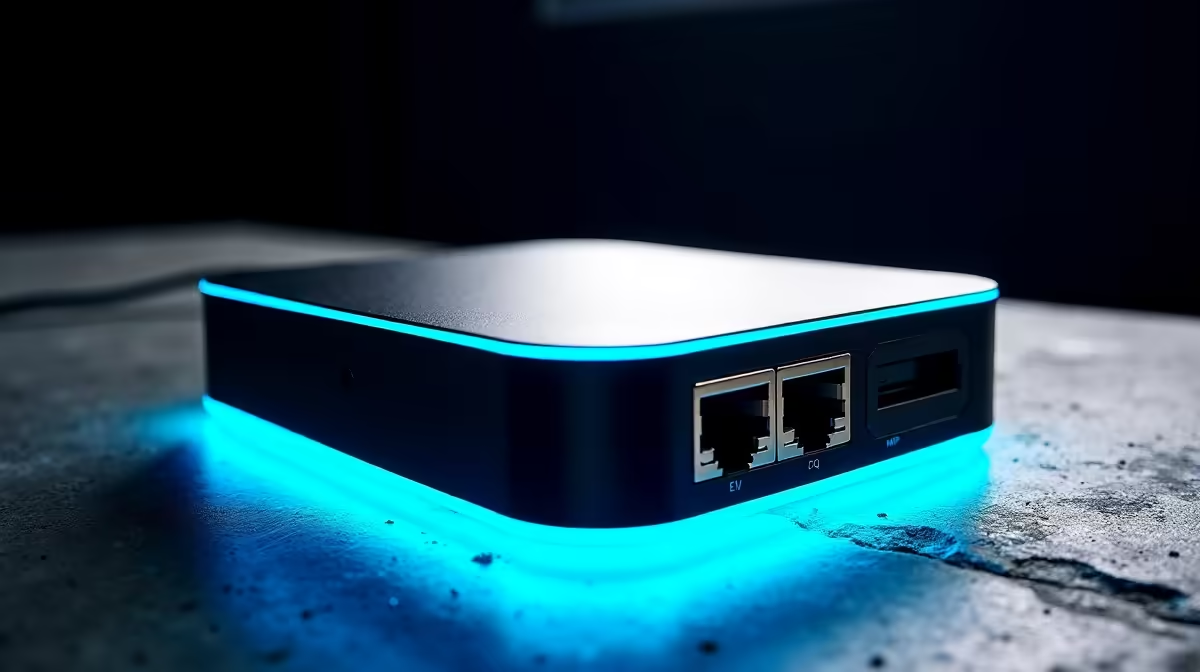
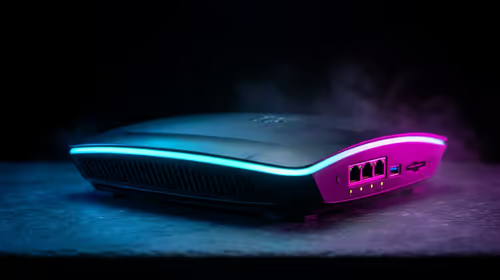
An ethernet-ready dock bypasses this problem entirely. It provides a physical, stable connection directly from your router to your device, ensuring you get the consistent, low-latency performance you're paying for. Even simple and affordable docking stations under R1000 can offer a gigabit ethernet port, instantly stabilising your connection.
Get the Edge with an Ethernet Docking Station
Imagine this: you're streaming your gameplay on Twitch while downloading a massive new patch. With a wired connection from a dock, your gameplay remains smooth, your stream stays crisp, and your download continues at full speed. No more choosing between activities or warning your teammates about potential lag. ⚡
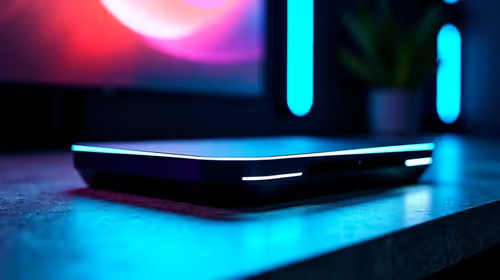
Modern laptops, especially thin-and-light models, often sacrifice the ethernet port for size. A dock not only brings it back but also expands your connectivity with extra USB ports for your mouse, keyboard, and headset. Top brands like Promate offer docking stations that turn your laptop into a full-fledged, clutter-free battle station with a single cable.
🔧 Quick Ping Test
Curious about the difference? Open Command Prompt (on Windows) and type ping 1.1.1.1 -t. Watch the 'time=' value on Wi-Fi, then plug in via an ethernet dock and see how much lower and more stable it becomes. That's your competitive advantage.
More Than Speed: The Ultimate Clean Setup
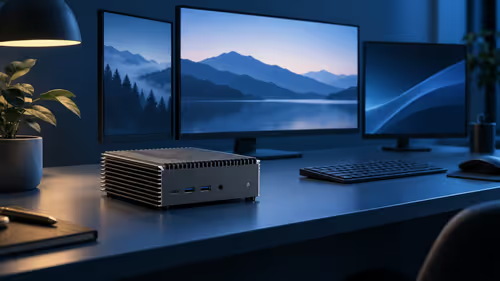
An ethernet-ready dock isn't just about maximising your fibre speeds; it's about streamlining your entire setup. A single USB-C or Thunderbolt cable can connect your laptop to the dock, which then handles your monitor, peripherals, power delivery, and that all-important wired internet connection.
This "one-cable solution" declutters your desk, making it perfect for hybrid work, study, or creating a minimalist gaming environment. You can find incredibly versatile and feature-rich docks under R2000 that provide all the ports you could ever need, ensuring your workspace is as efficient as your internet connection. ✨
Stop Lagging, Start Winning
Don't let unstable Wi-Fi undermine your expensive fibre. It's time to unlock the stable, full-speed performance you deserve. Explore our full range of docking stations for performance that leaves lag in the dust.