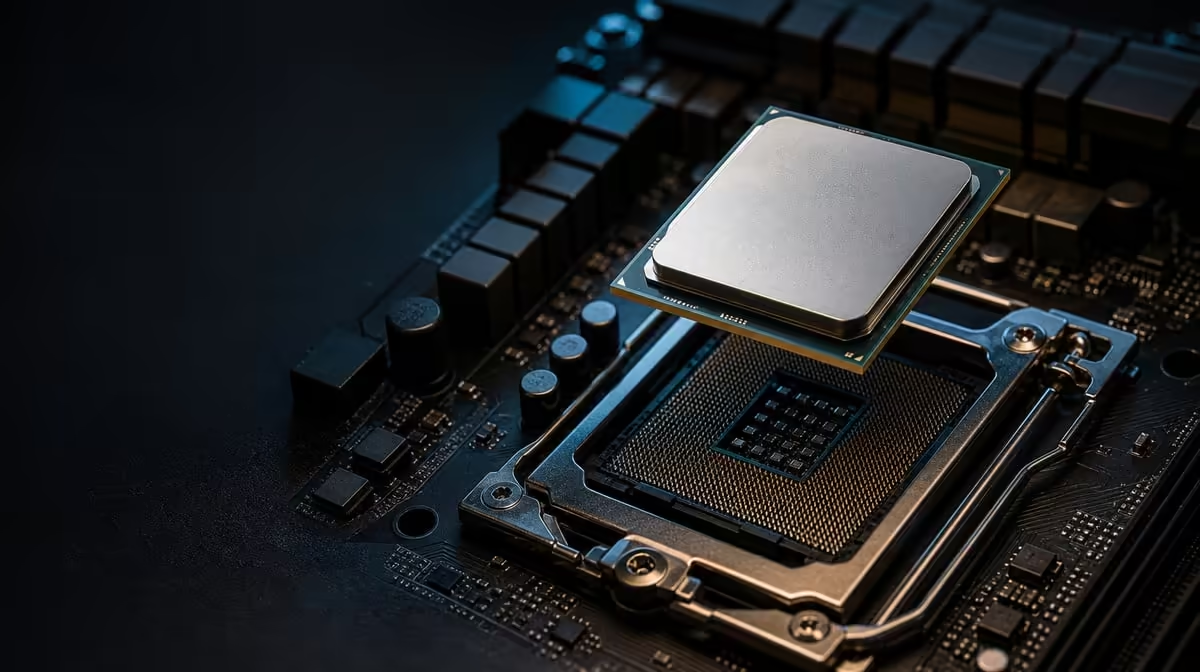
The most expensive upgrade mistake often happens before the new processor reaches the socket: a missing firmware, cooling or graphics requirement was never included in the plan. What to know before a Ryzen 7 5800X3D upgrade begins with the exact AM4 motherboard, not the model name alone. The R7,199 CPU then needs a separate cooler and a discrete graphics card around it.
Quick Answer
Confirm that the exact motherboard supports the Ryzen 7 5800X3D and install its required BIOS before removing the current processor. Prepare an AM4-compatible cooler for the 105W CPU and keep a discrete GPU available because the processor has no display output. At R7,199, it brings eight Zen 3 cores, 16 threads and 100MB cache, but those companion requirements sit outside the processor box.
📝 Finish the compatibility work before ordering
Write down the motherboard's complete model, revision and current BIOS version. The AM4 socket establishes physical platform family, yet processor recognition still depends on the board and firmware. Find an official support entry that names the Ryzen 7 5800X3D and note the earliest or recommended BIOS release described for that exact board.
Similar board names can refer to different products, so use the identifiers printed on the hardware or shown by reliable system information. A chipset family is not precise enough. If the support material does not establish compatibility, pause the purchase rather than trying to fill the gap with a general AM4 claim.
Plan any firmware update while the existing CPU can start the PC. Read the motherboard maker's procedure, preserve a record of the current stable configuration and confirm the completed BIOS version. Some systems may need the older processor to perform the update, which is why removing or disposing of it too early can make a straightforward upgrade much harder.
Browse Evetech's AMD processor choices only after the platform facts are in hand, so the R7,199 model can be compared within a supportable shortlist.
🧊 Add the hardware missing from the package
The 5800X3D has a 105W rating and no included CPU cooler. Cooling is therefore an essential part of the purchase, not an optional performance accessory. The chosen solution needs AM4 mounting, sufficient capability for the workload and a physical shape that works inside the case.
Measure air-cooler height, radiator space, memory clearance and access around the socket as applicable. Check that the chassis can bring in cool air and remove warm air. A capable heatsink or radiator cannot perform properly if its intake is blocked or heated air remains trapped around the components.
An old AM4 cooler may be reusable, but the decision should be based on the exact model, mounting kit, condition and expected load. It should not be carried over automatically because the bracket appears to fit. Evetech's CPU cooling options can be compared once those constraints are known.
Graphics must be planned separately as well. This CPU cannot drive a monitor without a discrete GPU. Install and power the graphics card, then connect the display cable to it rather than to the motherboard. A buyer building from scratch must include the card, supporting power supply and case space in the total.
🔧 Preserve a route back during installation
Before opening the system, save important work, photograph the internal layout and note the current memory configuration. Keep the old processor protected and available until the replacement has passed stability checks. That fallback can help distinguish a firmware or installation issue from an unrelated component problem.
Work with the system disconnected from power and on a clean surface. Remove the cooler carefully so it does not pull against the socket. Handle the processor by its edges, protect the AM4 pins and align the replacement correctly. A CPU that is oriented properly should settle without force.
Mount the new cooling solution according to its instructions, connect fans or pump leads and recheck cables disturbed during access. Confirm that memory and the graphics card remain fully seated. The first start after a hardware change may take longer, so allow the board time to complete its normal initialisation before interrupting it.
When the BIOS appears, check processor identity, memory capacity and fan operation. Begin with stable defaults. The CPU's stated base is 3.5GHz, with maximum boost reaching 4.5GHz, but that peak is not the first validation target. Safe temperatures and repeatable operation matter before optimisation.
🎮 Measure whether the change solved the right problem
The Ryzen 7 supplies eight cores and 16 threads using Zen 3, plus 100MB cache for workloads that can benefit from keeping more reused data close to the CPU. Games vary in their response. The graphics card, resolution, settings and engine can all limit the visible improvement.
Create a before-and-after comparison using the same game build, scene and settings. Review average frame rate and frame consistency, and note whether the GPU is the current limit. If the result is unchanged, verify BIOS support, memory configuration, temperatures, graphics path and frame caps before assuming the processor lacks value.
The complete CPU processor range can help compare the installed R7,199 route with alternatives. Include cooling and any necessary graphics or platform work in every total, then choose the option that addresses the measured constraint.
Preparation is what turns the 5800X3D from a loose component into a dependable upgrade. Documented board support, firmware readiness, suitable cooling, discrete graphics and a repeatable test plan matter just as much as the headline core and cache specifications.
Allow for practical downtime as well. The work includes opening the case, removing and cleaning the old cooler, updating or confirming firmware, installing the replacement and validating it. Rushing because the PC is needed immediately can encourage skipped checks. Back up important data beforehand, assemble the required tools and mounting parts, and reserve enough time to stop safely if the board or cooler documentation reveals a mismatch.
A useful purchase checklist ends with the exact reason for upgrading. Write down the game, application or frame-consistency problem the new CPU is expected to improve. That statement keeps later testing honest and stops unrelated changes from being counted as proof of processor value.
Frequently Asked Questions
What compatibility check comes before buying the processor?
Find the exact motherboard model and revision in its processor support information. Confirm that the Ryzen 7 5800X3D is named and identify the BIOS required for it.
Why should BIOS preparation happen before removing the old CPU?
The current processor may be needed to start the machine and perform an update. Completing firmware work first preserves a working route into the board.
What cooling provision must the upgrade include?
It needs an AM4-compatible cooler appropriate for a 105W CPU, with correct case clearance and airflow. No CPU cooler is included with the processor.
Can the upgraded PC use motherboard display outputs?
Those outputs do not provide an image with this processor. Install a discrete GPU, power it correctly and route the monitor cable to the card itself.
What performance specifications should buyers recognise?
The CPU has eight Zen 3 cores, 16 threads and 100MB cache. Its base clock is 3.5GHz and the maximum boost specification is up to 4.5GHz.
How can the old system be prepared for troubleshooting?
Record the working BIOS, settings and component layout, and keep the old CPU safe until validation finishes. Change one variable at a time if the new configuration needs diagnosis.
Where does the R7,199 price fit in the decision?
It is the processor cost. Add the cooler and any graphics, installation or platform expense required to make the upgrade work, then compare that total with the expected benefit.
Ready to prepare every dependency before the AM4 CPU swap?
Compare Evetech's processor and cooling options, then lock down firmware, graphics and fit around the R7,199 Ryzen 7.