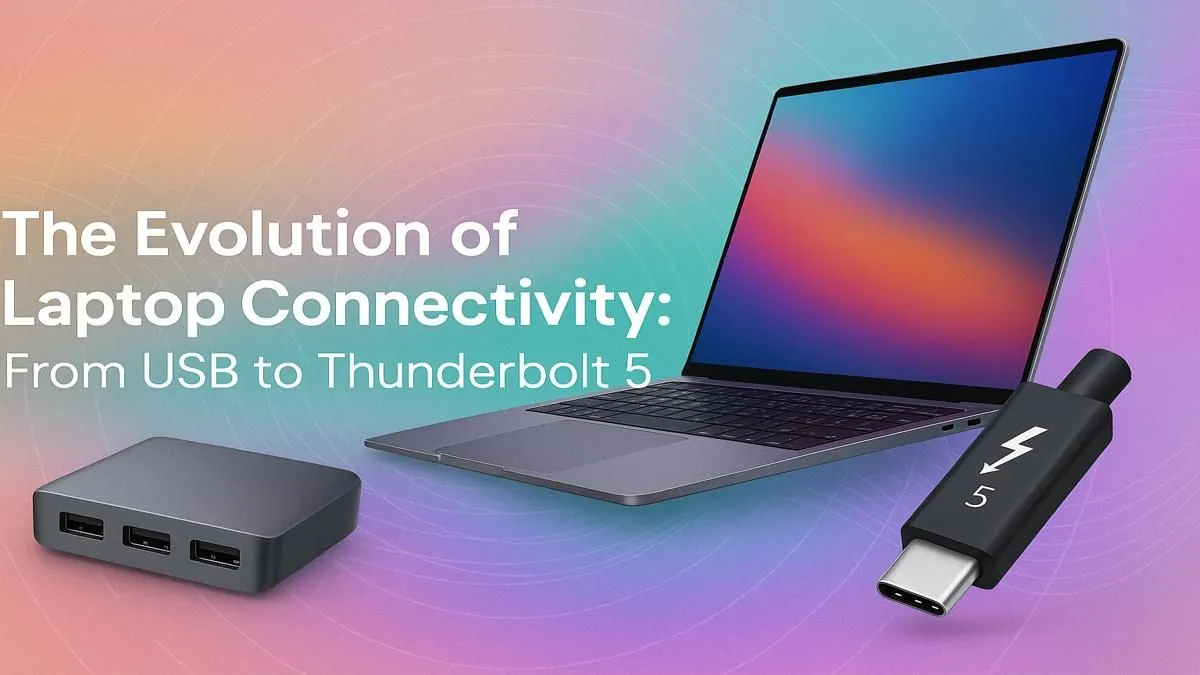
Remember the days of carrying a laptop bag that felt more like a technician's toolkit? One charger, a separate mouse, a chunky VGA adapter, and an Ethernet cable… just in case the Wi-Fi was dodgy. The evolution of laptop ports has been a quiet revolution, decluttering our bags and supercharging our workflows. Understanding this journey from classic USB to the blistering speeds of Thunderbolt 5 is key to choosing your next rig in South Africa. 🚀
The Era of Specialisation: One Port, One Job
For years, the philosophy behind laptop ports was simple: if you need a function, you get a dedicated port. This gave us the familiar lineup: rectangular USB-A for peripherals, chunky VGA or HDMI for displays, a round barrel for power, and the trusty Ethernet jack for a stable connection.
This approach was reliable, but it made laptops thicker and heavier. As devices got sleeker, the port selection started to shrink, leading to the "dongle life" many of us know all too well. While modern machines have moved on, you can still find great value on powerful Intel laptops on special that offer a mix of old and new connectivity.
The USB-C Revolution: One Port to Rule Them All?
Then came USB-C. With its small, reversible connector, it promised to be the single port for everything: data transfer, video output, and even charging your laptop. This was a massive step forward in the laptop port evolution, allowing for thinner and lighter designs.
However, a crucial detail emerged: not all USB-C ports are created equal. Some transfer data at slower speeds (5Gbps), while others are much faster (10Gbps or 20Gbps). Some can't be used for charging at all. This is why it's vital to check the specs, especially on workhorse machines like these versatile Intel Core i7 laptops, which often rely on USB-C as a primary connection.
Port Detective Pro Tip 🔧
Not sure if your USB-C port is the high-speed Thunderbolt version? Look for a small lightning bolt symbol (⚡) printed next to the port. No symbol usually means it's a standard USB-C port with lower data speeds and fewer features. This tiny icon is your clue to unlocking maximum performance!
Enter Thunderbolt: USB-C on Steroids ⚡
Developed by Intel, Thunderbolt takes the physical USB-C connector and injects it with incredible performance. Thunderbolt 3 and 4 became the gold standard for creative professionals and hardcore gamers, offering a massive 40Gbps of bandwidth.
What does that mean in the real world?
- Blazing-fast file transfers from external SSDs.
- Connecting multiple 4K displays with a single cable.
- Using external GPU enclosures (eGPUs) to turn an ultrabook into a gaming beast.
For professionals and serious gamers who demand zero compromises, the high-bandwidth connection on premium Intel Core i9 laptops is non-negotiable for a bottleneck-free experience.
The Future is Now: What is Thunderbolt 5?
Just when we thought 40Gbps was fast enough, the next stage in the evolution of laptop ports has arrived. Thunderbolt 5 is set to redefine what's possible with a single cable, doubling the performance of its predecessor.
Key upgrades include:
- 80Gbps of Bandwidth: Standard bi-directional speeds are now 80Gbps.
- Bandwidth Boost to 120Gbps: For display-heavy tasks, the port can push a staggering 120Gbps in one direction, perfect for next-gen 8K or high-refresh-rate gaming monitors.
- Higher Power Delivery: Supporting charging up to 240W, eliminating the need for separate power bricks on even the most power-hungry laptops.
This cutting-edge tech is debuting in the latest powerhouse machines, including the new range of Intel Core Ultra 9 laptops. Even the more accessible Intel Core Ultra 7 laptops are set to harness this next-gen connectivity, making them incredibly future-proof investments. ✨
Why This Laptop Port Evolution Matters to You
So, why should you care about this history lesson? Because buying a new laptop is a big decision. Choosing a device with modern, powerful ports like Thunderbolt 4 or 5 ensures your machine won't feel outdated in a year. It means less clutter, more power, and the flexibility to build the ultimate setup for work or play.
Understanding the ports helps you find the perfect fit for your needs and budget in our full range of Intel laptops on special.
Ready to Plug Into the Future?
The evolution of laptop ports is all about speed, simplicity, and power. Don't get left behind with slow connections and a bag full of dongles. Explore our massive range of laptop specials and find the perfect machine to conquer your world.