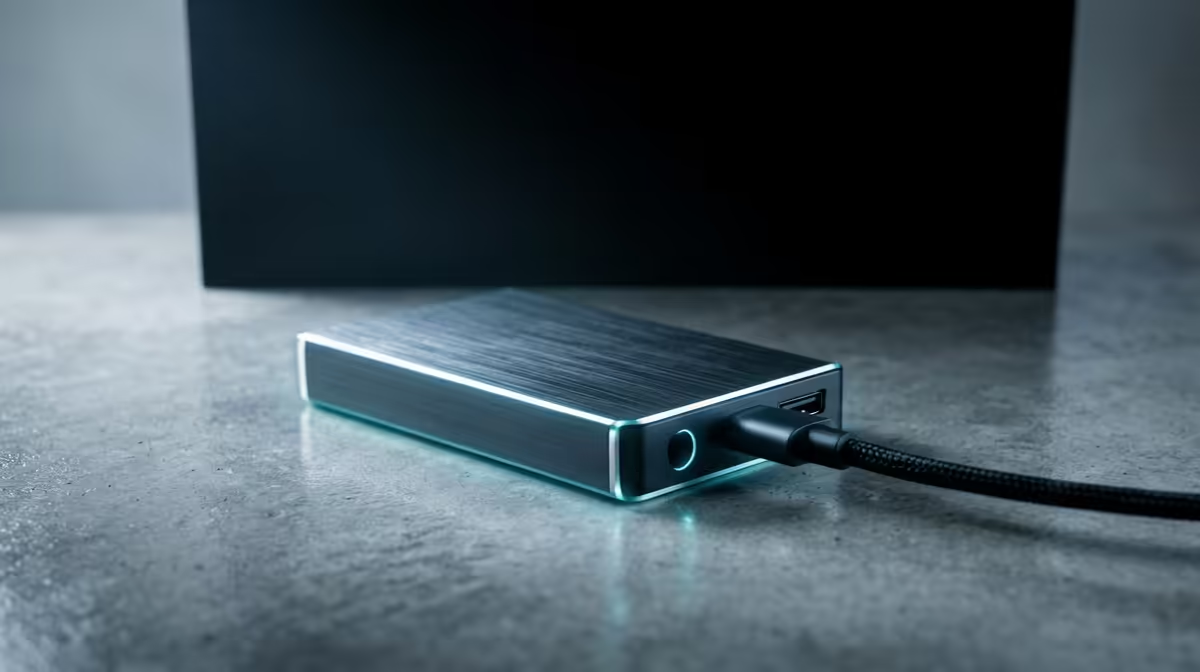
A finished video project does not deserve a spot on your fastest drive, yet that is exactly where most edits end up rotting. External storage for project archives exists to move completed work off the blistering Gen5 NVMe scratch and cache drives that should be reserved for whatever timeline you are cutting right now. Keep last quarter's deliverables on the scratch drive and you slowly starve your next project of the very speed you paid a premium for.
Quick Answer
Use external storage for project archives so that fast internal NVMe drives stay free for active editing and retain their peak sequential throughput. A large external drive, a multi-bay RAID enclosure, or network-attached storage holds finished productions, while the scratch and cache drives carry only the current job. For most local creators, an external RAID or NAS in the multi-terabyte range is the practical archive tier.
Why Your Scratch Drive Should Stay Empty
Editing software hammers a scratch drive with cache files, render previews, proxies and the raw media of the active project. That drive performs best with headroom. A modern Gen5 NVMe SSD delivers its highest sustained read and write speeds when it is not crammed full, and editing applications lean on that throughput to scrub timelines smoothly and render without stutter. Every archived project you leave parked there is space stolen from the next job and a slow creep toward a sluggish workspace.
The discipline is simple: the scratch drive is a workbench, not a warehouse. Finish a project, deliver it, then move it off to the archive. For the GPU and workstation side of a serious editing rig, the workstation graphics card range at Evetech covers the cards that pair with this kind of storage discipline for heavy timeline work.
The Archive Tiers, From Simple to Serious
Not every creator needs the same archive. Match the tier to how much you produce and how badly losing it would hurt.
A Single Large External Drive
The entry point. A high-capacity external HDD over USB holds a lot of finished work cheaply, and spinning disks are perfectly fast enough for archive duty, where you read a project back occasionally rather than editing live off it. The weakness is that one drive is one point of failure, so it suits low-stakes archives or as one copy of a wider backup plan.
A Multi-Bay RAID Enclosure
Step up and a RAID enclosure holds several drives behind one connection. Configured for redundancy, it survives a drive failure without losing data, which matters when the archive holds work you cannot recreate. RAID is not a backup on its own, but it buys resilience and large pooled capacity in one box on your desk. RAID protects against hardware failure in the enclosure -- it does not guard against accidental deletion, theft, or a fire taking out the whole desk.
Network-Attached Storage
A NAS puts the archive on your network so multiple machines, or a small team, can reach it. It typically runs RAID inside, adds scheduled backups, and lets you pull an old project from any room. For a busy creator or a studio of two or three, a NAS is the cleanest long-term home for finished work.
Building the Archive Habit
The technology only works if the workflow does. A few principles keep it reliable.
Separate Active From Archived Clearly
Keep a strict line between the scratch drive (current project only) and the archive (everything delivered). Name folders by project and date so a finished job has an obvious destination the moment it ships.
Remember the Backup Rule
An archive is not automatically a backup. RAID protects a drive from hardware failure, yet deletion mistakes, theft, or fire are not covered. Hold at least two copies of anything you cannot afford to lose, with one of them away from the others, whether that is a second external drive kept elsewhere or a cloud copy.
Verify Before You Wipe the Scratch Drive
Move a project to the archive, confirm it opens and plays back from the new location, then clear it from the scratch drive. Deleting the only fast copy before checking the archive is the classic way to lose a job.
SA-Specific Practicalities
Local creators have to think about a few realities. Large cloud uploads can be slow and costly depending on your fibre line, which makes a robust on-site archive, an external RAID or NAS, the practical backbone, with cloud as a secondary copy rather than the primary store. Power stability matters too, so a NAS or RAID benefits from a UPS to ride out brief outages and avoid an unclean shutdown during a write. To see what other builders pair with archive-heavy workstations, the best-selling PCs list is a useful reference for the machines doing this work.
Who Needs This and Who Does Not
A casual user editing the odd clip can live on internal storage. The moment you produce regularly, video, photography, 3D or audio, and your finished projects start measuring in terabytes, a dedicated archive tier pays for itself by keeping your fast drives fast and your delivered work safe. Start with a single external drive if budget is tight, plan for RAID or a NAS as your output grows, and never treat one copy as enough.
Frequently Asked Questions
Why not just leave finished projects on my NVMe drive?
Because they consume space and throughput your next project needs. A fast NVMe scratch drive performs best with headroom, so archiving completed work keeps your active editing smooth and your render times short.
Is RAID the same as a backup?
No. RAID guards against a physical drive failure inside the enclosure, but deletion mistakes, theft, and fire are entirely separate risks. Keep at least two separate copies of anything irreplaceable, ideally with one stored away from the rest.
Do I need fast storage for an archive?
Not really. You read archived projects occasionally rather than editing live from them, so a large spinning HDD or a RAID of HDDs is fast enough and far cheaper per terabyte than NVMe.
External RAID or NAS for a solo creator?
A direct-attached RAID is simpler and faster for one machine. A NAS makes sense once you want to reach the archive from several devices or share it with collaborators, since it lives on the network.
Is cloud storage a good archive option in South Africa?
It works well as a secondary copy, but large uploads can be slow and costly depending on your line, so most local creators keep an on-site external or NAS as the primary archive and use cloud as the off-site backup.
Building a workstation that keeps active edits fast and finished work safe? Explore the workstation graphics and PC range at Evetech to pair the right machine with a proper archive storage setup.