Quick Answer
For South African shoppers, the best fan accessory value is a 3-pack of 120mm PWM fans (around R600 to R1,200) plus a basic fan hub: it improves airflow far more than a single premium fan. For quiet, high-static-pressure cooling on a radiator, a 140mm PWM fan from a known brand is worth the small premium.
What to buy first
Good airflow comes from having enough fans, not one expensive one. A 3-pack of 120mm PWM fans lets you set up a clear intake-and-exhaust path, which drops GPU and CPU temperatures noticeably. A simple PWM fan hub keeps cabling tidy and lets the motherboard control fan speed by temperature, so the system stays quiet at idle.
Static pressure versus airflow fans
Match the fan to the job. Airflow-optimised fans suit open case intake and exhaust, while static-pressure fans push air through restrictive radiators and dense heatsinks. For an AIO radiator, a 140mm or 120mm static-pressure PWM fan moves air more effectively and keeps the cooler performing under load.
Useful extras
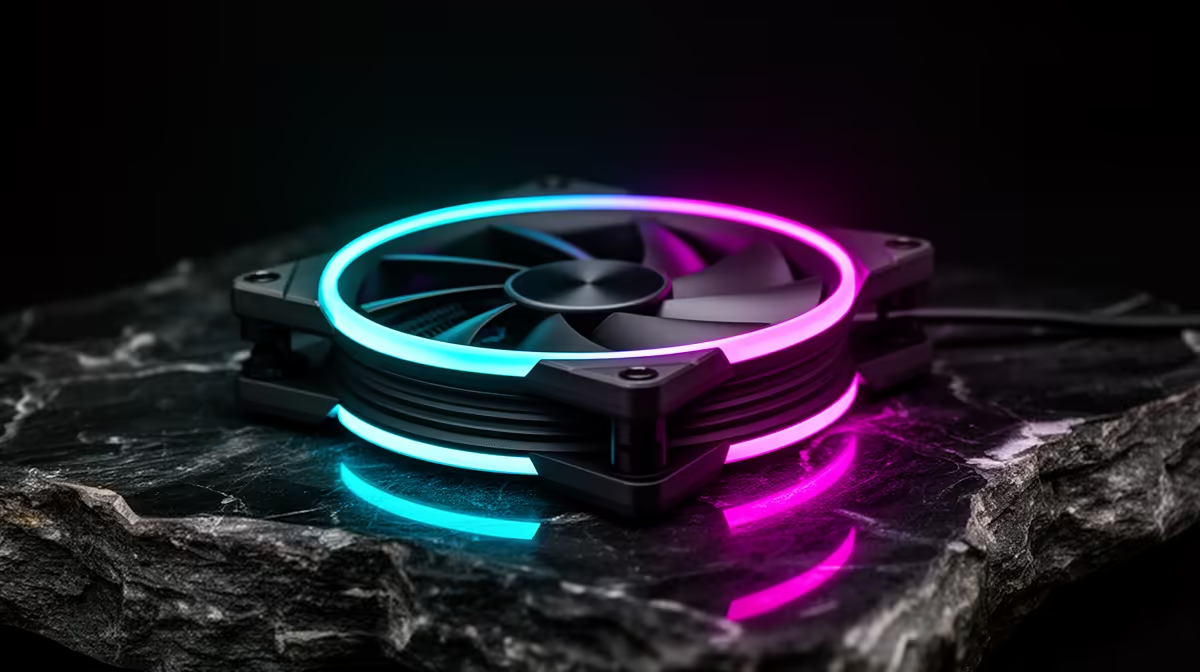
A fan hub, anti-vibration rubber mounts, and a few extra fan screws make a build cleaner and quieter. RGB fans add looks but cost more; a non-RGB PWM fan from a reliable brand cools just as well for less. Aim for two to three case fans plus the cooler's fans for a balanced build.
FAQ
How many case fans do I need?
Aim for two to three case fans plus your cooler's fans for balanced airflow. A 3-pack of 120mm PWM fans (around R600 to R1,200) sets up a clear intake-and-exhaust path that drops temperatures.
Do I need static-pressure or airflow fans?
Use static-pressure fans on radiators and dense heatsinks, and airflow fans for open case intake and exhaust. Matching the fan to the job improves cooling more than buying one premium fan.
Are RGB fans worth it?
RGB fans add looks but cost more. A non-RGB PWM fan from a reliable brand cools just as well for less, so spend on more fans rather than lighting if cooling is the goal.
a clear front-intake, rear-and-top-exhaust path with 120mm PWM fans and a hub; let the motherboard control fan speed by temperature so the system stays quiet at idle.