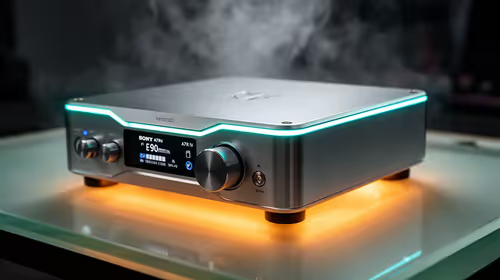
A fan controller is worth buying for Fortnite only when poor fan control causes unsafe temperatures, distracting noise or thermal throttling. It does not add frames on a properly cooled PC. The supplied factpacks verify no controller or fan kit, so identify whether the CPU cooler, graphics card or case airflow is responsible first.
Log a repeatable match
Play the same mode and graphics settings while recording frame consistency, processor and GPU temperatures, clock behaviour and fan speeds. Test with the side panel fitted and vents clean. If performance stays steady within safe specifications, lower noise may be the only valid reason to change control.
The Gamemax Aeris 330 mATX case is factpack-verified at R650. The Deepcool CG330 appears at R770. Confirm fan mounts, included equipment, cooler clearance and airflow on current listings. A new case is not automatically necessary; cable obstruction, dust or one worn bearing may explain the problem.
Check motherboard header types and current limits before attaching several fans. Match PWM or voltage control correctly, assign curves to useful temperature sensors and avoid stopping airflow across storage or motherboard components without testing. Buy a controller when independent zones are required and the logged match proves safe temperatures at an acceptable noise level. If the GPU or CPU cooler itself throttles, repair that cooling path instead. Fortnite performance should be judged by measured frame times, not by the number of knobs on the front panel.
Tuning a Fortnite PC? > Compare verified cases and gaming hardware with Evetech after the thermal test.