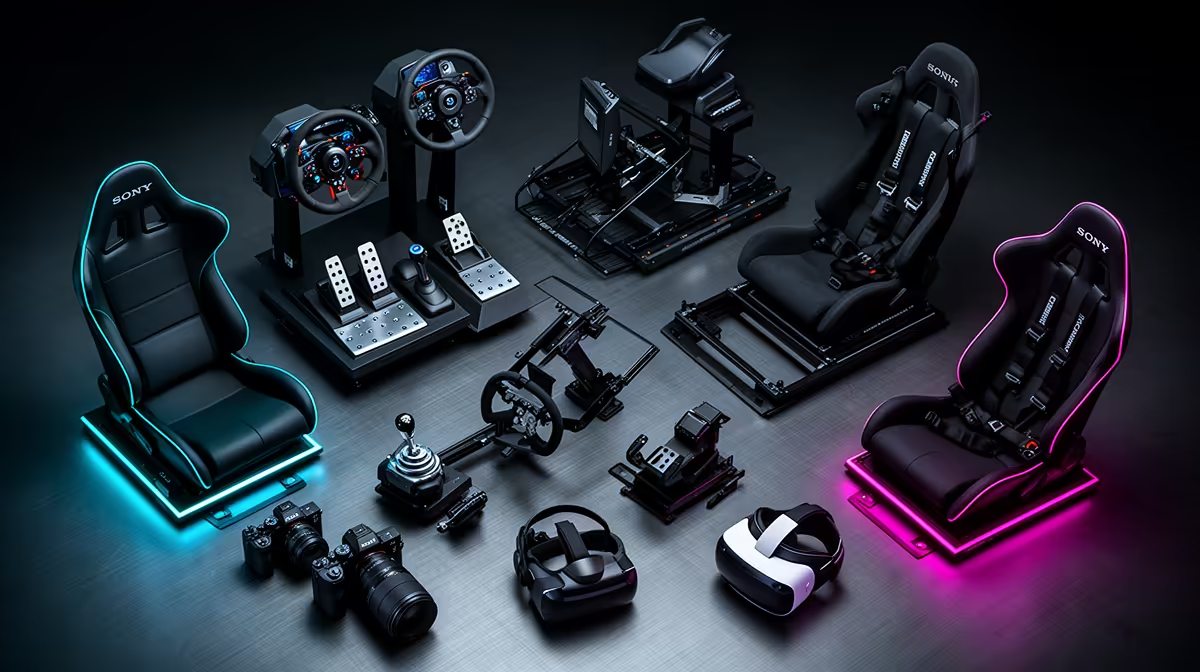
Your first sim-racing purchases should build a working station before they decorate one. That starts with a game and platform, then controls, mounting and stable vision. A handbrake, shifter or button box can be brilliant for the right car, but none belongs ahead of the part that keeps your brake pedal from sliding.
Quick Answer
Use this order as a decision ladder: simulator, performance check, force-feedback wheel and pedals, secure mount, seating stability, correct display position, audio and communication, better braking, specialised controls, then display or base upgrades. Skip what you already own. Move an item forward when a measured problem makes it urgent.
Evetech's sim-racing range covers the core control path. If the station will also host aircraft, check the flight-simulator equipment before mounting permanent side controls.
1. The Simulator and Platform
Choose the game, PC or console, resolution and online use. Confirm current official requirements and wheel support.
A controller is enough to try the game. Learn whether you enjoy hot laps, leagues, rally or road cars before choosing an ecosystem.
Platform licensing can narrow wheels and accessories. Settle it first.
2. A Performance Baseline
Run a busy race and record frame time, CPU and GPU load, memory and temperature. Tune a stable visual preset.
The PC or console has to present the race cleanly before a wheel can improve control. Fix cooling, storage or graphics settings when they fail.
Save the result. It becomes the test for later display upgrades.
3. Force-Feedback Wheel and Pedals
Choose a complete compatible kit with game-driven force feedback. Gear drive can serve the entry rung; belt and direct drive add smoother or clearer response at higher rungs.
Confirm the rim, pedals, clamp and power supply are included. A bare base is not a starter kit.
Calibrate all axes and begin with moderate force.
4. A Secure Mount
Use a suitable desk clamp, wheel stand or cockpit. Check thickness, bolt pattern and torque support.
Stop the pedals and chair moving. A mat, castor tray or linked stand can solve the first stage.
Mounting moves ahead of the wheel when the desk is unsafe.
5. Seating Position
Set wheel height, distance, pedal reach and back support. Your elbows and knees should keep a comfortable bend.
Long stints reveal pressure points that five-minute setup cannot. Adjust before adding hardware.
A fixed cockpit earns its space when you need repeatable geometry and strong brake support.
6. Display Position and Field of View
Place one monitor close, centred and at eye height with safe wheel clearance. Measure width and eye distance for field of view.
Do not jump to triples because the single screen is badly placed. Correct geometry first.
Use mirrors, radar and spotter features for awareness where the simulator provides them.
7. Audio and Communication
Tyre, engine and spotter audio provide useful information. Choose a headset or speakers that let you hear it comfortably.
For leagues, add a clear microphone and test push-to-talk. Place it away from wheel and keyboard noise.
Audio comes before cosmetic button boxes because it affects every lap and team call.
8. Better Braking
Upgrade pedals when brake input varies despite a fixed setup and practice. A load cell measures force and can improve repeatability.
The pedal tray and seat must take the pressure. Fit and calibrate the system before raising the maximum force.
Keep the entry pedals when they remain consistent. A new label cannot brake for you.
9. Shifter, Handbrake or Button Box
Buy the control your cars use. An H-pattern shifter suits older manuals; a handbrake serves rally and drifting; a button box helps complex controls.
GT3 paddle-shift racing may need none of them. Keyboard shortcuts can cover early setup.
Check connection and console support. Separate USB accessories are easier to mix on PC.
10. Display or Wheel-Base Upgrade
Triples, ultrawide or VR belong here after the PC and room can support them. Test combined resolution, headset render scale and frame time.
A stronger belt or direct-drive base belongs here when clipping or missing detail is the proven limit and the mount is rigid.
Choose one branch first. Both can demand PC, space and budget changes.
Purchases That Do Not Need a Number
Backups, cable labels, a small tool kit and time spent calibrating can protect the rig without becoming catalogue trophies.
Keep firmware installers and working profiles organised. Photograph cable paths before moving the setup.
Practice is the item that makes the other ten useful.
Place Software Spend After the Core Setup
Buy one simulator or service you will use, then learn its included cars and tracks. A large library has little value while the wheel and field of view are still being calibrated.
Subscription racing can add recurring costs and paid content. Map the series, licence path and tracks you need before buying a season at random.
Keep room for backups and updates on the SSD. Software belongs early enough to give the hardware a job, but extra content belongs after the working setup and practice routine exist.
Use a Thirty-Day Review
After a month, list what interrupted the most sessions. A sliding pedal supports mounting, hand pain supports ergonomics and low frame time supports PC work.
Rank the next purchase from that log. This stops one exciting review from rewriting the whole order.
Adjust the Order for Console
Console racers must keep accessories inside an officially supported ecosystem. Pedals and shifters may need to connect through the wheel base.
PC racers can mix more USB devices, but hubs, drivers and duplicate inputs add their own trouble.
The order stays functional even when the connection path changes.
Price Only Complete Steps
For any rand figure, name the exact product and label it as of July 2026 from the approved pack. Do not use a cheap adapter as the entry price of a wheel stage.
Include mounting and required accessories. A discounted base that needs a rim can cost more than a complete kit.
Buy one step, test it, then return to the list.
FAQ
What is the first sim-racing purchase?
Choose the simulator and platform, then buy a compatible force-feedback wheel-and-pedal kit after the performance check.
When should I buy a shifter?
When the cars you drive use one and the core wheel, pedals and mount are stable.
Does a monitor upgrade belong in the first ten?
Yes, after correct single-screen placement and stable PC performance. It ranks behind controls and mounting for most starters.
Build the first ten purchases as a working ladder, skip every item without a current job and test each addition before moving down the list.