

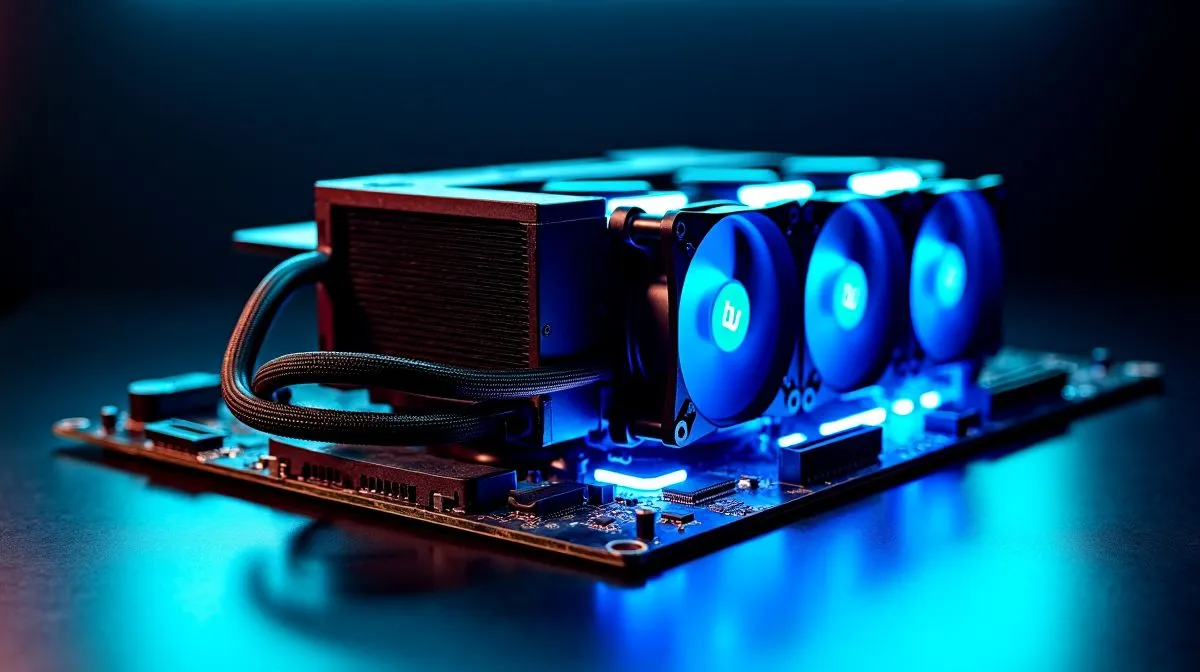
Fix High CPU Temperatures After Installing a Liquid Cooler
Just installed an AIO and now your CPU runs hotter than before? South African gamers and builders see this surprisingly often — especially when a swap happens mid-season and airflow gets overlooked. If you want a calm, cool rig for Apex or rendering, this guide explains how to fix high CPU temperatures after installing a liquid cooler, step by step 🔧.
Fix High CPU Temperatures After Installing a Liquid Cooler — common causes
Liquid coolers can underperform for simple reasons: mounting pressure, thermal paste, radiator orientation, or case airflow. First, confirm you actually bought the right cooler for your chip. If you’re shopping for options, browse Evetech’s full CPU cooler range to compare models.
Bad pump behaviour or loose fan headers also create spikes. If you opted for an AIO, here's where those parts matter; see the Evetech AIO collection for reputable kits.
Choosing a strong brand cuts risk. Check Corsair AIOs at Evetech if you want software control and solid warranties before you swap.
Fix High CPU Temperatures After Installing a Liquid Cooler — step-by-step fixes
- Reseat the block. Remove and clean old thermal paste, apply a rice-grain to pea-sized dot of quality paste, and torque brackets evenly.
- Verify pump power. Connect the pump to the CPU_FAN or dedicated AIO header, not an unused chassis header.
- Check fan curves. Make a linear or performance curve in BIOS or software so fans spin early.
- Re-evaluate radiator placement. Top exhaust vs front intake changes temps; test both orientations. Evetech stocks Deepcool kits if you need alternatives, and local stock availability matters too.
If you run a large loop, radiator size matters. For high TDP chips, 360mm options beat 240mm options in headroom.
Productivity Pro Tip ⚡
On Windows, use the PowerToys FancyZones utility to create custom snap layouts for your windows. It's a lifesaver for managing multiple apps on an ultrawide monitor, letting you organise your timeline, preview window, and asset folders perfectly for video editing.
Fix High CPU Temperatures After Installing a Liquid Cooler — final checks and when to RMA
After tweaks, stress-test with a CPU benchmark and monitor temps. If idle temps are high and pump RPMs read low, you may have a defective unit. Document behaviour, screenshots, and serial numbers before contacting the seller.
Small habits matter: keep cables tidy to aid airflow, dust filters clean, and fan direction consistent. Want a hassle-free swap or a performance upgrade? Evetech’s cooler pages make it easy to compare features and pick a replacement that ships in South Africa fast.
🔧 Ready to stabilise those temps and get back to gaming? Follow the checklist above, and you’ll usually sort it in an afternoon.
Need hands-on help or prefer to upgrade instead? Evetech support and local warranties make swaps painless. If your build still runs hot, book a diagnostic or browse compatible replacement AIOs and radiator sizes to get the thermal headroom you need. Shop local, save ZAR.
Ready to Find Your Perfect Match? The Mac vs Windows debate is complex, but for maximum power, choice, and value in South Africa, Windows is hard to beat. Explore our massive range of laptop specials and find the perfect machine to conquer your world.











