You’re lining up the perfect shot in Apex Legends, you flick your mouse to track a moving target, and… a blurry, smeared trail follows them across the screen. That frustrating visual artefact is VA panel ghosting, a common headache for South African gamers. It’s caused by slow pixel response times, turning fast-paced action into a streaky mess. But don’t toss your screen just yet. We’ve got the essential fixes to get your display back in the game.
What Causes VA Panel Ghosting?
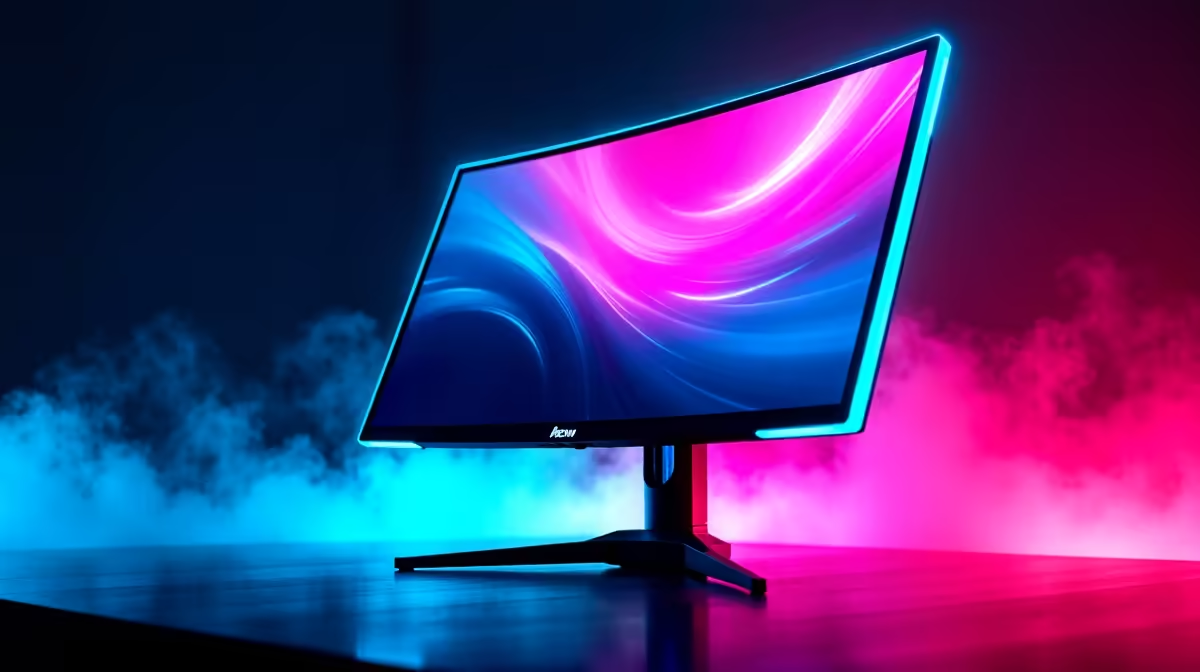
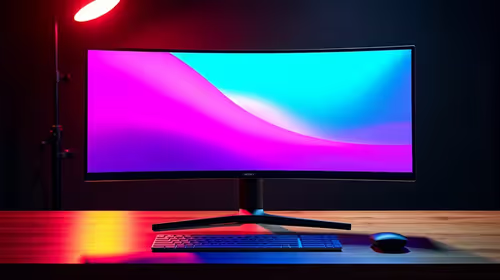
VA (Vertical Alignment) panels are brilliant for their deep, inky blacks and fantastic contrast ratios, which is why they are so popular in many curved monitors. The trade-off? The liquid crystals in some VA panels can be a bit… lazy. They sometimes struggle to change state quickly enough, especially in dark-to-light transitions. This delay is what you see as a "ghost" or streak behind moving objects. Understanding this helps pinpoint how to fix streaking on your gaming monitor.
While annoying, it's a known characteristic of the technology. The goal is to minimise it so it doesn't affect your competitive edge.
Actionable Steps to Reduce Monitor Streaking 🔧
Before you start browsing for a new screen, let's dive into your monitor's settings. Most ghosting issues can be dramatically improved with a few tweaks.
Tweak Your Monitor's On-Screen Display (OSD)
This is your first and most important stop. Grab your monitor's remote or find the buttons on the frame and look for these settings:
- Overdrive / Response Time: This is the big one. Manufacturers use different names for it (AMA, Trace Free, Response Time), but it essentially pushes more voltage to the liquid crystals to make them switch faster. Most monitors have settings like Off, Normal, Fast, and Fastest.
- Finding the Sweet Spot: Start with the "Fast" or middle-tier setting. Setting it too high can cause "inverse ghosting" (coronas or bright trails), which can be just as distracting. The goal is to find the perfect balance that reduces the smearing without introducing new problems.
- Motion Blur Reduction (MBR): Some gaming monitors have a strobing backlight feature (like ULMB or DyAc) that can reduce motion blur. It often locks brightness and disables adaptive sync (G-Sync/FreeSync), but it can be very effective against VA panel ghosting.
See It For Yourself 🔬
Not sure if your changes are working? Head over to the UFO Test website by Blur Busters. It's a fantastic, free browser tool that provides clear visual tests for motion blur and ghosting. Use it to compare settings side-by-side and find what works best for your eyes.
Optimise Your Game and Driver Settings
Sometimes the problem isn't just the panel, but how your PC is feeding it information.
- Frame Rate and Refresh Rate: Ensure your in-game frame rate (FPS) is consistently at or near your monitor's native refresh rate (e.g., 144 FPS on a 144Hz monitor). A stable frame rate provides the monitor with a consistent stream of frames, reducing stutter and perceived blur.
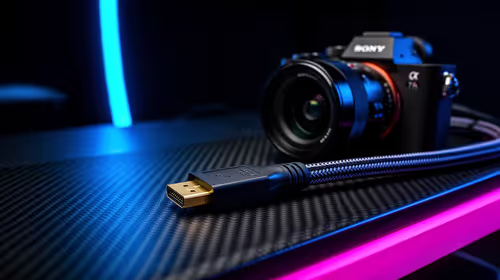
- Check Your Cables: A faulty or old HDMI cable can sometimes cause signal integrity issues. If you can, switch to a certified DisplayPort cable. You can find high-quality options in our monitor accessories section.
Pushing high resolutions on demanding titles can also expose weaknesses in a display's response time, something owners of high-end 4K monitors should be aware of.
When Is It Time for an Upgrade?
You’ve tried everything, and the ghosting is still ruining your raids. The hard truth is that some older or budget VA panels have inherent limitations you can't tune away. If the streaking is severe, it might be time to consider a new display.
Modern gaming monitors have made huge strides. Newer VA panels have significantly improved response times, and technologies like IPS offer incredible colour accuracy and viewing angles, often with faster performance—that's why they're common in devices like portable monitors. When you're ready to see the difference a modern panel can make, exploring the latest all gaming monitors is the best next step. There are fantastic options across all budgets that leave ghosting in the past.
Ready for a Ghost-Free Experience?
Tired of fighting blurry visuals? Sometimes the best fix is an upgrade to a panel built for pure speed and clarity. Explore our incredible PC monitor deals and find the perfect display to give you the competitive edge you deserve.