


Complete Gaming Setup Guide for the SA Esports Athlete in SA 2026
Complete Gaming Setup Guide for the Esports. Clear setup instructions with SA-specific considerations, troubleshooting tips & recommended components.
Read moreSick of shaky chairs? 💡 Fix wobbly chair backrests fast with our expert-approved DIY hacks! Keep your South African seating sturdy and safe. 🪑
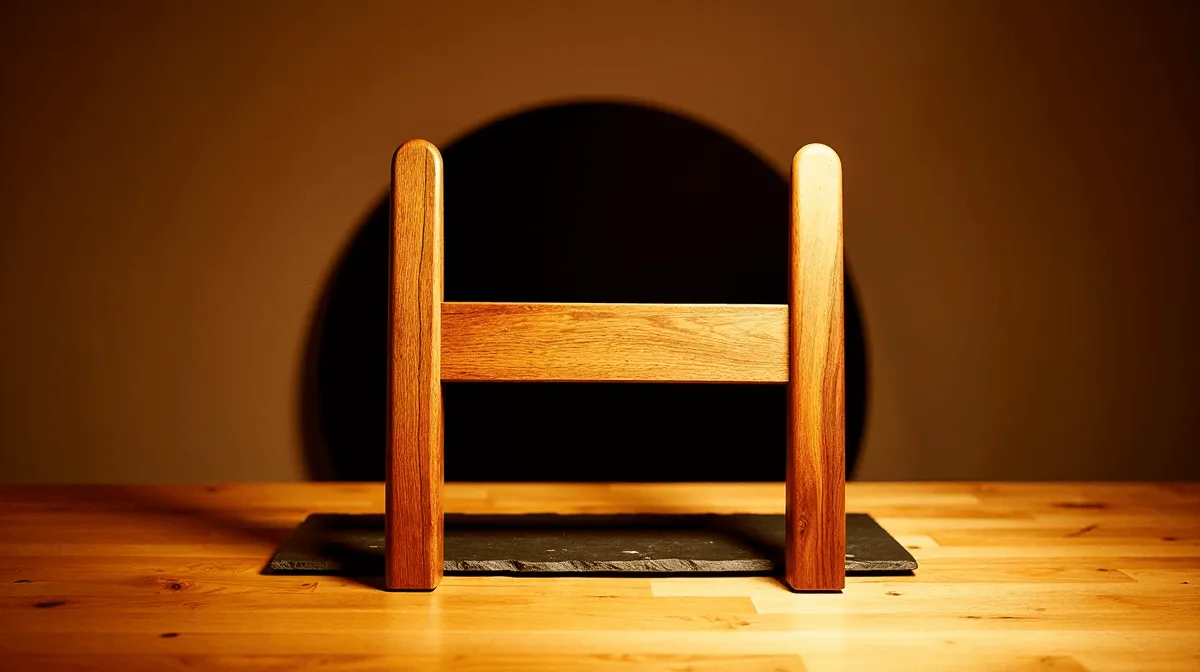
Clutch 1v3 situation. You lean in for the final shot... and your chair lurches back. Shot missed. Squad wiped. A wobbly backrest isn't just annoying; it's a mission-killer. But before you rage-buy a new throne, most wobbly gaming chairs can be fixed in minutes with basic tools. Let's get your back(rest) in the game and show you how to fix that wobbly chair backrest for good. 🔧
That distracting wobble usually boils down to one thing: loose bolts. Over countless hours of intense gaming sessions, leaning back, and shifting your weight, the bolts connecting the backrest to the seat base or armrests can gradually work themselves loose. On more complex chairs, the internal reclining mechanism can also develop play. Understanding the design of different gaming chairs in South Africa is the first step to a successful repair.
You don't need a full workshop to tackle this job. Most of the time, all you need are the tools that came with your chair. If you've misplaced them, here’s a typical list:
Before you start tightening, try to find your chair's assembly manual. It often has a diagram showing exactly which bolts control the backrest tension, saving you a ton of guesswork.
Ready to get hands-on? Follow these easy DIY steps to restore stability and focus on your game. This wobbly backrest fix should only take about 10-15 minutes.
First, pop off any plastic covers on the sides of the chair where the backrest meets the seat. This is usually where the main connection points are. With the bolts exposed, sit in the chair and gently rock the backrest to pinpoint exactly which joint is loose.
Using the correct size Allen key, tighten the large bolts you've just exposed. Turn them clockwise until they are snug. Don't use excessive force, as you could strip the threads, especially on more affordable models. Many a great gaming chair under R4000 just needs this simple tweak to feel brand new. Give the backrest another wobble to check your work.
If the wobble persists, the problem might be lower down. Sometimes, the bolts connecting the armrests to the seat and backrest are also part of the support structure. Tighten them as well. Finally, tip the chair forward and inspect the bolts holding the main mechanism to the underside of the seat. Ensure these are all secure. Premium gaming chairs above R4000 often have more robust mounting plates, but they still need checking. ✨
A simple tightening usually solves the problem. However, if you find that bolts are stripped, the metal frame is cracked, or the reclining mechanism is completely shot, a repair might not be possible... or safe. A chair is the foundation of your gaming setup; if it’s fundamentally broken, it’s not worth risking an injury. Your focus and posture are too important. 🚀
If your chair has fought its last battle, it might be the perfect time to look at some of the best gaming chair deals available. An upgrade can offer better ergonomics, more durable components, and the peace of mind that comes with a rock-solid foundation for your next victory.
Ready for an Unshakeable Upgrade? If your chair has fought its last battle, it's time for a throne that won't let you down. Shop the best gaming chair deals at Evetech and experience rock-solid support for your next win.
Tighten screws/bolts securing the backrest. If stripped, replace with longer ones. Reinforce joints with wood glue or brackets for lasting stability in South African chairs.
Use screwdrivers, wrenches, or drill bits. For wood, apply wood filler for stripped holes. Always check connection points first when repairing loose chair backrests.
Absolutely! Drill pilot holes for new screws or install metal brackets. This damaged chair back adjustment works perfectly for weather-worn South African furniture.
Apply strong wood glue to joints and clamp overnight. This temporary solution works for minor wobbles when tightening chair backrest screws isn't possible.
Only if cracked irreparably. Most issues need simple chair stability hacks - try adjustable backrest solutions before buying new seating for your office or home.
Regularly check bolts/screws every 3 months. Use proper chair backrest reinforcement techniques and avoid over-tightening hardware in South African timber.
Complete Gaming Setup Guide for the Esports. Clear setup instructions with SA-specific considerations, troubleshooting tips & recommended components.
Read more
AIO Liquid 360mm Installation Guide for Your PC. Clear setup instructions with SA-specific considerations, troubleshooting tips & recommended components.
Read more
MacBook Display Colour Looks Wrong? Calibration. Everything you need to know with SA pricing, step-by-step instructions & expert recommendations.
Read more
Printer Terminology Guide. Everything you need to know with SA pricing, step-by-step instructions & expert recommendations.
Read more
Git on Mac: Complete Setup Guide for Beginners. Clear setup instructions with SA-specific considerations, troubleshooting tips & recommended components.
Read more
Ryzen 9 9900X Thermal Paste Dry: Reapplication. Everything you need to know with SA pricing, step-by-step instructions & expert recommendations.
Read more
AMD RX 9050 XT: Rumoured Specs, Price & Release. SA-focused analysis with local pricing data, real-world insights & actionable buying advice.

Can RTX 4080 Super Run AI Workloads for SA Developers Detailed answer with SA data, expert analysis & practical recommendations for local buyers.

Can RTX 4090 Run AI Workloads for SA Developers Detailed answer with SA data, expert analysis & practical recommendations for local buyers.

Top Settings for Intel Arc B580 at Ultrawide 1440p picks evaluated on performance, value & SA availability with current Rand pricing from Evetech.

RTX 4060 CS2 Low Settings at 1080p: FPS Results. Real-world benchmark data, FPS numbers & performance analysis. What SA gamers can actually expect.

Visual Artifacts: Possible GPU Issue Issue #1. Diagnosis steps, proven fixes & when to seek professional help. SA-specific support info included.

Can the RTX 4090 Handle 1440p 144Hz Gaming. Performance testing verdict with real data & practical recommendations for SA buyers.

Top ASUS GPU Under R15000 picks evaluated on performance, value & SA availability with current Rand pricing from Evetech.

GTA 6 Max Settings on RTX 5070. Tested & verified settings for best FPS and visual quality on SA hardware budgets.

Cyberpunk 2077 Max Settings on RTX 5080. Tested & verified settings for best FPS and visual quality on SA hardware budgets.

Starfield Max Settings on RTX 5070 Ti. Tested & verified settings for best FPS and visual quality on SA hardware budgets.

Top RTX 5090 Under R5000 picks evaluated on performance, value & SA availability with current Rand pricing from Evetech.