Quick Answer
In a compact mATX case, poor cable routing adds 20mm to 40mm of avoidable bulk in the main chamber, which blocks airflow and makes drive installation or GPU removal a frustrating exercise. Cases with dedicated cable routing channels, rubber grommets, and Velcro tie points resolve this at the design level rather than requiring improvised solutions.
The Real Cost of a Poorly Designed Cable Path 🔧
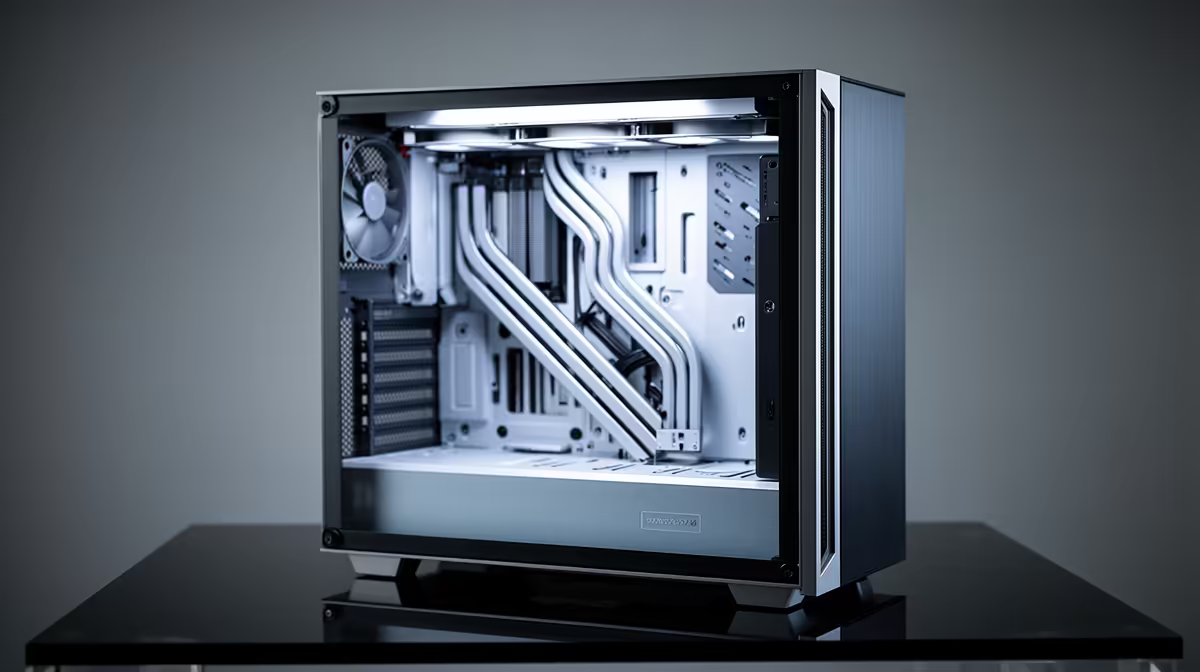
mATX cases measure 244mm wide at the motherboard tray, which leaves roughly 20mm to 35mm of space between the rear of the board and the side panel for cable routing. A standard 24-pin ATX power cable is 12mm wide and needs to bend from the board header down to the cable routing hole. If the case does not provide a dedicated routing hole positioned at the correct height, the cable bends across the face of the motherboard, blocking RAM slot access and creating airflow dead zones near the VRM. Cases from Fractal Design, DeepCool, and Lian Li in the R1,400 to R2,000 range all include at least four rubber-grommet routing holes positioned to handle the 24-pin, 8-pin CPU, PCIe, and SATA cable paths separately. Budget cases under R1,000 often provide only one or two routing holes, forcing all cables through the same gap.
Rail Systems and How They Change the Build Experience 🗄️
Detachable drive rails eliminate one of the tightest moments in an mATX build: installing a 2.5-inch SSD in the lower bay while a GPU occupies the PCIe slot above it. Without rails, this requires removing the GPU to access the screw holes. With a sliding rail system, the SSD attaches to the sled on a clear work surface and clicks into place from the front of the bay. This is the same principle used in server rack systems but scaled to consumer cases. The secondary benefit is vibration isolation: most quality rail sleds include rubber grommets that absorb mechanical HDD vibrations, reducing the low-frequency hum that couples through a desk in a late-night gaming session.
Practical Cable Management for mATX Builds 🗂️
For a clean mATX build, follow this cable sequence: CPU 8-pin first (route over the top of the board before any components are installed), then 24-pin through the nearest grommet hole, then PCIe 16-pin or 12VHPWR along the bottom of the case behind the GPU, then SATA cables along the spine. Use Velcro cable ties rather than zip ties so cables can be rerouted during future upgrades without cutting. Modular PSUs costing R1,200 to R2,500 locally simplify this further by removing unused cable runs entirely. A well-routed mATX build with a modular PSU and proper rail-mounted drives can look cleaner than a poorly routed full ATX build twice its size.
Route the CPU Power Cable Before Installing the Motherboard ⚡
Feed the 8-pin or 16-pin CPU power cable through the top rear routing hole before the motherboard sits in the case. Accessing this cable run after the board is installed in a compact mATX chassis often requires removing the board again. Threading it in advance takes 30 seconds and saves 20 minutes of frustration.
FAQ
How much rear cable routing space do mATX cases typically provide?
Quality mATX cases offer 20mm to 30mm of space between the motherboard tray and the rear panel. This is enough for a modular PSU cable set if cables are routed individually and secured flat.
Do cheaper mATX cases always have worse cable routing than premium ones?
Generally yes, though some exceptions exist. Cases under R1,000 often share a chassis design with products targeting price-sensitive markets, omitting cable routing holes, Velcro mount points, and PSU shrouds to reduce cost.
Will poor cable management physically damage my components?
Rarely directly, but cables pressing against fan blades create noise and risk blade damage over time. Cables draped over RAM modules prevent heatspreader air circulation and raise DRAM temperatures slightly.
Tired of fighting cables in a cramped mATX build?
Browse Evetech's compact mATX cases with designed-in cable routing systems and modular PSU pairings that make clean builds straightforward from day one.