


Complete Gaming Setup Guide for the SA Esports Athlete in SA 2026
Complete Gaming Setup Guide for the Esports. Clear setup instructions with SA-specific considerations, troubleshooting tips & recommended components.
Read moreFour M.2 Slots vs Two M.2 Slots: real-world performance, SA pricing, power draw and which one delivers better value for your build. The clear answer — without the fluff.
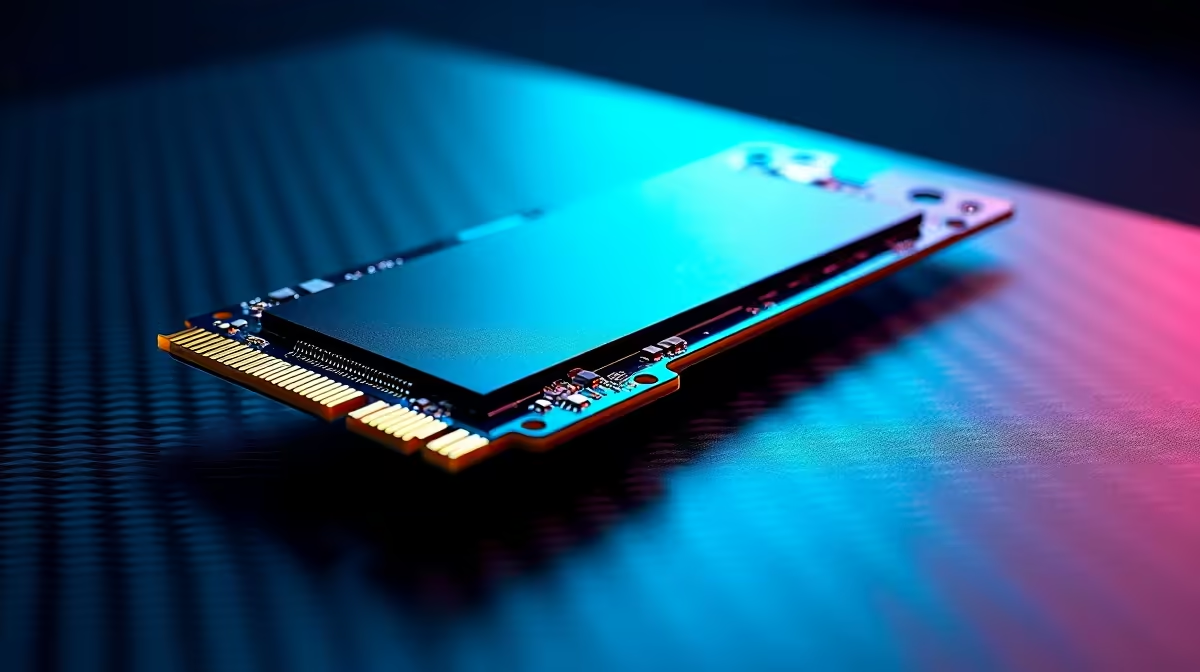
Let us be honest... modern games have zero respect for your storage space. When a single massive update demands over 100GB, your primary drive fills up incredibly fast. Building a new rig means facing tough hardware choices. The debate of four M.2 slots vs two M.2 slots is everywhere right now. How much expansion do you actually need before hitting diminishing returns? Let us break it down.
For the average South African gamer, a motherboard with dual NVMe slots is perfectly fine. You can drop a blazing-fast 1TB drive in the primary slot for your OS and favourite games. Later on, you simply add a cheaper 2TB drive in the second slot for mass storage.
This setup keeps your initial build cost low in ZAR while offering a clear upgrade path. It is also the standard layout you will find when browsing high-performance notebooks for sale in South Africa. Most modern laptops max out at two slots due to physical space constraints... and that is usually more than enough for daily driving.
So when does the four M.2 slots vs two M.2 slots argument tip toward the extreme? It happens when you render 4K video, hoard massive asset libraries, or refuse to uninstall any Steam games.
Having four slots means you never have to clone and swap drives. You just keep adding storage as your budget allows. High-end motherboards offer this luxury, and you will often spot them inside our best gaming PC deals. If you despise re-downloading massive files during load shedding, having four dedicated drives is pure peace of mind.
Before you buy the biggest board available, remember how processors work. Your CPU only has a limited number of PCIe lanes. If you populate all four slots, some drives might share bandwidth with your graphics card. They might even run at slower speeds. Always check the motherboard manual before buying.
If you are on a strict budget, it is often smarter to buy a quality two-slot board. You can then use the saved ZAR to grab a larger capacity NVMe drive from our daily tech specials.
Always install your primary operating system drive in the top M.2 slot closest to the CPU. This specific slot usually connects directly to the processor rather than the chipset... ensuring you get the absolute lowest latency and maximum read speeds for Windows and your most-played titles.
Ultimately, the four M.2 slots vs two M.2 slots decision comes down to your digital hoarding habits. Two slots will easily satisfy the vast majority of users. However, if you are a professional creator or a hardcore enthusiast, those extra slots offer unmatched future-proofing. Plan your build around your actual needs... and your wallet will thank you.
Ready to Expand Your Storage Horizon? The motherboard debate is complex, but for maximum power, choice, and value in South Africa, Evetech is hard to beat. Explore our massive range of PC components and find the perfect hardware to conquer your digital world.
Four M.2 Slots vs Two M.2 Slots is available at Evetech.co.za with local SA warranty, Rand pricing and nationwide delivery. Stock and pricing is updated in real time on the product page.
It depends on your workload and budget. We break down the key performance differences, SA pricing gap and the scenarios where each one is the smarter buy.
Real-world gaming performance varies by title and settings. The article covers head-to-head FPS benchmarks and the resolutions where the gap actually shows up.
We compare current Rand pricing from trusted SA retailers and show which option delivers more performance per Rand for your build tier.
Each option has clear wins and compromises covered in the article — from power draw and thermals to platform cost, upgrade path and feature set.
Complete Gaming Setup Guide for the Esports. Clear setup instructions with SA-specific considerations, troubleshooting tips & recommended components.
Read more
AIO Liquid 360mm Installation Guide for Your PC. Clear setup instructions with SA-specific considerations, troubleshooting tips & recommended components.
Read more
MacBook Display Colour Looks Wrong? Calibration. Everything you need to know with SA pricing, step-by-step instructions & expert recommendations.
Read more
Printer Terminology Guide. Everything you need to know with SA pricing, step-by-step instructions & expert recommendations.
Read more
Git on Mac: Complete Setup Guide for Beginners. Clear setup instructions with SA-specific considerations, troubleshooting tips & recommended components.
Read more
Ryzen 9 9900X Thermal Paste Dry: Reapplication. Everything you need to know with SA pricing, step-by-step instructions & expert recommendations.
Read more
AMD RX 9050 XT: Rumoured Specs, Price & Release. SA-focused analysis with local pricing data, real-world insights & actionable buying advice.

Can RTX 4080 Super Run AI Workloads for SA Developers Detailed answer with SA data, expert analysis & practical recommendations for local buyers.

Can RTX 4090 Run AI Workloads for SA Developers Detailed answer with SA data, expert analysis & practical recommendations for local buyers.

Top Settings for Intel Arc B580 at Ultrawide 1440p picks evaluated on performance, value & SA availability with current Rand pricing from Evetech.

RTX 4060 CS2 Low Settings at 1080p: FPS Results. Real-world benchmark data, FPS numbers & performance analysis. What SA gamers can actually expect.

Visual Artifacts: Possible GPU Issue Issue #1. Diagnosis steps, proven fixes & when to seek professional help. SA-specific support info included.

Can the RTX 4090 Handle 1440p 144Hz Gaming. Performance testing verdict with real data & practical recommendations for SA buyers.

Top ASUS GPU Under R15000 picks evaluated on performance, value & SA availability with current Rand pricing from Evetech.

GTA 6 Max Settings on RTX 5070. Tested & verified settings for best FPS and visual quality on SA hardware budgets.

Cyberpunk 2077 Max Settings on RTX 5080. Tested & verified settings for best FPS and visual quality on SA hardware budgets.

Starfield Max Settings on RTX 5070 Ti. Tested & verified settings for best FPS and visual quality on SA hardware budgets.

Top RTX 5090 Under R5000 picks evaluated on performance, value & SA availability with current Rand pricing from Evetech.