We’ve all been there. You’re in the final circle in Warzone, the tension is palpable, and suddenly… a massive explosion tanks your frame rate. Your screen stutters, tears, and you’re sent to the Gulag before you can even react. It’s frustrating, right? This is where a crucial piece of tech called FreeSync Low FPS Compensation (LFC) comes in. It’s a feature designed to keep your gameplay buttery smooth, even when your PC is struggling.
What is FreeSync Low FPS Compensation?
To understand FreeSync Low FPS Compensation, you first need to get what standard FreeSync does. Simply put, AMD FreeSync technology syncs your monitor's refresh rate with your graphics card's frame rate (FPS). This eliminates screen tearing and stuttering for a much smoother experience... as long as your FPS stays within the monitor's specific FreeSync range (e.g., 48Hz-144Hz).
But what happens when a demanding scene drops your FPS below that minimum 48Hz? Without LFC, FreeSync deactivates, and you're back to a choppy, tear-filled mess.
LFC is the clever solution to this problem. When your frame rate drops below the minimum, LFC automatically kicks in and displays each frame multiple times. This pushes the refresh rate back up into the monitor's supported FreeSync range, maintaining fluid, tear-free motion. It’s a vital safety net for any serious gamer.
How LFC Works its Magic ✨
The genius of Low FPS Compensation is its simplicity. Let's imagine your monitor's FreeSync range is 48-144Hz and your game suddenly drops to 35 FPS.
- Without LFC: FreeSync turns off. You experience noticeable stutter and tearing.
- With LFC: The monitor detects the drop. It displays each of those 35 frames twice, effectively outputting 70 frames per second to the panel (35 FPS x 2 = 70Hz).
Since 70Hz is comfortably inside the 48-144Hz FreeSync range, the smooth, synchronised experience continues without a hitch! This makes a massive difference, especially on high-resolution 4K monitors where maintaining a high FPS can be challenging. Many of the best PC monitor deals now include this premium feature, making it more accessible than ever.
Why LFC is Crucial for SA Gamers
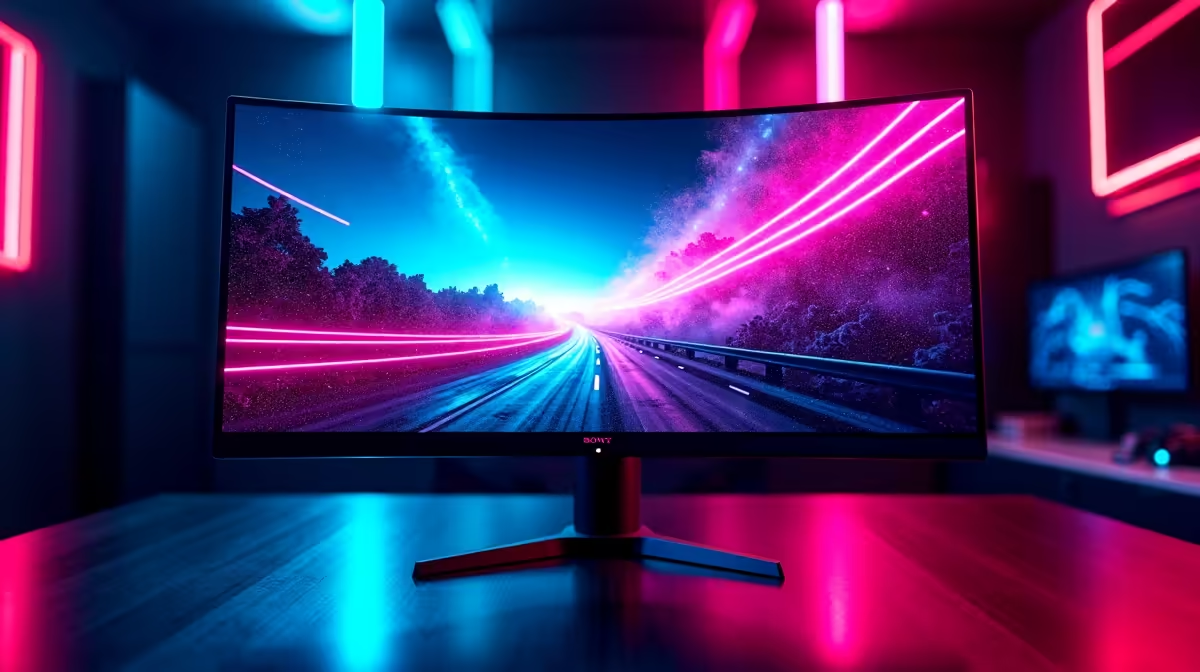
In competitive titles like Valorant or immersive adventures on gorgeous curved monitors, consistency is key. A sudden drop in performance can be the difference between a win and a loss. FreeSync Low FPS Compensation acts as your performance buffer, ensuring that even if your GPU can't consistently pump out 60+ FPS in the most chaotic moments, your on-screen view remains fluid.
This technology is a standard feature in monitors certified for FreeSync Premium and FreeSync Premium Pro. When you're browsing the latest gaming monitors, looking for these labels is a quick way to guarantee you're getting this essential feature.
Quick Check 🔧
ensure LFC is working, first enable FreeSync Adaptive Sync in your monitor's on-screen display (OSD) menu. Then, open the AMD Software: Adrenalin Edition, navigate to the 'Gaming' tab, then 'Display', and make sure AMD FreeSync is toggled 'On'. LFC will then work automatically when needed!
Finding the Right Monitor with LFC
So, how do you make sure your next display has this feature? It's easy: look for the "AMD FreeSync Premium" or "AMD FreeSync Premium Pro" logo on the box or product page. These tiers mandate LFC support.
Whether you're building a new rig from scratch or just upgrading your screen, prioritising LFC is one of the smartest moves you can make for a better gaming experience. The wide selection of PC monitors available today means there's a perfect LFC-equipped option for every budget. While this feature is a staple for desktop gaming, it's less common in specialised displays like portable monitors, so always check the specs. And don't forget to grab the right monitor accessories to complete your setup!