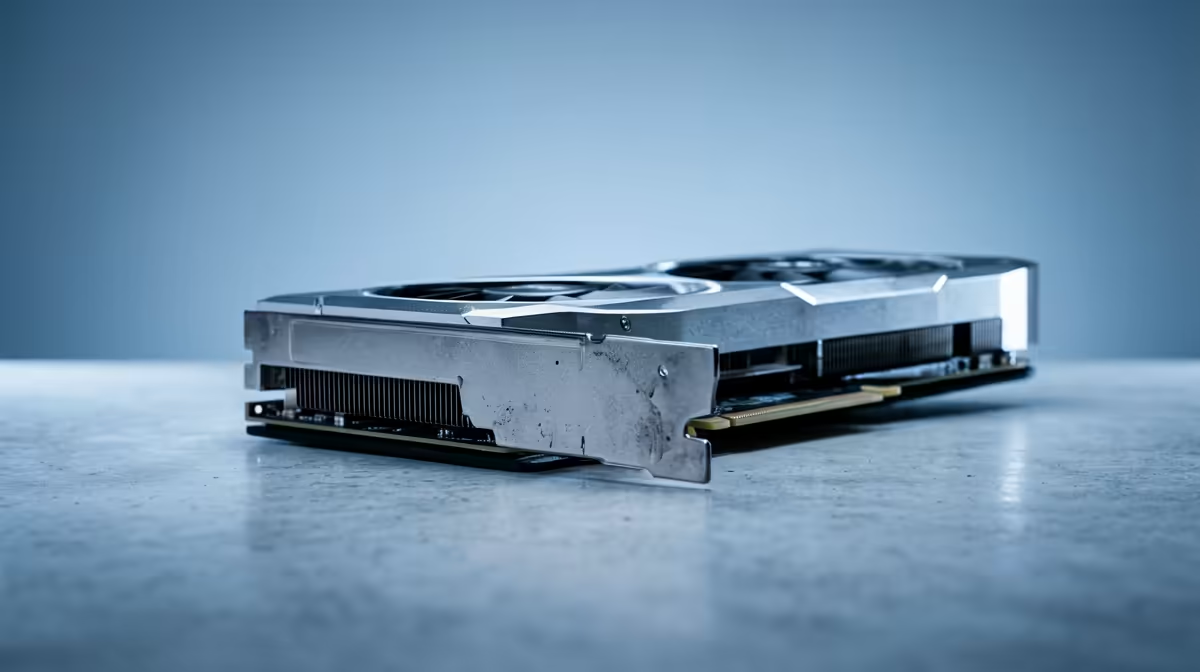
For creators weighing a gaming GPU versus a workstation GPU, the honest answer is that most of you should buy the gaming card. A GeForce RTX 5090 delivers enormous creative horsepower for rendering, video and AI work at a price that undercuts the professional line. The RTX PRO range adds real things, more VRAM, error-correcting memory and certified drivers, but those features only justify their premium for a specific slice of professional users.
Quick Answer
A GeForce RTX 5090 gives most creators strong creative performance at a far lower cost than the workstation line. RTX PRO cards add more VRAM, ECC memory and ISV-certified drivers that matter for large scenes and mission-critical pipelines. For the majority of South African creators, a GeForce RTX build is the better value.
What Actually Separates the Two
On paper, a high-end GeForce card and a workstation card can share the same underlying architecture. The differences that justify the price gap come down to four things, and only some of them will matter to you.
VRAM Capacity
This is the big one. Workstation cards carry more video memory, which lets them hold larger 3D scenes, higher-resolution textures and bigger AI models entirely in VRAM. A gaming flagship like the 5090 has generous memory for most work, but if your scenes routinely overflow its VRAM, you will hit a wall that more memory solves. For 8K video timelines, massive Blender scenes or large local AI models, capacity can be the deciding factor.
ECC Memory
Workstation cards offer error-correcting memory, which detects and fixes the rare memory errors that can silently corrupt a long render or a scientific computation. For a casual creator, the odds of a visible error are tiny. For a studio running multi-hour renders that absolutely cannot fail, ECC is cheap insurance.
ISV-Certified Drivers
Professional cards ship with drivers validated against specific applications, CAD, simulation and high-end 3D suites, by the software vendors themselves. If your livelihood depends on certified stability in one of those certified apps, the validated workstation driver is a core component of the card's value. For Blender, DaVinci Resolve, Premiere and most creative tools, the standard Studio drivers on a GeForce card are stable and well supported.
Cost and Value
Here is the lever that decides most builds. A GeForce RTX 5090 typically costs a fraction of a comparable workstation card while matching or beating it in raw rendering and AI throughput. Unless you specifically need the VRAM ceiling, ECC or certification, you are paying a large premium for features your workflow never touches.
Who Should Buy a GeForce RTX Card
The gaming flagship is the right call for the broad middle of the creator market:
- 3D artists and motion designers in Blender, Cinema 4D and similar tools, where CUDA performance and Studio drivers carry the load.
- Video editors and colourists in Resolve and Premiere, where the 5090's speed and ample VRAM handle most timelines comfortably.
- AI hobbyists and local model users whose models fit within the gaming card's memory.
- Anyone who also games and wants one card that does both jobs superbly.
You can compare VRAM figures and pricing across the professional options in the workstation graphics card range at Evetech before you decide.
Who Genuinely Needs RTX PRO
The workstation line earns its keep for a narrower group:
- Studios running renders or simulations that must not fail, where ECC matters.
- Creators whose scenes or AI models exceed a gaming card's VRAM and need the larger memory pool.
- Professionals locked into ISV-certified applications where vendor-validated drivers are a contractual or stability requirement.
- Workflows needing several GPUs in one chassis, where workstation cards are built for dense, sustained multi-card operation.
If none of those describe you, the certification and ECC are insurance you will never claim.
Where Your Money Goes Further
The strongest argument for a GeForce build is not just the card price; it is what the saving lets you do with the rest of the system. Creative performance is rarely bottlenecked by the GPU alone.
System RAM and Storage
Video editing and 3D work lean heavily on system memory and fast storage. The money saved by choosing a GeForce 5090 over a workstation card can fund 64GB or more of RAM and a large, fast NVMe drive, both of which you feel on every project. A balanced build often beats a GPU-heavy, RAM-starved one for real creative throughput.
CUDA, Software and Ecosystem
Both GeForce and workstation cards use CUDA, so the creative software ecosystem, Blender's Cycles, Resolve's neural engine, AI tools, runs across both. That shared ecosystem is precisely why a gaming card performs so well for creators: the acceleration paths are the same. You are not buying a different class of compute with the workstation card so much as a different class of memory, certification and support.
Power and Cooling
A flagship like the 5090 draws serious power and runs warm, so a creator build needs an adequate power supply and good case airflow regardless of which card you choose. Factor the supporting components into your budget rather than spending everything on the GPU and starving the rest.
The SA Verdict
For most South African creators, a GeForce RTX build wins on value by a wide margin. Put the money you save on the workstation premium into more system RAM, faster storage or a better display, all of which you will feel daily. Reserve RTX PRO for the cases where VRAM capacity, ECC or driver certification are genuine, named requirements rather than nice-to-haves. To see what complete machines SA builders are ordering, the PC best sellers at Evetech shows popular configurations and how they are currently priced.
Frequently Asked Questions
Is an RTX 5090 good enough for professional creative work?
For most 3D, video and AI creators, yes. The RTX 5090 offers strong CUDA performance, ample VRAM for typical projects and stable Studio drivers, all at a lower cost than the workstation line. Step up only if you need more VRAM, ECC or ISV certification.
What does a workstation GPU offer that a gaming GPU does not?
Workstation cards add more VRAM for large scenes and models, ECC memory to prevent silent errors in long renders, and ISV-certified drivers validated for specific professional applications. They are also built for dense multi-card setups.
Do I need ECC memory for creative work?
Most creators do not. ECC matters for studios running multi-hour renders or computations that cannot tolerate a rare memory error. For everyday creative work, the small risk does not justify the workstation premium.
Will Blender and DaVinci Resolve run fine on a GeForce card?
Yes. These and most creative applications run very well on GeForce RTX cards with standard Studio drivers. ISV certification mainly benefits specific CAD and simulation suites, not the mainstream creative tools.
How much cheaper is a GeForce build than a workstation build?
A GeForce RTX 5090 typically costs a fraction of a comparable workstation card while matching or beating it in raw rendering and AI speed. The exact gap varies, so check current pricing on the cards you are comparing.