Quick Answer
Gen 5 NVMe is the speed pick, but Gen 4 is still the value pick for most gaming PCs. Compare Crucial T700, Crucial T705, Corsair MP700, and MSI Spatium M570-class drives across about R1,100-R6,500, with 1 TB as the minimum and 2 TB as the more comfortable game-library size.
Speed Versus Real Gaming Benefit
The headline number is 10-14 GB/s sequential reads, but games rarely scale like a benchmark chart. Moving from a SATA SSD to NVMe is obvious; moving from a strong Gen 4 drive to Gen 5 is more useful for large file work, video editing, and workstation transfers than for pure FPS.
A faster SSD will not turn 70 fps into 100 fps. It can reduce load screens, shader-cache waits, and install moves, especially when a 100 GB game is being patched.
Capacity And Endurance
Choose 1 TB only if the PC has a second drive or a small game list. A 2 TB drive is easier to live with because Call of Duty, Forza, Baldur's Gate 3, and modern AAA installs can eat hundreds of GB quickly.
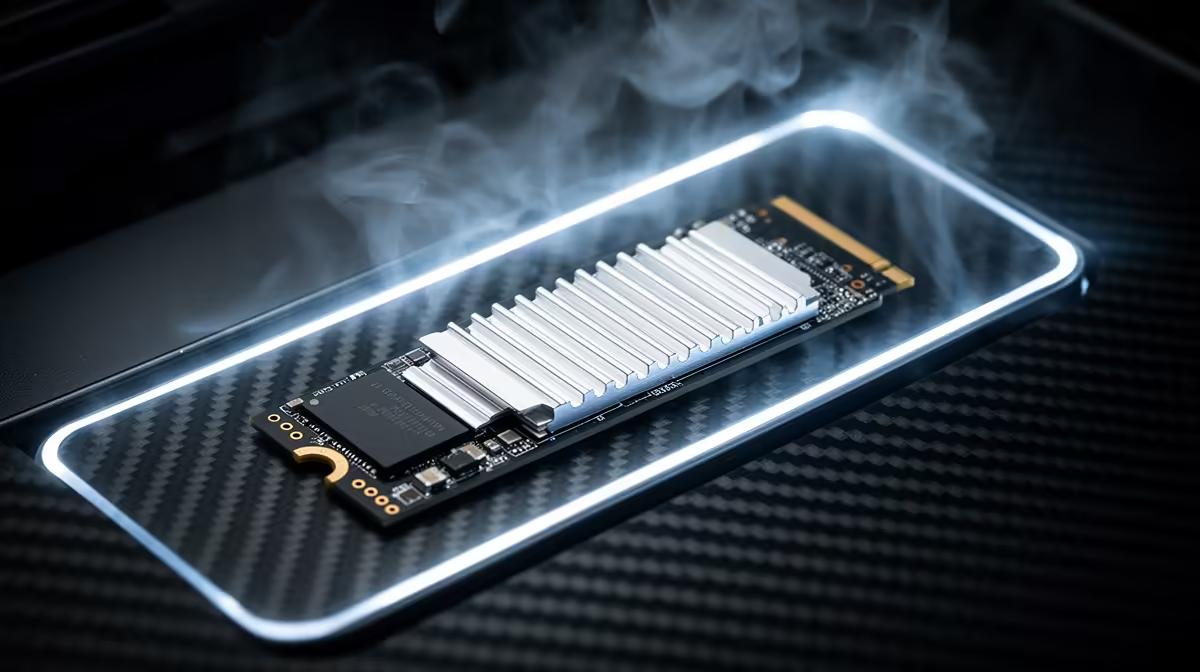
Check TBW endurance, warranty length, and whether the motherboard slot supports PCIe 4.0 or PCIe 5.0. Gen 5 drives also need a proper heatsink because heat can throttle long transfers. For Randburg buyers, delivery is simple because SSD boxes are compact, but the heatsink and screw compatibility still matter.
Buying Checklist
Confirm M.2 2280 size, PCIe generation, motherboard slot position, and whether the board already has a heatsink. If the SSD will sit under a GPU, cooling is more important than chasing one more GB/s on the box.
FAQ
Is Gen 5 NVMe worth it for gaming?
Usually not for pure gaming value. Gen 5 is worth it when you also move huge files or want the fastest workstation storage.
Is 1 TB enough for a gaming PC?
It is the minimum, not the comfort point. A 2 TB NVMe drive is better if you keep several large AAA games installed.
Will an NVMe SSD improve FPS?
No, it mainly improves loading, installs, and file transfers. FPS still comes from the CPU, GPU, RAM, and game settings.
Pro Tip
Before checkout, match the SSD generation to your motherboard slot and confirm heatsink clearance under the GPU.