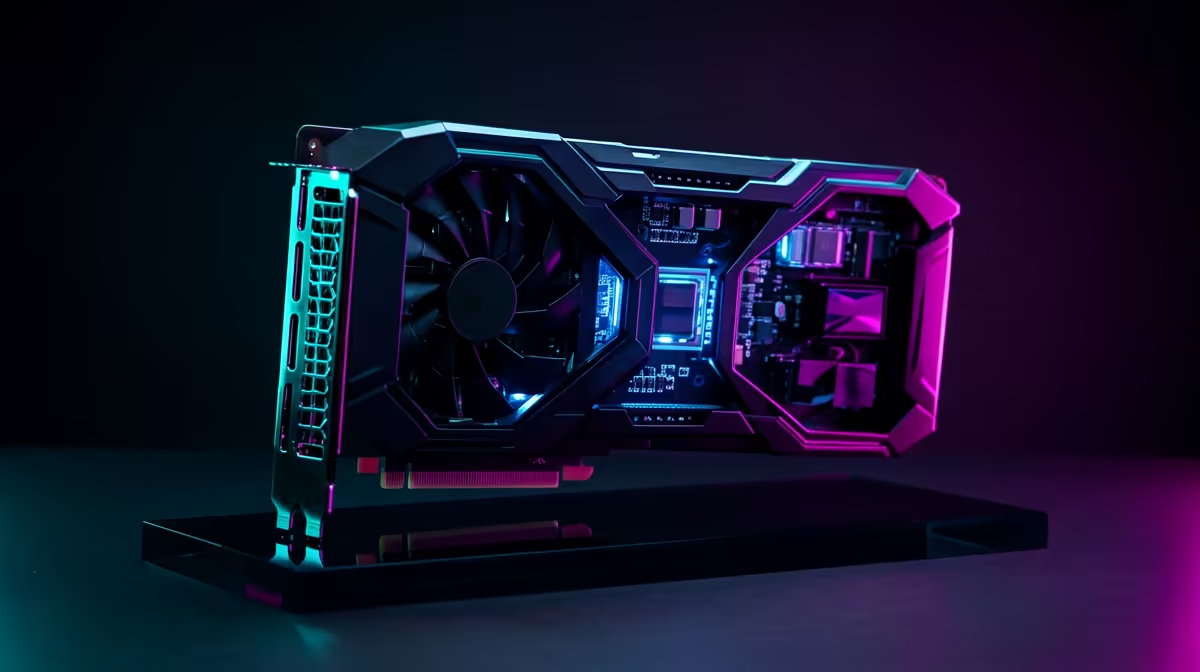
A GPU decision tree cuts through the spec sheets by starting from what you actually do, then working outward to resolution and budget. That order keeps you from overspending on cores you cannot use.
Quick Answer
Choose your GPU by resolution first, then by your most demanding game. For 1080p high-refresh play, an entry RTX or RX card from about R6,000 suffices; for 1440p target R10,000 to R16,000; for 4K plan from R18,000 upward to hold 60 fps in heavy titles.
Walking The Tree
Branch one is resolution, because it sets the workload. A 1080p panel rewards mid-tier cards and wastes flagship money. Branch two is your heaviest game; a competitive esports player needs far less GPU than someone running ray-traced single-player titles. Branch three is budget, which trims the shortlist.
The final node is your power supply and case. A new GPU is only as usable as the PSU feeding it and the case cooling it, so confirm wattage and clearance before you commit.
Avoiding The Common Mismatch
The frequent error is buying far more GPU than the monitor can show. A 1080p 144Hz screen paired with a 4K-class card leaves performance on the table. Match the card to the panel, then bank the difference toward a CPU or SSD that lifts the whole experience.
FAQ
Should resolution or budget drive my GPU choice first?
Resolution. It sets the real workload, so deciding it first stops you over or under-buying before budget even enters the picture.
How much GPU do I need for 1440p high settings?
A card in the R10,000 to R16,000 band typically holds high settings at 1440p with comfortable frame rates in most current titles.
Does my PSU limit which GPU I can fit?
Yes. Confirm your supply meets the card's recommended wattage and offers the right connector before buying any GPU.
Note your monitor resolution and heaviest game, then use the tree to match a GPU before checking PSU wattage and case clearance.