Kingston 16GB current-gen SODIMM at R741 suits a homeschooling family that needs a practical notebook memory upgrade for lessons, browser tabs, video calls, and shared study tasks. This RAM kit is the sensible first pick when the machine is a laptop and the goal is to reduce slowdowns without turning a school device into an expensive gaming build.
Best memory choice for a homeschool laptop
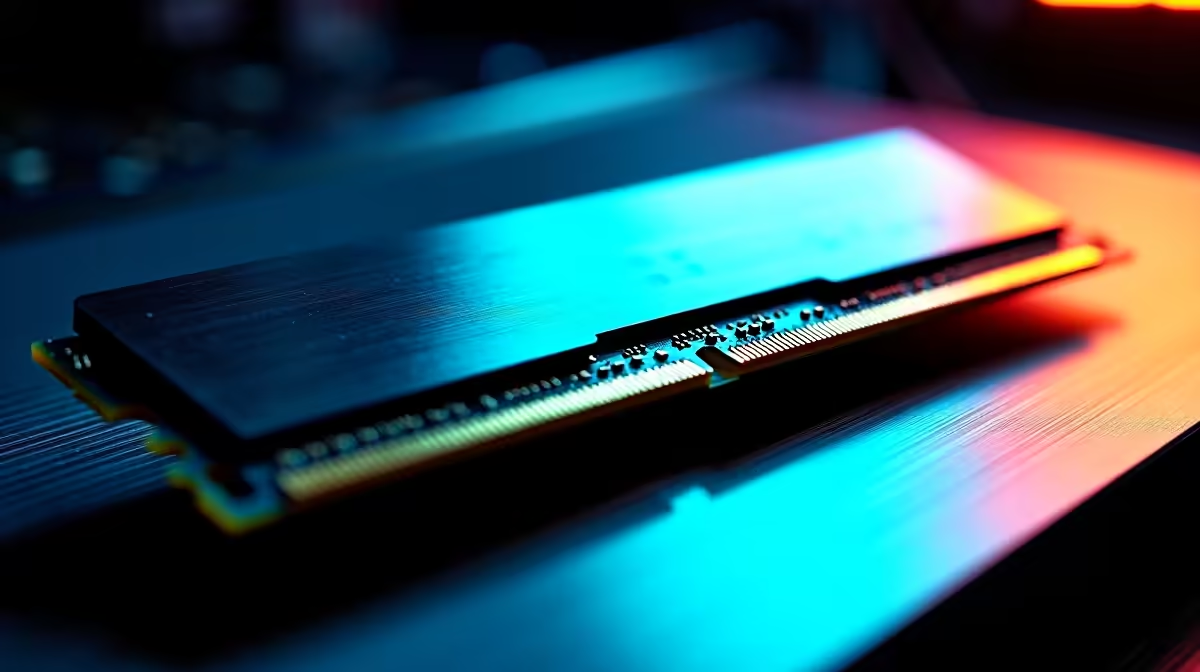
The Kingston 16GB current-gen SODIMM at R741 is the cleanest match for a single laptop used by learners and parents. The 16GB capacity gives more breathing room for online classes, research tabs, documents, and learning platforms, while the SODIMM format points to notebook use rather than a desktop tower.
If the family is upgrading a desktop used as the main study station, TEAMGROUP VULCAN 32GB current-gen 6000 at R1,460 is the stronger value step. Its 32GB capacity helps when two learners share the same PC profile, keep browser sessions open, or run school apps alongside video content.
Kingston FURY 32GB current-gen 6400 at R2,300 is a better fit when the home PC also handles gaming, creative homework, or heavier multitasking after school hours. The 6400 speed and 32GB capacity give the desktop more headroom than a basic 16GB notebook upgrade.
Homeschool study desk setup
For a family desk where one device moves between parent admin, learner research, and evening entertainment, start by checking whether the machine is a laptop or desktop. Use the Kingston 16GB current-gen SODIMM at R741 for a compatible notebook, or move to TEAMGROUP VULCAN 32GB current-gen 6000 at R1,460 when the main study PC is a desktop tower.
Ready to choose the right memory?
Let the family desk start with TEAMGROUP VULCAN 32GB current-gen 6000 speed at R1,460, then confirm its listed spec fits the room or workload.