Quick Answer
Custom heatsinks attached to the rear of an OLED gaming monitor can reduce panel operating temperatures by 3 to 8 degrees Celsius during extended gaming sessions, which reduces organic emitter degradation rate and lowers the risk of temporary image retention. Most premium OLED gaming monitors already include manufacturer-fitted copper heat spreaders, so custom additions provide marginal gains on top of that existing thermal management.
How OLED Panels Generate and Manage Heat 🔧
OLED panels generate heat through the electrical current driving organic emitter compounds to produce light. Unlike LCDs where the backlight is the primary heat source, heat in OLED is distributed across the panel surface itself. Sustained high brightness and high APL (average picture level) content, such as a fully white browser page or a bright gaming environment, drives more current and more heat into the organic compounds.
What a Custom External Heatsink Can and Cannot Do 🎮
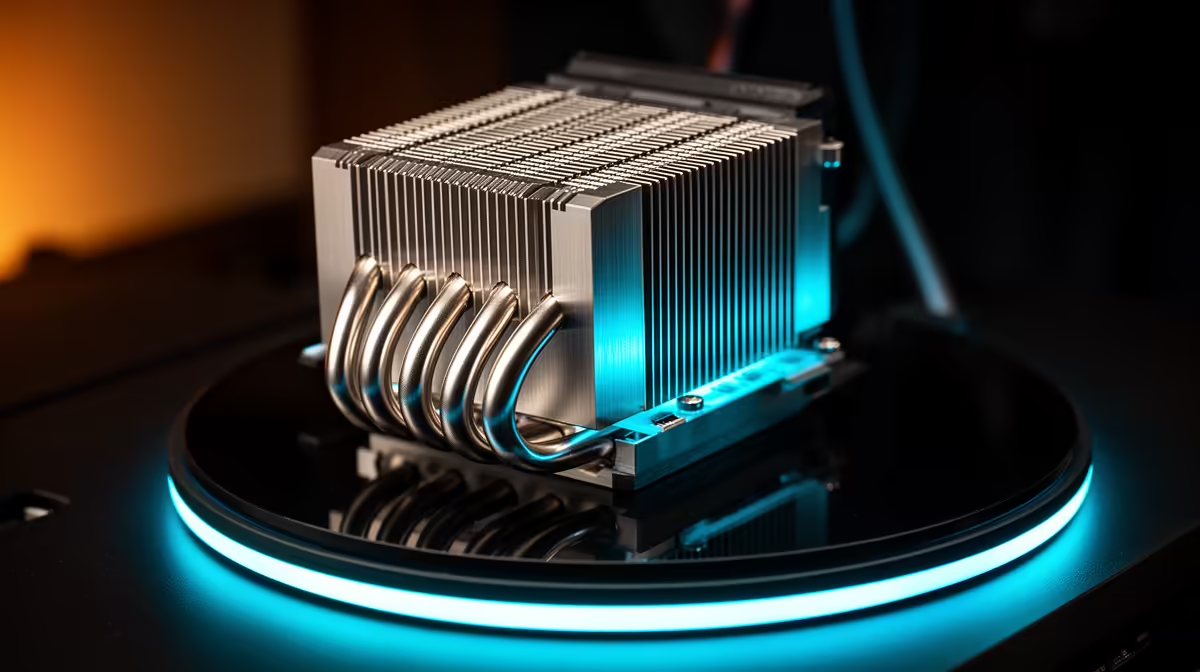
A custom heatsink or thermal pad applied to the rear housing of an OLED monitor can improve heat dissipation beyond the manufacturer's internal solution, but its effectiveness depends on the monitor's internal thermal design. If the manufacturer's heat spreader contacts the panel directly and then transfers to the chassis, adding an external heatsink to the outer chassis improves the final stage of that thermal chain.
Practical Advice for SA Gamers in Warm Climates 💡
South Africa's climate, particularly in warmer regions like KwaZulu-Natal and Limpopo, means ambient room temperatures can reach 28 to 35 degrees Celsius in summer without air conditioning. OLED monitors operating in a warm room already run at higher baseline temperatures, compressing the thermal headroom the manufacturer designed for. Ensuring adequate desk airflow, keeping the monitor away from direct sunlight, and not enclosing the monitor in a media cabinet are all higher-priority steps than adding a custom heatsink.
Ambient Temperature Is the Biggest Variable ⚡
investing in custom thermal modifications, measure the temperature in your gaming room at the warmest part of the day. If your room stays below 25 degrees Celsius, your OLED monitor's factory thermal management is adequate. Above 28 degrees Celsius for extended sessions, focus on room cooling first: a ceiling fan or a small USB desk fan behind the monitor improves conditions for both the monitor and the gaming PC.
FAQ
Does adding a heatsink void the monitor's warranty?
Yes, in most cases. Applying thermal adhesives or physical modifications to the monitor chassis constitutes physical tampering and will void the manufacturer warranty. If your monitor is under warranty, do not apply custom heatsinks. The warranty-safe approach is room temperature management and using the built-in OLED Care features in the OSD.
How hot is too hot for an OLED gaming monitor during a session?
Most OLED gaming monitors are rated to operate in ambient temperatures up to 35 to 40 degrees Celsius. Panel surface temperatures internally may reach 45 to 55 degrees Celsius during sustained high-APL sessions. These temperatures are within design parameters. Persistent operation above 40 degrees Celsius ambient is the threshold where thermal mitigation becomes practically relevant.
Do all gaming OLED monitors include internal heat spreaders?
Current-generation (2024 and 2025) gaming OLED monitors from major brands including LG, ASUS, and Samsung all include internal heat management in the form of copper or graphite layers. Earlier generation OLED TVs often lacked this, but dedicated gaming panels designed for sustained high-refresh use incorporate thermal management as a standard feature.
Looking for a gaming OLED monitor built to handle long sessions?
Evetech stocks current-generation OLED gaming monitors with built-in thermal management designed for extended play. Browse the Evetech monitor section to find a panel that keeps its cool.