Quick Answer
Daisy-chained ARGB fans reduce the three separate 5V ARGB cables of a standard 360mm AIO fan set to a single cable run from the first fan to the ARGB header. Combined with their single shared PWM power connection, a daisy-chain AIO fan set replaces up to six individual cable connections with two, making cable management dramatically easier in tempered glass builds.
How the Cable Reduction Actually Works 🔗
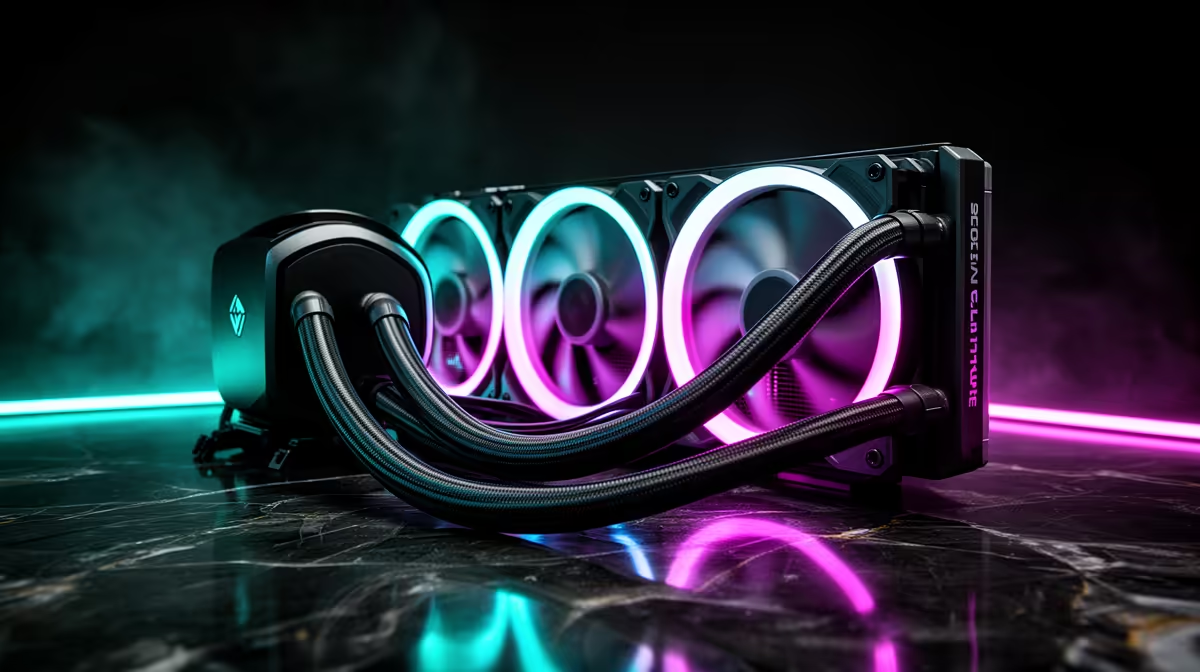
In a standard three-fan 360mm AIO setup, each fan requires its own 3-pin ARGB data cable to the ARGB header (or hub) and its own 4-pin PWM cable to a fan header. That is six cables running from three fans across the radiator to the motherboard region, often fighting through already-crowded cable channels behind the top radiator mount. In a daisy-chain system, the first fan connects to the ARGB header and to a PWM fan header; the second fan plugs into the passthrough connector on the first fan; the third plugs into the second. The data signal and PWM control signal travel through the chain. The result is two cables leaving the fan cluster entirely, regardless of how many fans are chained together.
Installation Steps for a Clean Daisy-Chain Build 🔧
When mounting a 360mm AIO with daisy-chain fans, route the single ARGB cable and the single PWM cable through the cable management grommet nearest the top radiator mount before attaching fans to the radiator.
Compatibility and Lighting Ecosystem Integration 💡
Daisy-chain ARGB fans using the standard 3-pin 5V protocol are compatible with ASUS Aura Sync, MSI Mystic Light, Gigabyte RGB Fusion, and ASRock Polychrome headers. The controller software detects the full chain as a single addressable string, enabling per-LED effects like rainbow waves, breathing cycles, and colour shifts that span all three fans simultaneously. Some proprietary daisy-chain ecosystems (notably some Corsair iCUE configurations) use a USB-connected controller rather than a direct motherboard header; in these cases, the cable count is still reduced, but the USB connection adds one additional cable to manage. Verify your specific fan's connection type before building.
Strain Relief at the Radiator Edge ⚡
The inter-fan cables on a daisy-chain set are sized just long enough to reach the adjacent fan with minimal slack. When mounting fans on the radiator, arrange them with the connector side facing toward the cable management side of the case before tightening the fan screws. This short cable length means fan position relative to cable direction is important, and correcting it after fans are fully screwed down means re-mounting the entire set.
FAQ
Do daisy-chain fans support per-LED effects or only per-fan colour zones?
Most daisy-chain ARGB systems that use the standard addressable protocol support full per-LED control. The controller software maps each LED in the chain individually, enabling effects that flow continuously across all fans rather than treating each fan as a separate block.
Can I extend a daisy-chain with an additional fan later?
Yes, provided the additional fan uses the same daisy-chain connector standard. Add the new fan to the end of the chain and re-scan the device list in your lighting software to update the LED count. Most controllers detect the new fan automatically after the software rescan.
Are daisy-chain fan packs significantly more expensive than standard ARGB fans in SA?
Daisy-chain fan packs typically cost R200 to R500 more than equivalent standard ARGB fan sets at Evetech. For a showcase build in a tempered glass case, most SA builders find this premium worthwhile given the build time saved and the cleaner result.
Building a showcase gaming PC and want clean cable management?
Evetech stocks 360mm AIOs with daisy-chain ARGB fan sets and the controllers needed for a single-cable lighting setup from day one.