Quick Answer
USB 20Gbps Type-C is increasingly important on modern gaming cases for anyone who transfers large files, charges USB-C devices from the front panel, or uses an external NVMe enclosure. For pure gaming with no content creation or external storage use, it is a nice-to-have but not essential. The spec becomes more valuable each year as external NVMe enclosures, USB-C gaming handhelds, and high-resolution capture devices become more common.
The Real-World Speed Gap Between 5Gbps and 20Gbps 🚀
Moving a 100GB game recording from a front-panel USB port illustrates the difference clearly. At USB 3.2 Gen 1 (5Gbps), the transfer takes around 3 minutes 20 seconds at real-world speeds of 450 MB/s. At USB 3.2 Gen 2 (10Gbps), the same file moves in 1 minute 45 seconds at around 900 MB/s. At USB 3.2 Gen 2x2 (20Gbps), a fast external NVMe enclosure delivers 1,800 MB/s and clears the file in under 60 seconds. For a SA content creator archiving 4K OBS captures daily, this compounds to hours of saved time per month. The caveat: your motherboard must have a USB 3.2 Gen 2x2 internal header to reach full speed, and the external drive must support the protocol.
Charging and Device Compatibility Benefits 🔌
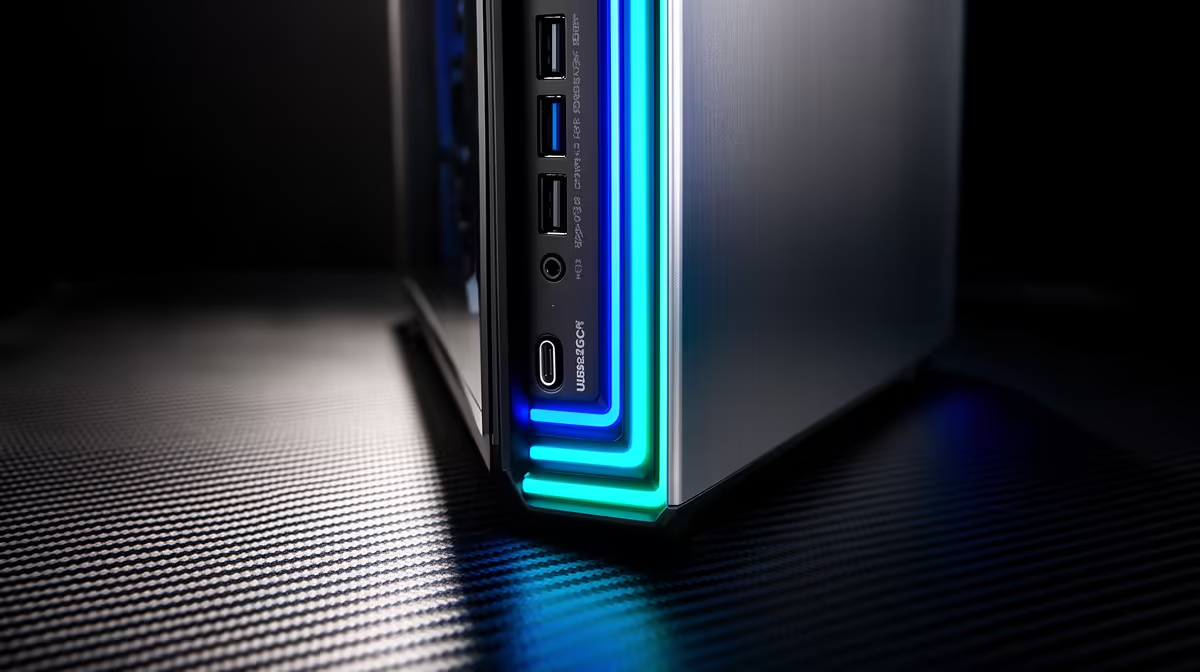
Beyond speed, a front-panel USB-C port delivers power. Most front-panel implementations support 15W to 60W charging, enough to top up a smartphone quickly during a gaming session or charge a USB-C handheld gaming console without a separate adapter. USB-C is also the connector type used on modern content creation peripherals, high-resolution webcams, and USB4 hubs. Having a native Type-C front port eliminates the need for USB-A to USB-C adapters at the front panel, which often fail or introduce signal quality issues. As USB-C becomes the dominant connector standard globally, front-panel Type-C on a case purchased today will be more relevant in 2027 and 2028 than it is right now.
Matching the Case Spec to Your Workflow 🔧
The practical question is whether your daily use justifies the case price premium. Cases with USB 20Gbps Type-C front I/O typically cost R600 to R1,500 more than equivalent cases with only standard USB-A ports. For a streaming or content creation workflow where external storage transfers are frequent, this premium pays back within a few months of use. For a dedicated gaming rig used exclusively for playing titles, the standard USB-A ports handle every gaming peripheral without limitation. The honest advice: if you own or plan to own an external NVMe drive or USB-C capture device, spec the 20Gbps front panel. If not, save the premium for GPU cooling.
Confirm the Gen 2x2 Header on Your Board ⚡
Before buying a case rated for USB 20Gbps Type-C, check that your motherboard has a USB 3.2 Gen 2x2 (Type-E) internal header in its spec sheet. This header is labelled USB32G2X2 and is absent from many mid-range boards. Without it, the front Type-C port operates at 10Gbps or 5Gbps regardless of what the case advertises.
FAQ
Is the USB-C port on a gaming case front panel useful for gaming accessories?
Most gaming peripherals still use USB-A. However, USB-C gaming headsets, high-resolution webcams, and console-style controllers increasingly use Type-C connectors, and this trend will accelerate. A front-panel USB-C port provides a conveniently accessible connection for these newer devices without requiring an adapter.
Does USB 20Gbps front I/O affect game load times?
No. Game load times depend on your internal NVMe SSD's speed and the PCIe lane bandwidth to the motherboard.
What should I look for in the case specification to confirm 20Gbps speed?
Look specifically for the terms USB 3.2 Gen 2x2 or USB 20Gbps in the front I/O section of the specification. A port described only as USB 3.1 Type-C or USB 3.2 Gen 2 Type-C runs at 10Gbps, not 20Gbps.
Ready to spec a case with front-panel USB-C?
Browse Evetech's range of gaming cases with USB 20Gbps Type-C front I/O alongside compatible motherboards.