Quick Answer
Positive pressure airflow (more intake than exhaust) and clean cable routing reduce thermal buildup in panoramic cases by 5 to 8 degrees Celsius under sustained load. The sealed glass panels that make panoramic cases look stunning also restrict natural convective escape, so deliberate fan planning is essential.
Why Panoramic Cases Trap Heat 🔥
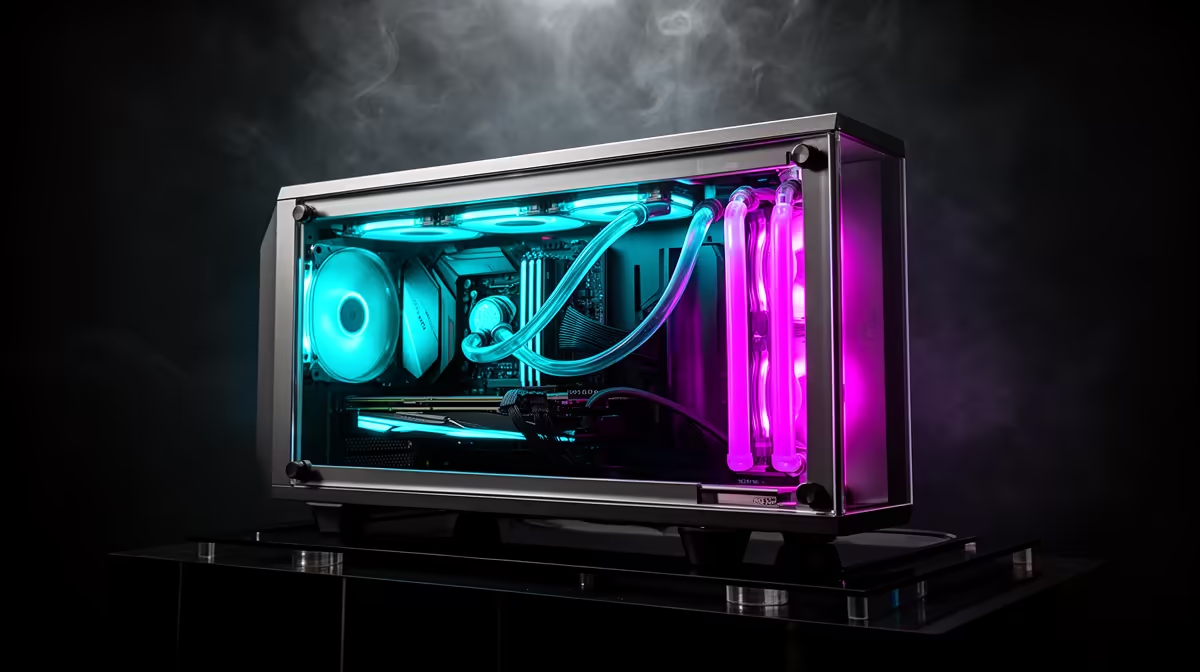
A panoramic case wraps the build in glass on three or more sides, which eliminates the natural convective paths mesh cases rely on. An RTX 5080 under full gaming load dumps roughly 320W of heat into the case interior, and without planned exhaust routes that heat accumulates against the glass. The fix is a slight positive-pressure differential: more intake fans than exhaust fans. Most panoramic cases ship with three to four ARGB fans; adding a fifth dedicated top-rear exhaust makes a measurable difference.
Install intake fans at the front and bottom. Exhaust fans go at the top and rear. This forces air through the only escape routes in a sealed glass enclosure and prevents hot pockets near the GPU.
Cable Management and the Airflow Link 🛠️
In a panoramic build, builders sometimes over-stuff the rear cable channel to keep the interior clean, inadvertently creating a thermal dam behind the motherboard tray. Route modular PSU cables individually through grommets rather than in bundles. More critically, keep the space between the GPU and the front intake fans completely clear. Any cables crossing that path split the airstream and create turbulence that reduces GPU cooling by 4 to 7 degrees Celsius.
Keep at least 30mm of clear space between the GPU shroud and the bottom intake fans for unobstructed laminar flow.
Fan Curve Settings for SA Summers 💻
Set custom PWM fan curves in the UEFI so case fans ramp from around 600 RPM at idle to full speed above 75 degrees Celsius. Many South African builders leave fans on the default auto profile, which under-spins fans during Joburg and Pretoria summers when ambient room temperatures reach 30 to 35 degrees Celsius. Check that the included ARGB hub supports PWM (not just voltage) control so you can set individual zone curves.
Panoramic Dust Filter Tip ⚡
Clean dust filters every four to six weeks in South African homes near the Highveld or West Coast where fine dust is prevalent. Clogged filters cut intake airflow by up to 40 percent, causing GPU temps to climb even when fans run at full speed.
FAQ
Do panoramic cases always run hotter than mesh cases?
Not with proper fan configuration. A well-planned panoramic build with five or more fans and clean cable routing can match a mesh case within 2 to 3 degrees Celsius under load.
Can I add fans to a panoramic case after purchase?
Most ATX panoramic cases support 120mm or 140mm mounts at the top, rear, and bottom. A 140mm top-rear exhaust is typically the highest-impact single addition available.
What GPU temps should I target in a panoramic case?
Aim for junction temperatures below 85 degrees Celsius. An RTX 5070 Ti should idle at 35 to 40 degrees and peak at 78 to 82 degrees in a well-cooled panoramic build.
Ready to build a showcase PC that stays cool?
Browse panoramic and tempered glass gaming cases stocked at Evetech to find enclosures with the fan mounts, GPU clearance, and radiator support your build needs.