Quick Answer
With four pre-installed ARGB fans, the optimal configuration for most ATX mid-towers is three fans at the front as intake and one at the rear as exhaust, creating positive pressure that reduces dust ingress and pushes air directly over the GPU. Never run all four as exhaust, and avoid equal intake-exhaust balance which creates turbulence rather than directional flow.
Understanding Fan Roles: Intake vs Exhaust 💨
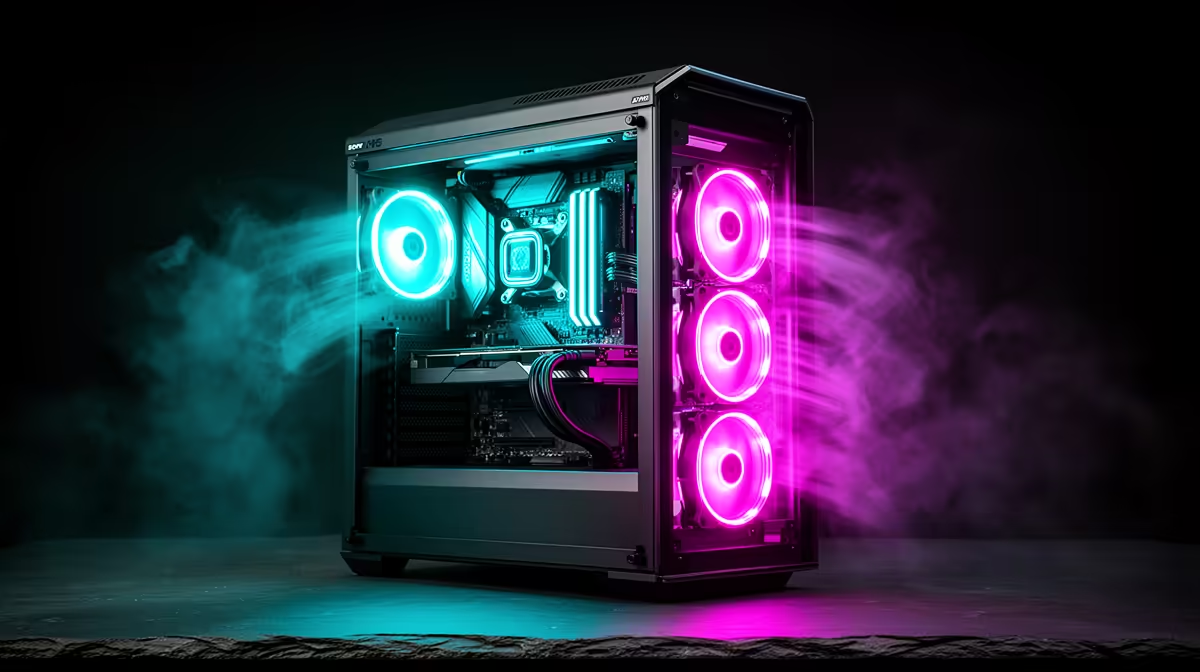
Fans in a PC case serve one of two roles: intake (pulling cool ambient air in) or exhaust (pushing warm air out). Front-mounted fans facing inward act as intake, and rear or top-mounted fans facing outward act as exhaust. A positive pressure configuration, where intake airflow slightly exceeds exhaust airflow, pushes air through the case in a controlled path and keeps dust from settling on components through unfiltered gaps. With four pre-installed fans in a case, the most common factory layout is three front intake and one rear exhaust. This is a thermally sound default that works well for most builds including those with an RTX 5070 or Radeon RX 9070 XT.
ARGB Lighting and Fan Orientation 🌈
ARGB fans with lighting on the intake face (the side facing into the case) produce a backlit glow that illuminates the interior of the case beautifully through a glass panel. However, flipping a fan to change its airflow direction also changes which face of the fan is visible. If your case has front-mounted fans visible through a mesh front or glass panel, you want the ARGB ring facing forward, toward the viewer, which means the fan must be oriented as an intake pulling air in from outside. Reversing these fans for exhaust would point the ARGB ring inward and away from the viewer, eliminating the visual effect entirely. Plan your fan orientation around lighting before finalising the airflow layout.
Managing Fan Speed for Quiet Operation at Night 🎮
Four ARGB fans running at full speed generate noticeable noise, typically around 32 to 38 dBA at peak RPM. Most modern motherboards support fan curve control through BIOS or companion software, allowing fans to ramp down at idle temperatures and ramp up under gaming load. Set a flat low-RPM curve starting at around 600 RPM below 50 degrees CPU temperature, and a linear ramp to full speed above 70 degrees. At 600 RPM, modern 120mm ARGB fans are nearly inaudible and maintain adequate airflow for idle desktop use. South African builders who game late at night particularly benefit from this quiet-mode configuration.
Sync All Fans to One ARGB Header ⚡
If your four pre-installed fans use standard 3-pin ARGB connectors, daisy-chain them through the included ARGB hub rather than using four separate motherboard headers. This simplifies software control and ensures all fans cycle through the same colour pattern simultaneously. Check whether your motherboard has enough 3-pin ARGB headers before assuming you can connect directly.
FAQ
Do ARGB fans move less air than non-ARGB fans?
Not significantly.
Can I add two more fans to a case that has four pre-installed?
Yes, most ATX cases that ship with four fans have additional mounting positions for two or three more fans, typically at the top. Adding top exhaust fans improves heat removal for high-TDP GPU builds. Confirm the top panel supports your desired fan size before purchasing extras.
Why is my case running hotter with fans at full speed than on a smart curve?
Full-speed fans create turbulence rather than smooth laminar airflow if the fan static pressure exceeds what the mesh or radiator fins can handle. A slightly lower RPM on intake fans and slightly higher RPM on exhaust fans often produces better directional airflow than running everything at maximum simultaneously.
Need a case that comes ready to light up and cool down?
Evetech stocks gaming cases with pre-installed ARGB fans and additional fan positions for expansion, browse the case range to find your setup.