Quick Answer
Axial-tech fan designs use a smaller hub with more and narrower blades to increase air pressure and flow rate at a given RPM compared to conventional axial fans. In a workstation running 8 to 16 hours daily, this design extends fan bearing life and maintains cooling efficiency at lower noise levels than a conventional fan delivering equivalent thermal performance.
What Makes Axial-tech Different from Standard Axial Fans 🌀
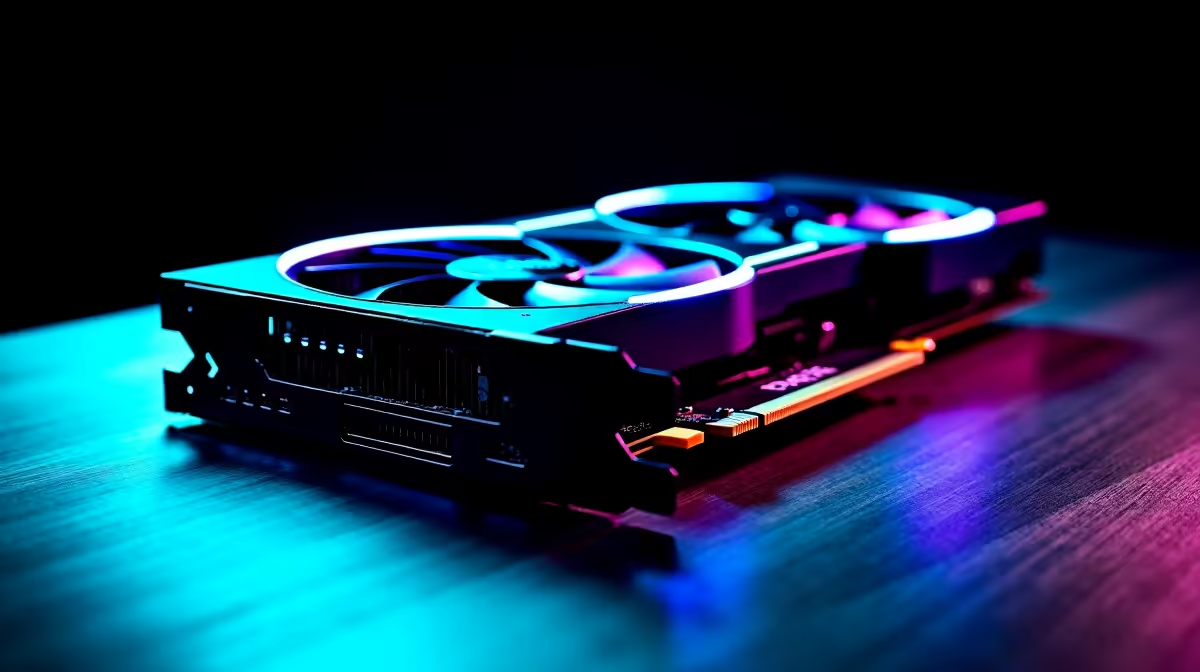
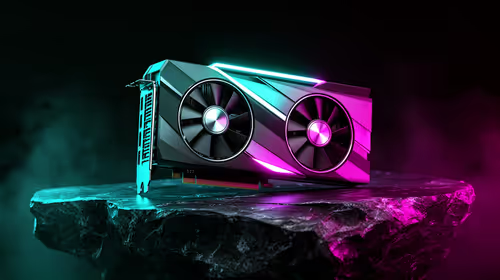
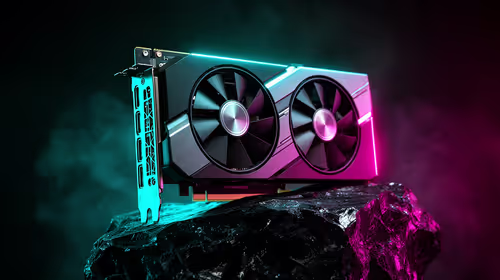
A conventional 120mm axial fan uses 7 to 9 blades on a large central hub, optimised for airflow volume at relatively low static pressure. Axial-tech fans, as implemented in ASUS GPU coolers, use 13 or more blades on a smaller hub, increasing static pressure capability so the fan can push air through dense heatsink fin stacks more effectively without spinning faster. The practical result is that an Axial-tech fan delivering the same thermal dissipation as a conventional fan runs at 200 to 400 RPM lower speed, producing noticeably less noise and less bearing stress per hour. For a workstation running demanding rendering jobs continuously, those lower RPM hours translate directly to reduced bearing wear and longer fan service life.
Continuous Operation Considerations for SA Workstations 🖥️
In South Africa, many creative and technical workstations run overnight renders, logging 16 to 24 continuous hours multiple days per week. Fan bearing life under these conditions is significantly shorter than in standard gaming use. Sleeve bearing fans are rated at 15,000 to 30,000 hours MTBF. Hydraulic and dual ball bearing fans carry ratings of 40,000 to 70,000 hours. For a workstation running 3,000 hours per year (8 hours daily for 250 business days), a 50,000-hour rated fan lasts approximately 16 years; a 20,000-hour fan lasts under 7 years. Given that an RTX 5080 runs R18,000 to R25,000 locally, choosing components with better bearing specifications is sound economics.
Optimising the Workstation Environment for Fan Longevity 🔧
Keep the workstation where ambient temperature stays below 28 degrees Celsius during operation. Use a case with filtered intakes and clean the filters every three months. In Cape Town or Durban studios, consider a dehumidifier during humid summer months. These environmental controls reduce the thermal load on the fans, letting them run at lower speeds and extending bearing life beyond the rated MTBF.
Set a Custom Fan Curve for 24/7 Workloads ⚡
Default fan curves are optimised for gaming peak loads rather than sustained moderate workstation loads. Set a custom curve that holds the GPU fan at a steady low RPM during the temperature range your continuous workload produces. Fewer RPM changes mean less bearing stress and more predictable acoustics over long render sessions.
FAQ
Are Axial-tech fans replaceable if they fail in an ASUS GPU?
Yes, ASUS sells replacement fan assemblies for many of their GPU cooler models. Replacement fans for ASUS ROG STRIX and TUF Gaming GPU models are available through ASUS South Africa's service network. Your Evetech purchase receipt assists with warranty claims.
Do Axial-tech fan principles apply to PSU fans as well?
The high-blade-count, small-hub design principle is used in premium PSU fans from several manufacturers, though the marketing term "Axial-tech" is ASUS-specific. Look for PSU spec sheets listing 13-blade or more fans with hydraulic or dual ball bearings when sourcing a PSU for a 24/7 workstation application.
How do I know if my workstation's fans are approaching end of life?
Early warning signs include intermittent clicking during startup that disappears at speed (sticking bearing), a consistently higher RPM needed to maintain the same temperatures compared to six months ago, and visible blade wobble during operation. At first signs, schedule replacement during the next planned maintenance window.
Building or upgrading a South African workstation for continuous operation?
Evetech carries GPU and PC options suited to heavy workstation use. Browse the workstation and GPU section at Evetech for components designed for sustained performance.