Quick Answer
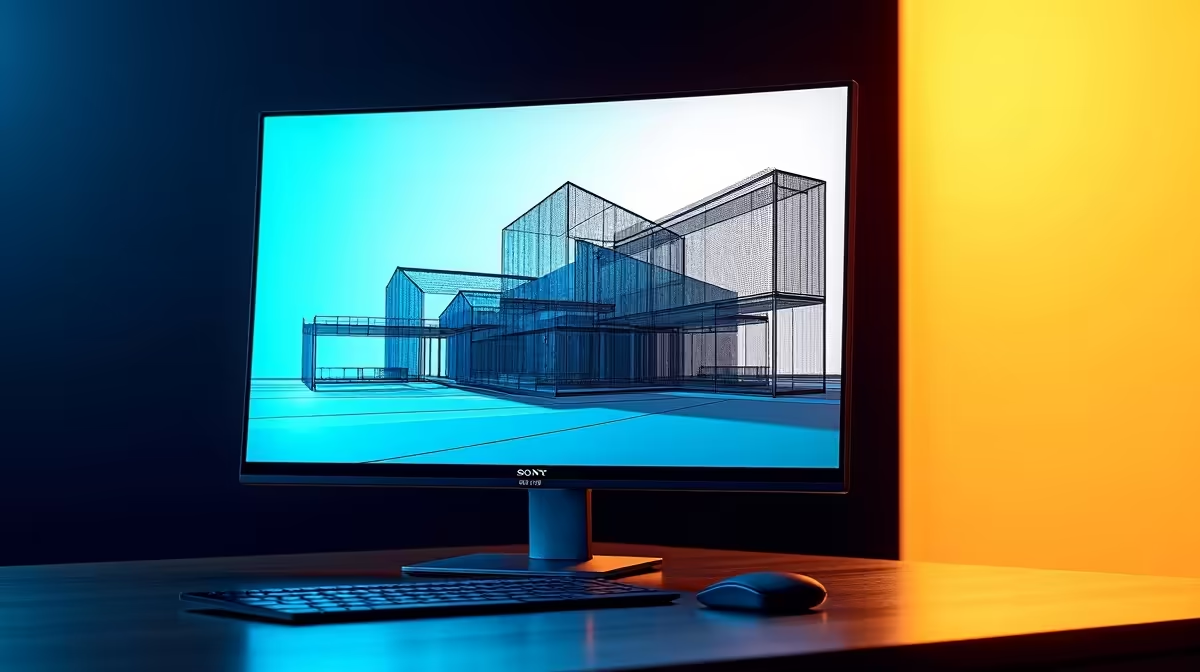
For architecture and BIM software in SA, a 32-inch 4K IPS with accurate colour and a flat panel is the productivity choice — the resolution shows fine line work and fits a full Revit or AutoCAD layout. Budget R9,000–R16,000 at Evetech. Pair with an RTX 4070 Super or workstation card for smooth 4K viewport navigation in large models.
4K Pays Off in Detailed BIM Work
Architecture and BIM benefit directly from resolution: a 32-inch 4K panel (~138 PPI) renders crisp lines, dense schedules and a full ribbon-plus-model-tree at once, cutting pan-and-zoom. Revit, ArchiCAD and AutoCAD all gain usable workspace. Choose a flat IPS panel — curves distort straight reference lines — and a height-adjustable stand to protect posture over long detailing days.
Colour and Calibration for Output
For renders, material studies and client work, a factory-calibrated IPS panel near 100% sRGB with strong DCI-P3 keeps colour trustworthy from screen to print. Matte anti-glare helps in bright SA offices. These accuracy features outweigh refresh rate, which is secondary for CAD; 60Hz is workable, though 120/144Hz makes orbiting feel slicker.
Hardware to Drive 4K BIM
Smooth 4K viewport panning in large federated models needs an RTX 4070 Super for most studios, stepping to a workstation card for very heavy projects, plus 32GB+ RAM. The GPU and RAM, not the monitor's refresh, decide viewport smoothness. Confirm DisplayPort 1.4 or HDMI 2.1 for full 4K bandwidth and consider a USB-C panel to dock a laptop cleanly.
FAQ
Is 4K worth it for architecture and BIM?
Yes — it shows fine line work and fits more of a Revit or AutoCAD layout, reducing pan-and-zoom. It's a real productivity gain for detailed design.
Should an architect choose a flat or curved monitor?
Flat — curved panels bend straight reference lines, which is unacceptable in technical drawing. A flat IPS panel keeps geometry accurate.
What hardware drives 4K BIM smoothly?
An RTX 4070 Super or workstation card with 32GB+ RAM handles large models at 4K. The GPU and RAM set viewport smoothness, not the monitor's refresh.
Pro Tip
For BIM at 4K, choose a flat factory-calibrated IPS and back it with 32GB+ RAM — accurate lines and enough memory for large models matter more than any refresh-rate spec.