Quick Answer
For a clean desk setup, choose a 2m certified DisplayPort 1.2 or 1.4 cable with a slim flexible jacket, gold-plated connectors, and a reinforced strain-relief boot. The 2m length suits corner desks and setups where the tower is further from the monitor, while a slim jacket makes cable management behind a monitor arm significantly easier.
When 2m Is the Right Choice Over 1.5m 📐
The decision between 1.5m and 2m depends on your desk layout. A 1.5m cable works for straight-run setups where the tower sits directly beside a standard-height desk. A 2m cable is correct when: the tower sits on the floor and the monitor is on a tall adjustable arm; the desk is an L-shape and the tower sits at one end while the monitor is at the other; or the tower is behind the desk and the cable must route around furniture. For these common South African home and office configurations, 2m provides enough reach without excess slack. Measuring the intended run with a piece of string before purchasing is the most reliable way to confirm the correct length.
What to Look for in a 2m Cable's Physical Construction 🔧
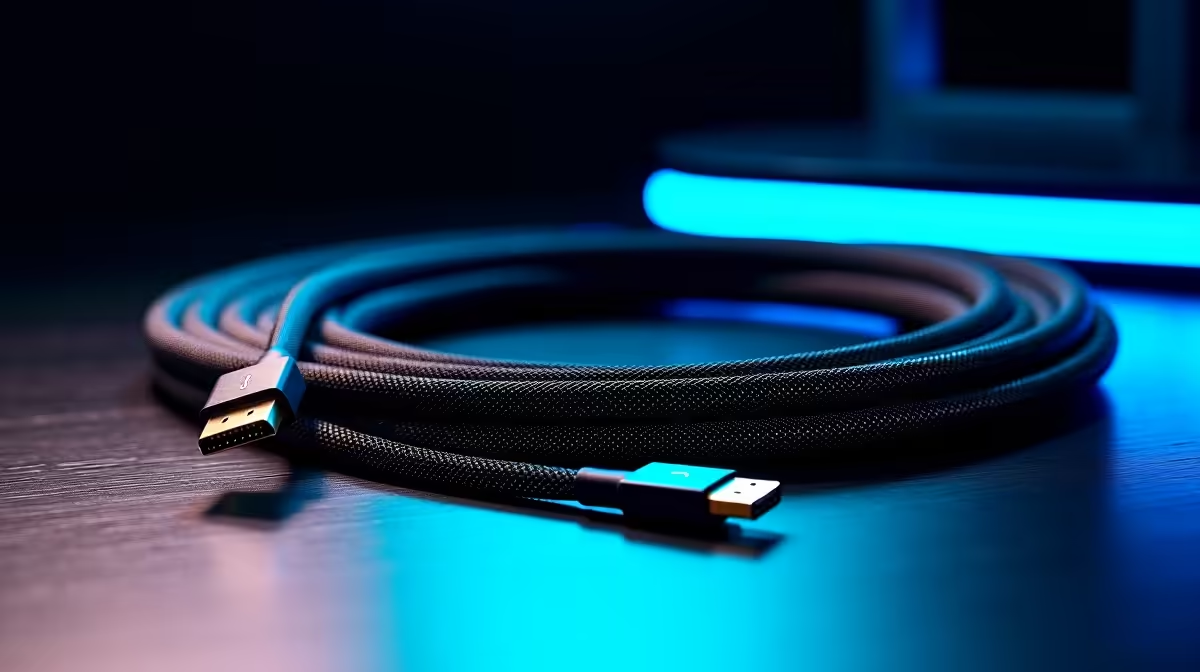
At 2m, jacket flexibility matters more than at 1.5m because the longer run requires more bends and routing manoeuvres. Look for a jacket described as flexible PVC or braided with a soft outer layer; stiff cables fight cable clips and J-channel trays. Triple-layer shielding remains important at 2m because this length runs closer to mains power strips and desk power adapters than a shorter cable. Gold-plated connectors address the oxidation risk in coastal South African homes in Durban or Cape Town. The cable should carry a certified 21.6Gbps rating for DP 1.2 or 32.4Gbps for DP 1.4, with the rating printed clearly on the packaging.
Routing Techniques for a Clean Desk Aesthetic ✨
A 2m DisplayPort cable disappears completely in a clean setup when routed correctly. Use adhesive cable clips along the underside of the desk to guide the cable from the GPU to the monitor arm base. A J-channel cable tray under the desk surface, available at SA hardware stores for R60 to R150, conceals the full cable run. At the monitor arm, clip the cable to the arm column using the arm's built-in cable management clips and let the last 20cm reach the monitor's DP input from behind. The 2m length, properly routed, creates zero visible cable from the front of the desk.
Measure Twice, Buy Once ⚡
Run a piece of string from your GPU output port to your monitor's DisplayPort input along the exact planned route. Add 15cm for connector flexibility at each end. If that length is 1.8m, buy 2m. If it is 2.2m, buy 2.5m. Avoid excess slack at all costs for a genuinely clean desk appearance.
FAQ
Is a 2m DisplayPort cable as reliable as a 1.5m cable for 4K@60Hz?
Yes. Passive DP 1.2 cables maintain full 21.6Gbps signal integrity up to approximately 3m. At 2m, signal quality is identical to 1.5m for any certified cable. Length only becomes a limiting factor for passive cables beyond 3m for DP 1.2.
Can I use a 2m cable with a monitor arm?
Yes. Most monitor arms include cable management clips along the arm column. A 2m cable is the recommended length for setups with a monitor arm raised to ergonomic height on a typical South African desk, as arm routing uses more cable length than flat desk placement.
Does cable colour affect performance or just aesthetics?
Cable colour is purely aesthetic. Black, white, and braided versions all perform identically if they share the same certification and construction quality. Choose the colour that matches your desk; white or braided cables often suit light-coloured desks popular in modern South African home offices.
Building a clean desk setup and need the right display cable length?
Evetech stocks certified 2m DisplayPort cables in flexible jacket options for South African home offices and gaming setups.