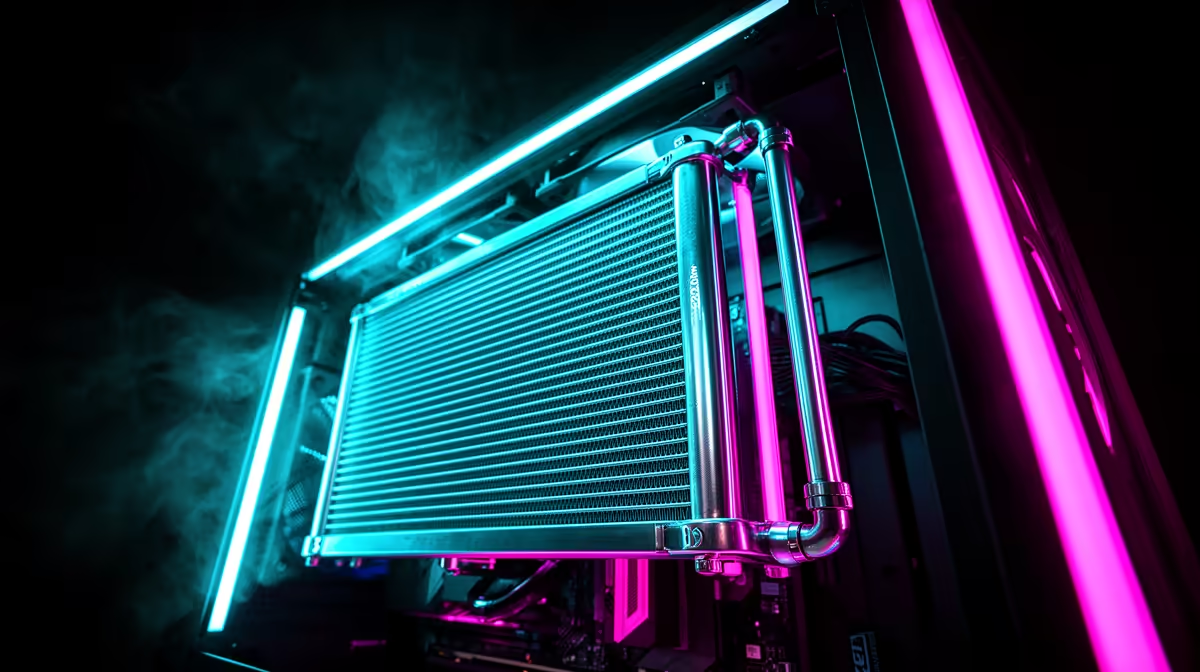
Quick Answer
To install a 420mm radiator, first confirm the case supports three 140mm fan positions in a row at the front or top. Mount the radiator and fans as a pre-assembled unit before fitting it into the case. Connect the pump header to the CPU_OPT or AIO_PUMP header on the motherboard and connect the three fans to a hub tied to the CPU_FAN header.
Verifying 420mm Radiator Compatibility Before You Start 🔧
Not all cases that claim 420mm radiator support handle the radiator with fans attached. A 420mm radiator and three fans add up to 55mm in depth. Check that the case provides at least 55mm of clearance between the panel mount and the first internal obstruction such as the drive cage or GPU end.
For full-tower cases in the R2,800 to R4,500 range, this clearance is almost always present. For mid-towers claiming 420mm support, verify the specification with fans included, not just the bare radiator dimension.
Step-by-Step: Front-Mounted 420mm Radiator Installation 📋
Remove the front panel and any pre-installed front fans or brackets. Attach all three 140mm fans to the radiator body with the fan screws supplied by the AIO manufacturer. For a front intake configuration, the fan sticker side faces the front panel and air moves from outside through the radiator into the chassis.
Offer the assembled radiator and fan unit up to the front mounting position and align the radiator mounting holes with the case bracket holes. Use long fan screws through the fan frame, through the radiator fins, and into the case frame. Do not overtighten as aluminium radiator threads strip easily. For AIO tube routing, position tubes at the bottom of the front mount so they curve naturally toward the CPU socket. Minimum recommended tube bend radius for most AIO kits is 80mm. A tight bend restricts coolant flow and reduces cooling performance by 5 to 10 degrees Celsius over time.
Top-Mounted 420mm Radiator: Key Differences 🌬️
Top mounting a 420mm radiator is less common because most cases support 360mm at the top but only 420mm at the front. In top exhaust configurations, the CPU sees recirculated hot air from the case interior passing through the radiator rather than fresh ambient air. This raises coolant temperature by 3 to 7 degrees Celsius compared to front intake mounting. Top mounting is acceptable for lower-TDP CPUs but the front intake position is preferred for Ryzen 9 9950X or Core i9 class hardware.
Burping Your AIO After Installation ⚡
After installing any closed-loop AIO, run the CPU at full load for 10 minutes while gently tilting the case from side to side. This dislodges air bubbles in the pump head and moves them to the reservoir section. Skipping this step causes rattling pump noise and higher CPU temperatures for the first hours of operation.
FAQ
Does a 420mm radiator noticeably outperform a 360mm radiator?
Yes. A 420mm radiator has about 17 percent more surface area than a 360mm unit. For a Ryzen 9 9950X at all-core boost, this translates to roughly 5 to 8 degrees Celsius lower peak temperature, preserving boost clocks during sustained compute workloads.
Can I install a 420mm radiator without removing the front drive cage?
Only if the case spec sheet confirms the drive cage does not occupy the same vertical space as the 420mm front mount. In many full-tower cases the cage is positioned below the fan mount area. In mid-towers the cage often overlaps and must be repositioned.
What AIO pump speed should I set for a 420mm installation?
Set the pump to fixed 100 percent speed via BIOS or AIO software. AIO pumps consume under 5 watts and their noise is negligible. Running the pump at reduced speed risks inadequate coolant circulation under peak CPU load.
Ready to fit a 420mm AIO for maximum CPU cooling?
Evetech stocks 360mm and 420mm AIO coolers alongside full-tower cases with verified front and top radiator mount compatibility for a seamless installation.