Quick Answer
For maximum thermal stability, install three intake fans at the front of the case and two exhaust fans: one rear and one top rear. This positive pressure configuration pushes fresh air across the GPU and CPU cooler while hot air exits at the natural convective exit points. Positive pressure also reduces dust ingress compared to negative pressure setups.
Positive vs Negative vs Balanced Pressure Explained ⚙️
Case pressure describes the relationship between intake and exhaust airflow volume. Positive pressure means intake CFM exceeds exhaust CFM, creating a slight internal overpressure that pushes air out through every unsealed gap. Negative pressure pulls air in through gaps that bypass dust filters. Balanced pressure matches intake and exhaust closely. For most SA gaming builds, slightly positive pressure is preferred because it forces all incoming air through filtered intakes, keeping the case cleaner between cleaning sessions.
Step-by-Step Triple Front Fan Installation 🔧
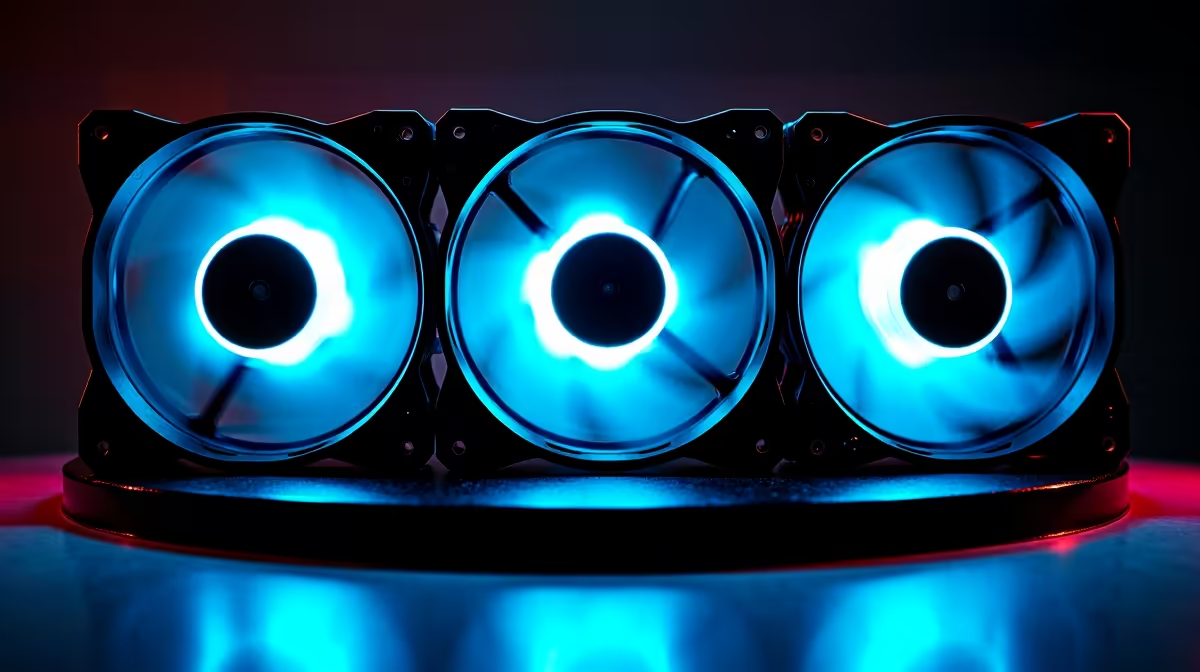
Remove the front panel and existing fans. Three 120mm mounting positions along the front intake are standard in most ATX mid-towers. Mount the first fan at the bottom position with the label side facing outward toward the front panel filter. Secure with four fan screws. Repeat for middle and top positions. Route PWM cables behind the front panel lip before reinstalling the front panel to prevent cable obstruction. Connect all three fans to the motherboard's CHA_FAN headers or a PWM fan hub if fewer than three headers are available.
Thermal Validation After Installation 🌡️
After installing the fan pack, run a 30-minute combined CPU and GPU stress test using Prime95 and FurMark simultaneously to create worst-case thermal load. Monitor with HWiNFO64. A well-balanced triple-intake configuration should keep a Ryzen 7 9800X3D or Intel Core Ultra 9 285K below 85 degrees Celsius with a 240mm AIO, and GPU hotspot temperatures on an RTX 5070 or RX 9070 XT below 90 degrees at stock settings. If temperatures exceed these thresholds, check that front fan filters are clean, that cables are not blocking blades, and that no large obstructions block the airflow path between the front fans and the components.
Stagger Fan Screws for Better Vibration Isolation ⚡
When installing fans in adjacent positions, tighten fan screws in a cross pattern rather than sequentially around the frame. This ensures the fan gasket or rubber mount seals evenly against the case surface and minimises transmitted vibration. Fan vibration conducted to case panels can produce a resonance hum audible at mid RPM ranges even when the fans themselves are quiet.
FAQ
How many fan headers does a standard motherboard have for a triple fan pack?
Most ATX motherboards provide two to three chassis fan headers in addition to the CPU fan header. If your triple fan pack needs more headers than are available, a four-port PWM fan hub running from a single header is the easiest solution and costs under R300 locally.
Do I need to buy fans separately or can I buy a triple fan pack together?
Triple fan packs sold as a matched set offer matched performance specifications and, in RGB configurations, synchronised lighting from a single controller. Individual fan purchases can work but may result in minor speed differences between units. Matched sets are cleaner for performance and aesthetics.
What CFM rating should I look for in fans for a mid-tower ATX case?
For front intake fans in a positive pressure setup, look for fans rated at 50 to 70 CFM at maximum speed. Static pressure ratings matter more than free airflow CFM for fans behind dust filters, so favour fans with static pressure ratings above 2.0 mmH2O for filtered intake positions.
Ready to upgrade your case airflow with a triple fan pack?
Evetech stocks 120mm and 140mm PWM case fan packs from leading brands, sized for standard mid-tower ATX builds. Browse the cooling section to find a matched set that fits your case and airflow targets.