Quick Answer
A 200MB/s SDXC card cuts offload time dramatically compared to standard V30 UHS-I cards. A 128GB card of 4K footage at 200MB/s with a compatible UHS-II reader offloads to a laptop in roughly 10 to 11 minutes, compared to 20 to 25 minutes on a standard 104MB/s UHS-I card. The critical requirement is a UHS-II card reader; without it, the 200MB/s card reverts to UHS-I speeds.
Why Read Speed Matters More Than Write Speed for Offloading 💾
SD card write speed (V30, V60, V90) governs in-camera recording reliability. SD card read speed governs how fast files transfer from the card to your laptop or editing drive after the shoot. A 200MB/s read speed card with a matching UHS-II reader transfers data at up to 200MB/s in sequential reads, which is relevant for the large, sequential video files produced by 4K recording. This cuts the end-of-day backup window significantly. For a South African content creator who shoots a 128GB full card of drone footage and needs it ingested, backed up to an external drive, and on a timeline before the client deadline, cutting offload time from 20 minutes to 10 minutes per card is a meaningful workflow improvement across a multi-card shoot day.
The UHS-II Bottleneck: Cards and Readers Must Match 🔧
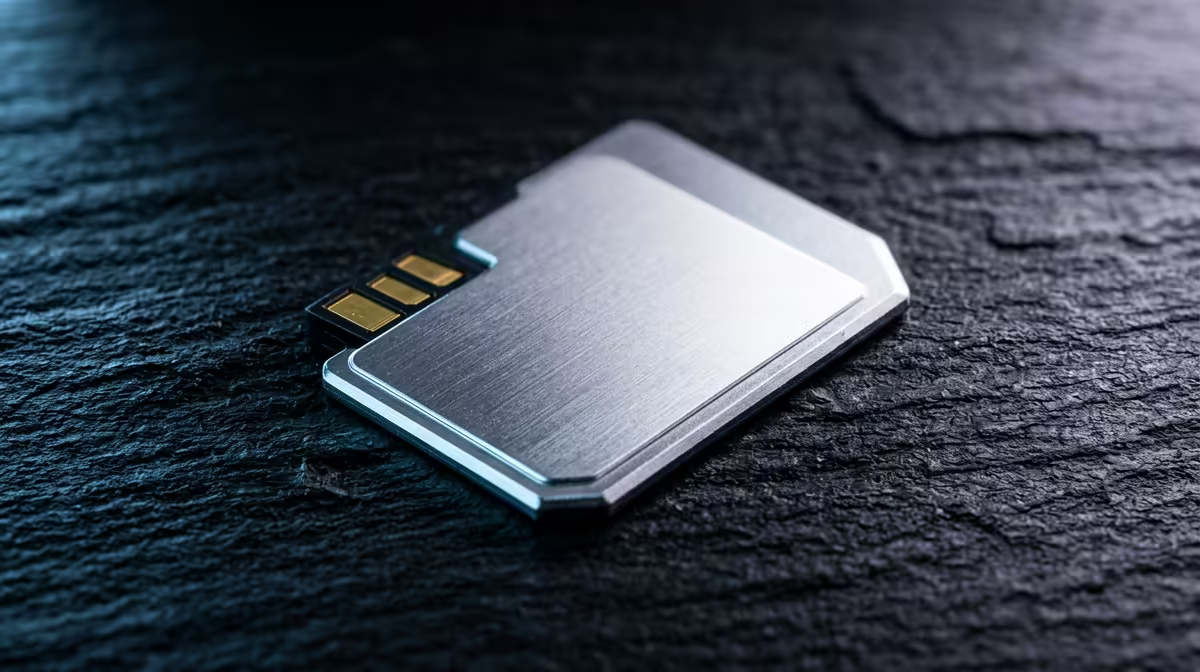
200MB/s SDXC cards use the UHS-II bus, which adds a second row of physical contacts visible on the back of the card. Inserting a UHS-II card into a UHS-I slot (on a laptop, camera, or dock's built-in SD reader) drops performance to UHS-I speeds (maximum 104MB/s). To get 200MB/s offload speeds, a dedicated UHS-II card reader is essential. These readers connect via USB-C at USB 3.2 Gen 1 or Gen 2 speeds, and the host port must support at least USB 3.2 Gen 1 (5Gbps) to avoid the USB connection itself being the bottleneck. USB 3.2 Gen 1's 5Gbps theoretical ceiling supports up to 500MB/s in real-world conditions, so even a 200MB/s card reader has headroom.
Practical Offload Workflow for SA Video Creators 🎬
A fast card alone is not enough. The complete fast-offload chain requires: the UHS-II SDXC card, a USB-C UHS-II card reader, a USB 3.2 Gen 2 or higher port on the laptop or dock, and a destination SSD (not HDD) fast enough to accept 200MB/s writes. An NVMe SSD destination (like a Samsung 990 Pro or Crucial T705 installed in the laptop or an external NVMe enclosure) has no bottleneck at 200MB/s. A spinning HDD destination caps at 100 to 150MB/s, which makes the HDD the limiting factor regardless of the card or reader speed. For South African editing workstations running Adobe Premiere Pro or DaVinci Resolve, an internal NVMe drive plus a UHS-II reader creates a workflow where the card is the fastest component in the chain.
Dual-Backup on Offload Day ⚡
When copying footage from a fast SDXC card to the laptop, simultaneously copy to a second external drive (a portable NVMe or a 2.5-inch SSD). Copy two destinations, verify both copies with a checksum tool, then format the card. Never format the original card until both backup destinations are confirmed. A R250 second drive is far cheaper than reshoot costs or a missed deadline.
FAQ
Will a 200MB/s card record 4K faster than a standard V30 card?
In-camera recording speed is governed by the camera's bitrate, not the card's maximum speed. A 4K H.265 stream at 100Mbps writes at 12.5MB/s regardless of whether the card supports 200MB/s or 30MB/s.
Can I use a 200MB/s UHS-II SDXC card in my older camera with a UHS-I slot?
Yes. UHS-II cards are fully backwards-compatible with UHS-I and even Class 10 slots.
How much do fast 200MB/s SDXC cards cost in South Africa?
64GB UHS-II V60 cards rated at 200MB/s or higher read speed currently price around R600 to R900. 128GB versions in the same tier sit at R900 to R1,500.
Need faster card-to-drive transfers after every shoot?
Evetech stocks high-speed SDXC cards and compatible card readers for 4K video workflows. Browse the full memory and storage range at Evetech to complete your fast offload setup.