Quick Answer
Optimising CPU cooling across editing, rendering, gaming and multitasking means tuning your fan curve to match each workload's thermal profile, ensuring adequate case airflow, and verifying that your cooler's TDP rating exceeds the sustained power draw of your specific CPU rather than just its base TDP.
Understanding How Each Workload Stresses Your CPU 🎮
Gaming pushes CPUs in short bursts at moderate thread counts, rarely exceeding 80 to 85 degrees Celsius on a well-cooled Ryzen 7 9800X3D or Core i7-14700K. Video editing and rendering are the real thermal challenges: timeline scrubbing in DaVinci Resolve or a Cinema 4D render can pin every thread for hours, regularly driving temperatures to 90 to 95 degrees Celsius on a processor running at its full power limit.
Fan Curve Tuning for Mixed Workloads 🔧
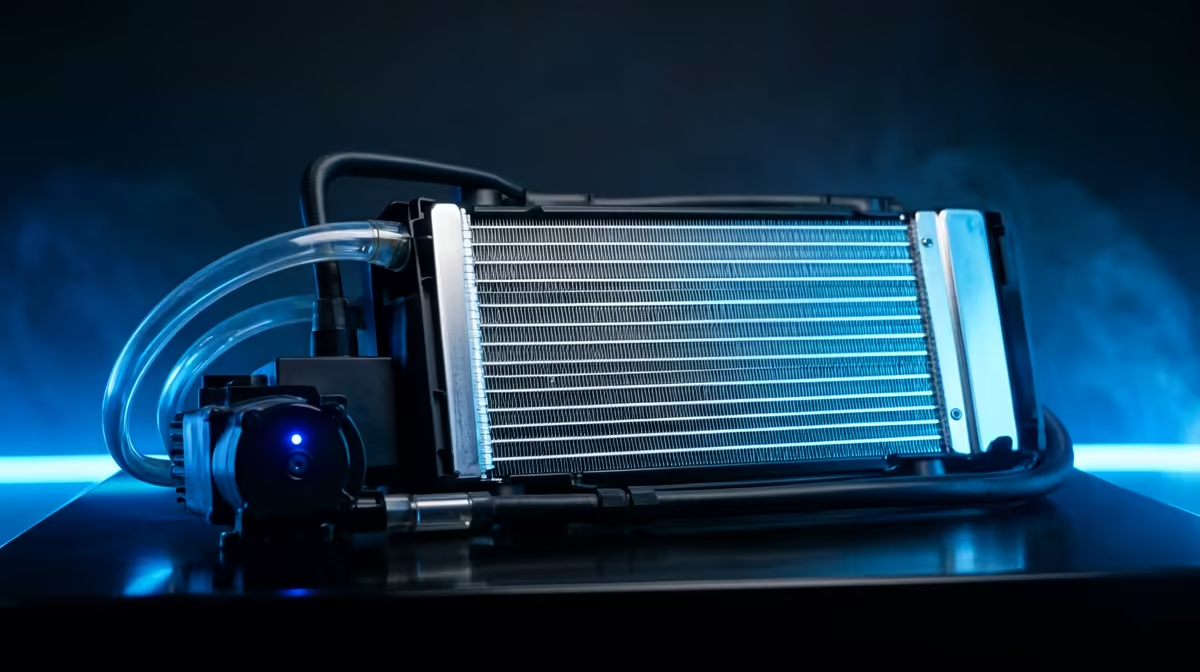
A flat fan curve set at 70% speed wastes noise potential during idle and underperforms during a render. Instead, set a three-point curve in your BIOS or fan controller software: quiet below 60 degrees Celsius, stepping to 70% at 75 degrees, and full speed above 85 degrees. Most AIOs and high-end air coolers like the Noctua NH-D15 or be quiet! Dark Rock Pro 5 respond well to this profile without generating constant noise during light browsing. For sustained rendering sessions, set the AIO pump to 100% fixed speed regardless of temperature; pump speed reduction under load is a common cause of unexpectedly high temperatures that tool reviews rarely highlight.
Case Airflow as the Cooler's Support System 🌬️
Even a premium 360mm AIO underperforms in a case with poor airflow. The radiator exhaust raises ambient temperature inside the case if warm air has nowhere to go, and the pump then circulates pre-heated coolant back to the CPU block. A minimum of two front intake fans and one rear exhaust fan creates the positive pressure gradient needed to keep intake air cooler than case air. In warm South African climates, where a poorly insulated gaming room in Johannesburg or Durban can reach 28 to 32 degrees Celsius during summer, every degree of ambient temperature feeds directly into your CPU thermal headroom.
Re-Paste Every Two Years for Rendering PCs ⚡
Thermal paste degrades over time, especially on CPUs running sustained high-temperature workloads. A fresh application of quality compound on a rendering workstation can recover 4 to 8 degrees Celsius compared to factory paste that is two or more years old. Schedule a re-paste alongside your annual dust cleaning.
FAQ
Does undervolting help more than upgrading the cooler?
For many modern CPUs, undervolting offers significant thermal gains without any hardware cost. An AMD Ryzen 9 9900X undervolted by 50mV in BIOS can drop peak temperatures by 8 to 12 degrees Celsius under a Blender render, often outperforming a cooler upgrade at zero rand spent. Try undervolting first before purchasing new hardware.
How do I know if my cooler is rated for my CPU's full TDP?
Check the cooler's TDP rating in the spec sheet and compare it to your CPU's maximum boost power, not just its base TDP. A Ryzen 9 9950X carries a 65W base TDP but can draw up to 170W during all-core boosts. Your cooler should be rated at or above that sustained power figure for stable long-term operation.
Is a 240mm AIO sufficient for video editing on a Ryzen 7 processor?
A 240mm AIO handles a Ryzen 7 9700X or Core i7-14700 comfortably during editing and light rendering, keeping temperatures below 85 degrees Celsius at stock settings. For a Ryzen 9 or Core i9 processor running extended Blender or After Effects renders, a 360mm AIO or a dual-tower air cooler is a stronger match for sustained workloads.
Looking to upgrade your CPU cooler for demanding workloads?
Browse the full CPU cooler range at Evetech to find a solution sized for your specific processor and use case.