Quick Answer
The most effective way to reduce cable clutter from wall-mounted modular gaming lights is to route the USB power cable inside a self-adhesive cable raceway that runs flush along the wall edge or skirting board to the nearest wall socket, keeping the cable invisible from normal viewing angles.
Planning the Cable Route Before Mounting Panels 📐
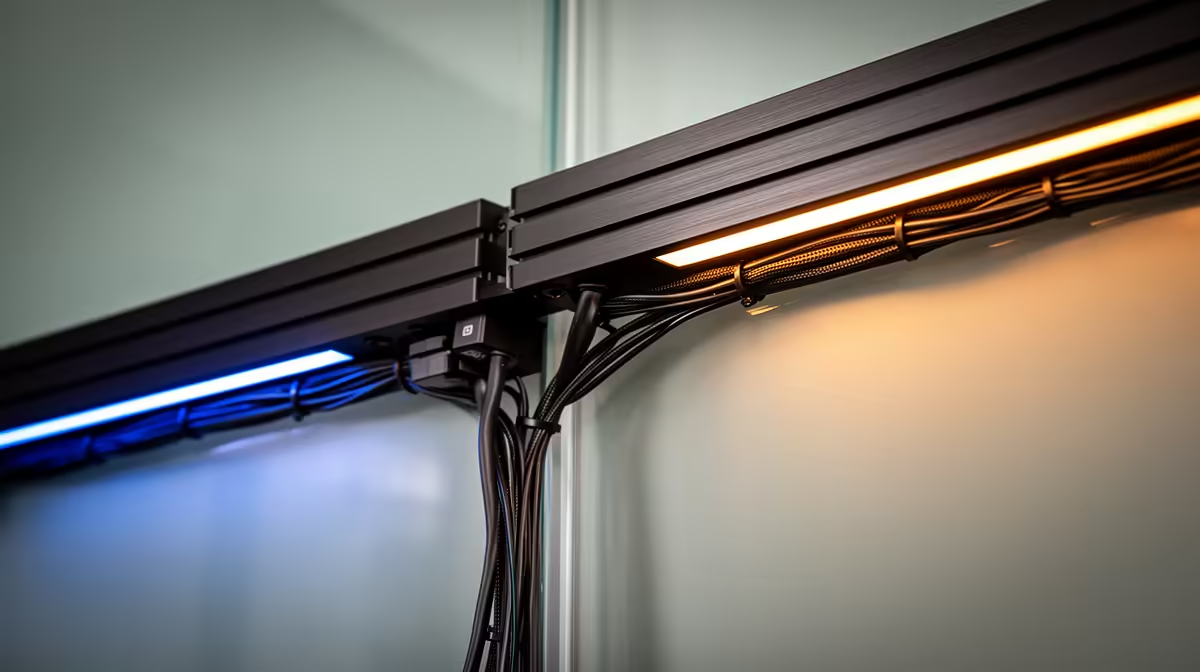
Cable management is easier to plan before you touch the wall than to fix after panels are installed. Identify where the wall socket or USB power point sits relative to your intended panel position. The Cololight controller mounts at the edge of the panel array, with the USB cable leaving from that point. A cable running straight down from the controller to the skirting board, then along the skirting to the socket, creates the cleanest route. For SA rooms where the nearest socket is more than 1.5 metres from the panel position, a USB extension cable or a small power strip mounted behind the panels is needed. Avoid running extension cables across open floor space where they become trip hazards in a dark gaming room.
Self-Adhesive Cable Raceways for SA Walls 🔧
Plastic self-adhesive cable raceways (cable channels or trunking) are flat D-profile channels that stick to the wall surface and snap shut over the cable. Available in white, black, and wood-grain finishes at hardware stores across SA for R30 to R80 per metre. White channels blend with standard SA room paintwork. Use a channel rated for at least 10mm cable diameter to accommodate USB cables with moulded connectors. Cut channels to length with a hacksaw and join corners using pre-made 90-degree elbow pieces. For a Cololight USB cable run of 80cm from the controller to a skirting level channel, two channel lengths and one elbow piece complete a fully concealed route.
Additional Cable Management Techniques 🎮
For a cleaner install: route the cable through adhesive cable clips spaced 15cm apart rather than a full raceway, which is faster and uses less material. For desks pushed against the wall: pass the USB cable through a 20mm hole drilled through the desk surface and route it under the desk using existing cable management hardware. In SA res rooms or digs where drilling is prohibited, 3M command-style cable clips hold a bundled cable flat without permanent adhesive marks and remove cleanly at lease end with a hairdryer.
Paint Cable Raceways to Match Your Wall ⚡
Standard white cable raceways stand out against coloured or dark accent walls. Before sticking the raceway, apply the same wall paint to its outer surface using a small brush. Once dried, the raceway becomes nearly invisible from normal viewing distances, making the overall install look significantly more professional without extra cost.
FAQ
Is it safe to run a USB cable inside a wall cavity for a completely hidden install?
Running a USB 5V cable through a wall cavity is not recommended without proper conduit inside the cavity. SA building regulations require electrical work inside walls to use appropriate conduit, and an overheating USB cable inside a wall cavity presents a fire risk. Surface raceways are the safer practical option.
How do I keep the USB connector at the controller end from pulling out of the channel?
Loop a small excess of cable (about 5cm) before it enters the raceway. This strain-relief loop absorbs movement from panel adjustments without pulling tension directly on the raceway adhesive. Secure the loop with a small adhesive cable clip.
What is the maximum USB cable length before voltage drop affects the controller?
The Cololight controller uses USB for power only, not data. USB power cables can run up to 3 metres without significant voltage drop for a 15W load. Beyond 3 metres, use a thicker-gauge cable rated for 3A or place a USB adapter closer to the controller.
Installing modular lighting in your gaming room?
Evetech stocks Cololight panels with all mounting hardware included, and their accessory range covers cable management tools for a clean professional finish.