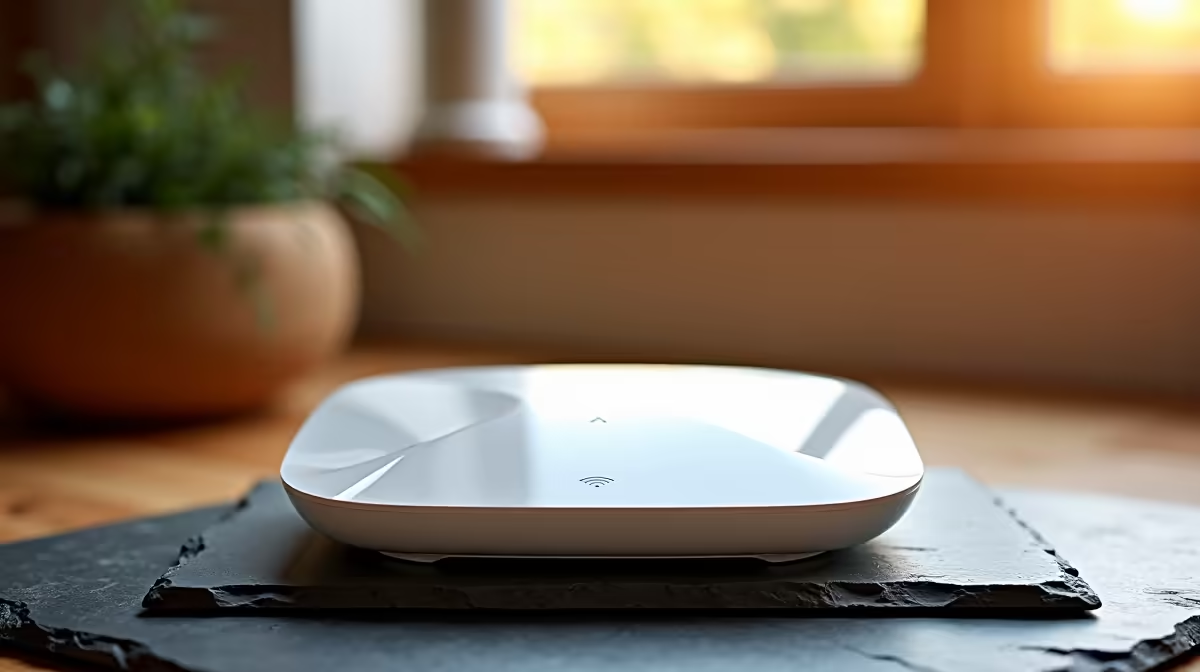
Receiving a Wi-Fi router safely in Thokoza comes down to confirming the order, checking the parcel on arrival, and testing the unit before you sign.
Quick Answer
Have the Wi-Fi router couriered to a verified Thokoza address or an East Rand collection point and confirm the model and ports before signing. A capable Wi-Fi 6 router costs about R1,200-R3,500 and sustains real-world speeds well above a 100Mbps fibre line.
Thokoza Delivery Options
The Courier Guy, Aramex and RAM deliver to Thokoza. A router is a small, easy-to-receive parcel, but inspecting and signing at a collection point or workplace is still the safer move. Confirm the router suits your line (fibre via Vumatel or Openserve, or an LTE/5G model) before ordering.
Setup And Speed On Arrival
Connect the router to your fibre ONT or modem, then open the admin page at 192.168.0.1 or 192.168.1.1 in a browser. Set a strong Wi-Fi password and enable the 5GHz band. A Wi-Fi 6 router on 5GHz comfortably delivers a 100Mbps or 200Mbps fibre plan at close range, with the 2.4GHz band covering further rooms at lower speed.
Ports And Warranty
For a wired PC or console, confirm at least four Gigabit LAN ports. Wi-Fi 6 (802.11ax) handles busy households better than older Wi-Fi 5. Keep the invoice for the warranty, which runs from the invoice date, and test every port and both bands on day one.
FAQ
What is the default router IP address?
Most routers use 192.168.0.1 or 192.168.1.1, with the login printed on a sticker underneath the unit.
Should I choose Wi-Fi 6?
Yes for most homes. Wi-Fi 6 (802.11ax) supports more simultaneous devices and sustains higher speeds, covering 100-200Mbps fibre plans with ease.
Which courier covers Thokoza?
The Courier Guy, Aramex and RAM all deliver to Thokoza on the East Rand. A collection point you can inspect at before signing is the safest option.
log in at 192.168.1.1, set a strong password and enable the 5GHz band so your PC sees the full fibre speed in the same room.