Quick Answer
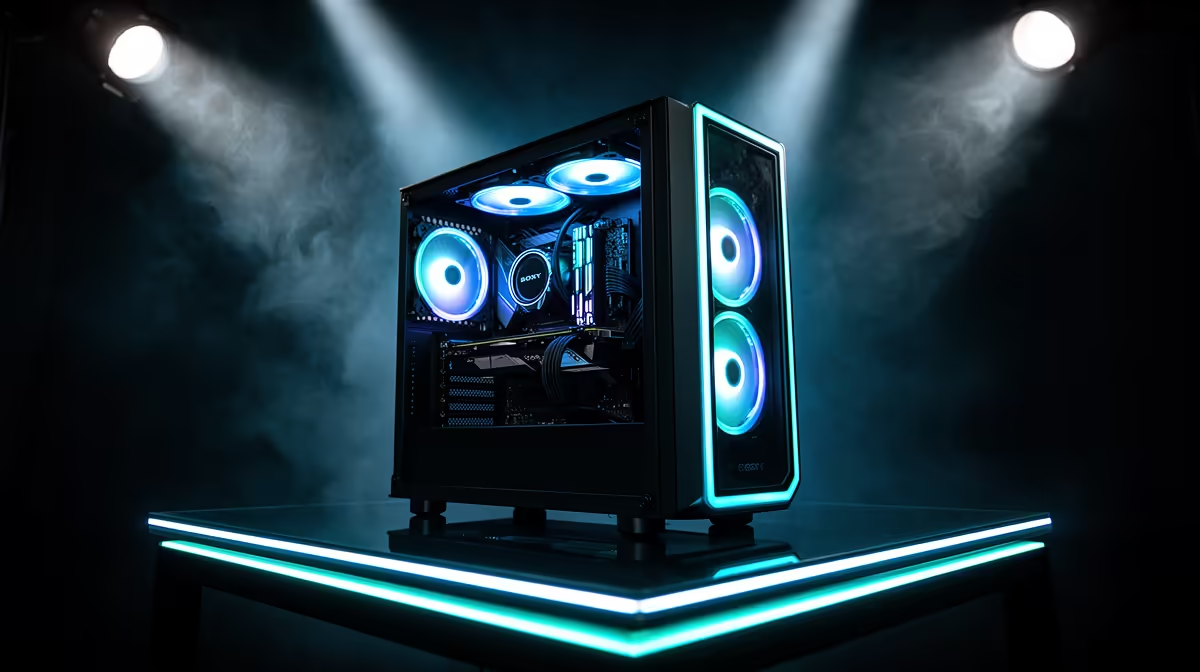
To set up ARGB stage lighting without visual clutter, limit your lighting zones to three deliberate sources (fans, GPU underglow, and one accent strip), synchronise all ARGB components to a single colour palette or effect, and ensure cable management is complete before any lighting is switched on. Cluttered ARGB builds result from too many competing colours and poor cable routing, not from too much light itself.
The Three-Zone ARGB Framework 🎮
A clean ARGB gaming PC uses three lighting zones maximum: the fan array (front intake and top exhaust), the GPU shroud and underglow, and one additional accent (either an ARGB RAM kit, AIO pump head, or a single LED strip behind the motherboard). Anything beyond three zones starts competing visually and the build stops reading as intentional.
For the fan array, use ARGB fans with the same frame design and LED configuration throughout.
Colour Synchronisation: One Palette, Not One App 🔧
All major motherboard manufacturers (Asus Aura Sync, MSI Mystic Light, Gigabyte RGB Fusion) provide ARGB synchronisation software that controls compatible fans, RAM, and GPU accessories through a single interface.
For a desk gaming PC that is visible during work hours as well as gaming sessions, a slow colour cycle or static blue or white palette reads as professional rather than hyperactive. Reserve fast rainbow effects for LAN events where high-energy visual impact matters more than day-to-day elegance.
Cable Management for Lighting Builds: Getting It Right 💡
ARGB cables are thin and numerous, which makes them the primary source of visual clutter in lighting-focused builds. Each ARGB component requires both a power cable (SATA or 4-pin) and a data cable (3-pin ARGB connector), doubling the cable count compared to non-RGB components. Route ARGB data cables behind the motherboard tray alongside power cables, using the rubber cable pass-through grommets in the case.
For ARGB fan setups in South Africa where ambient temperatures demand effective airflow, do not sacrifice fan positioning for cable neatness. Route cables cleanly but prioritise the fan orientation that delivers the best airflow pattern. A thermally inefficient build that looks clean is a false trade-off. Most quality ATX cases with ARGB fan mounts include cable channels that enable both clean routing and correct fan orientation.
One Static Colour Beats Every Rainbow Effect ⚡
For a desk gaming PC used in a South African home office, set your ARGB to a single static colour (white, blue, or purple are the most versatile). Static colour reads as a deliberate design choice and looks dramatically cleaner in photos and videos than animated effects, which often appear chaotic in any footage faster than a slow cinematic pan.
FAQ
Do ARGB fans require a specific motherboard to synchronise?
ARGB fans need a motherboard with a 3-pin 5V ARGB header or a standalone ARGB controller hub if the motherboard lacks native headers. Most current mid-range and high-end motherboards include two to four 5V ARGB headers. If your board has only 4-pin 12V RGB headers (older standard), ARGB fans will not sync natively without an adapter hub.
Can I mix ARGB fans from different brands in the same build?
Physically yes, but synchronisation will be imperfect. Different brands implement the ARGB LED control protocol slightly differently, meaning effects may not run in perfect time with each other even when connected to the same controller. For clean synchronisation, use fans from a single brand or ecosystem within each zone.
Is ARGB lighting harmful to PC components or wiring?
No. ARGB LEDs draw minimal power (typically 2 to 5W for a full fan set) and produce negligible heat. The ARGB data signal is a low-voltage 5V digital signal that does not interfere with other PC electronics when correctly routed away from PCIe slots and RAM slots.
Building a clean, synchronised ARGB gaming setup in South Africa?
Evetech stocks matching ARGB fan sets, ARGB RAM, and compatible cases from brands whose lighting ecosystems work together. Get a cohesive build without the guesswork.