Quick Answer
An AIO cooler with a 2K AMOLED pump head display shows real-time CPU temperature, clock speed, and fan RPM directly on the pump head. Setup involves connecting the display cable to a USB 2.0 internal header on the motherboard and configuring the monitoring layout in the manufacturer's companion software.
What a 2K AMOLED Display Actually Shows 🖥️
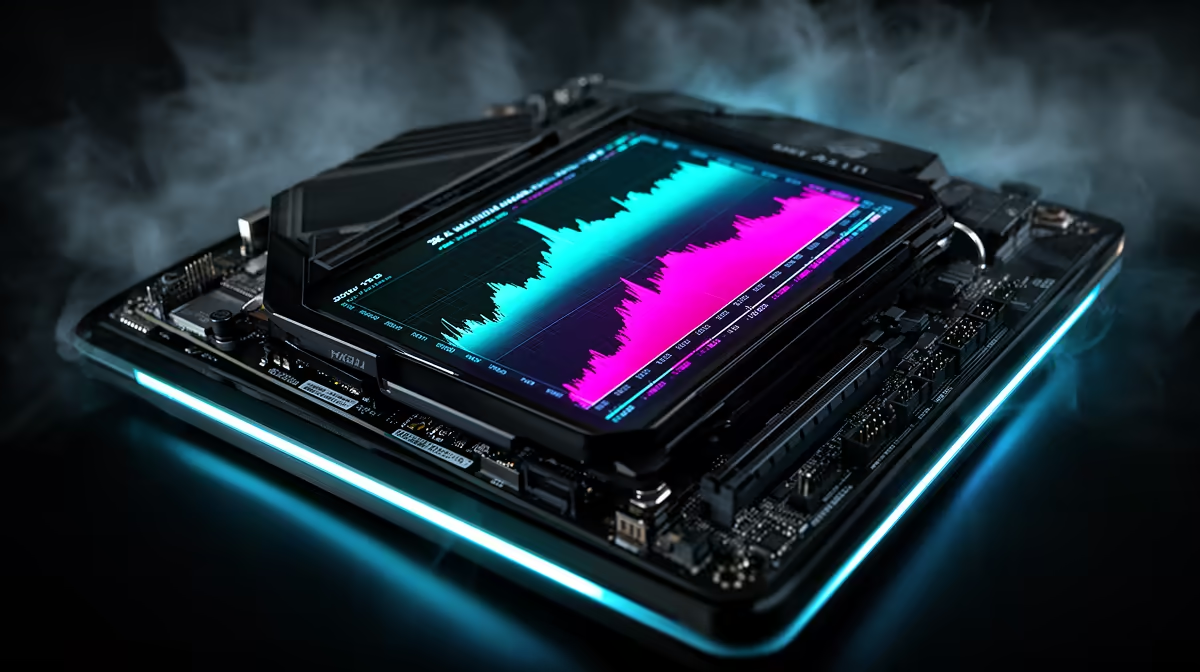
AIO liquid coolers with integrated AMOLED pump head displays use small high-resolution screens typically 2.36 to 2.88 inches diagonal at 2560x1440 resolution. The AMOLED panel delivers deep blacks and vivid colours that standard LCD displays at this size cannot match, which is why showcase builds prefer them. The display can show CPU temperature, CPU clock speed, GPU temperature, fan RPM, system time, or a custom static image or animated GIF.
For temperature monitoring, these displays provide at-a-glance CPU readouts visible from across a desk without opening any software. A builder running a Ryzen 9 9950X sees in real time whether all-core temperatures stay within range during a rendering task, with updates every 0.5 to 1 second.
Setting Up the Display Software 🔧
After physical AIO installation, connect the micro-USB or USB-C cable from the pump head to a USB 2.0 internal header on the motherboard. Most current motherboards have two to four USB 2.0 internal headers. The display draws under 3W and can share a splitter if all headers are occupied.
Install the manufacturer's companion software. For ASUS ROG coolers, Armoury Crate handles display configuration alongside fan curves. For Corsair, iCUE manages all connected devices from a single panel. Once detected, navigate to the display tab and select a monitoring layout. CPU temperature, CPU utilisation percentage, and pump RPM are the three most useful channels for a showcase build.
Practical Monitoring During Gaming Sessions 💻
During a demanding session on a Ryzen 9 9900X and RTX 5080 system, watching the pump head display provides immediate feedback on CPU thermal stability. A temperature that climbs above 85 degrees Celsius and stays there warrants checking fan curve settings, pump RPM in software, and case fan airflow.
South African builders who push systems during summer months in Johannesburg or Durban find this display particularly useful. When ambient room temperature rises to 30 degrees Celsius and above, the CPU operating temperature responds visibly before software throttling begins, prompting proactive fan curve adjustments.
AMOLED Display Burn-In Prevention ⚡
AMOLED screens are susceptible to burn-in if the same static image is displayed for thousands of hours. Enable the screensaver or rotating display mode in your cooler's companion software. Most cooler software offers auto-rotation intervals of 30 to 60 seconds, preventing burn-in without interrupting monitoring.
FAQ
Does the AMOLED pump head display affect cooling performance?
No. The display is passive on the outer pump head surface and does not affect the liquid channel, impeller, or thermal interface inside. The USB data cable carries display signals only.
Can I display custom images or videos on the pump head screen?
Yes. Most AMOLED AIO companion software accepts JPEG, PNG, and animated GIF files at the display's native 2K resolution. Some software also accepts short video loops converted to GIF format.
Is a 2K AMOLED display cooler worth the premium?
For showcase builds in the R2,500 to R3,500 AIO range, the AMOLED display justifies the R400 to R800 premium over an equivalent cooler without a display. For purely functional builds where the interior is not visible through glass, the premium is harder to justify on performance grounds alone.
Want a CPU cooler that monitors and impresses?
Evetech stocks AIO liquid coolers including models with AMOLED pump head displays for showcase gaming builds.