Quick Answer
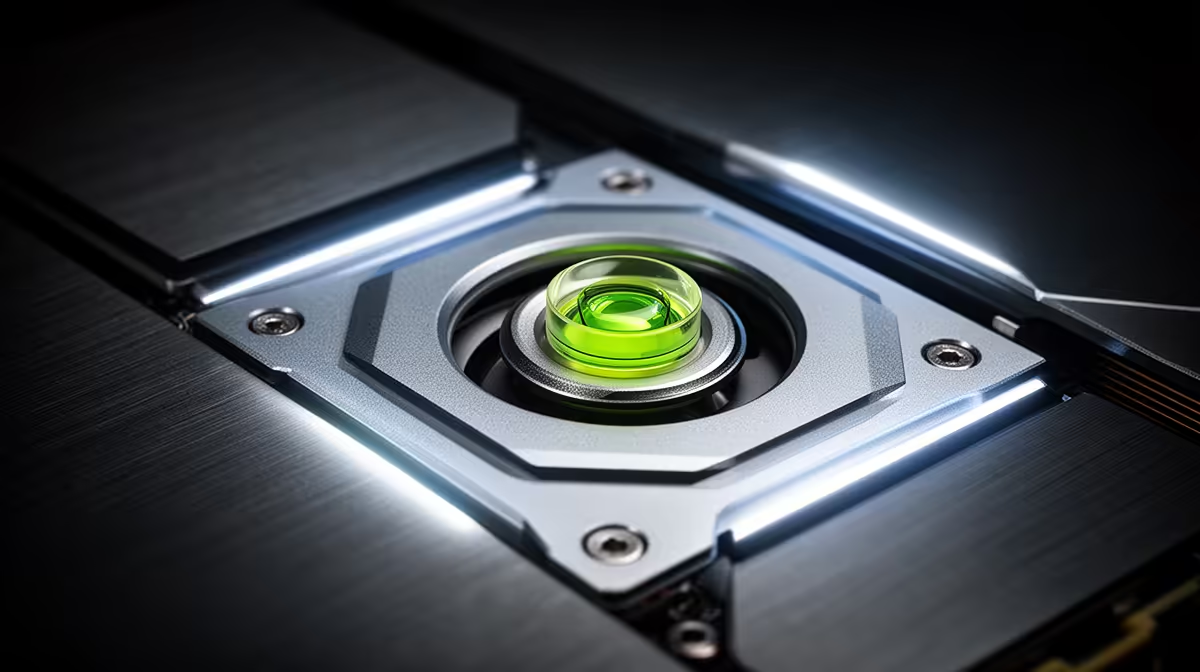
A GPU support bracket with a built-in spirit level lets you confirm horizontal card alignment without extra tools. Adjust the bracket arm height until the air bubble in the spirit level tube sits perfectly centred between the two lines, which indicates the GPU is level. Tighten the adjustment lock in that position.
Why Accurate GPU Alignment Matters 🔧
A GPU sitting even 3 to 5 degrees off horizontal may look visually level to the eye but places the PCIe slot solder joints under asymmetric shear stress. Over time, this uneven loading can crack solder joints on the motherboard, producing intermittent PCIe errors before causing outright failure. Modern triple-fan GPUs costing R12,000 to R35,000 are worth protecting with a bracket that costs R250 to R600. The spirit level removes guesswork from the alignment process, particularly important in compact mATX cases where angled cable routing can push the GPU into a slight tilt that is invisible until you check with a level.
Step-by-Step Spirit Level Use During Installation 📐
Begin with the PC case upright on a level surface. Confirm the case itself is level using your phone's spirit level app before installing any components, as a tilted desk surface introduces a constant offset. Seat the GPU fully in the PCIe x16 slot until the retention latch engages. Position the support bracket base on the PSU shroud rail directly below the GPU cooler's midpoint. Extend the bracket arm upward until it contacts the cooler base plate. At this point, look directly at the spirit level vial on the bracket arm. If the bubble sits toward the slot end, the front of the GPU is sagging: extend the arm slightly further. If the bubble sits toward the front of the GPU, the arm is over-extended: retract it slightly. When the bubble is centred, lock the adjustment screw firmly and confirm the bubble has not shifted after tightening.
Common Mistakes When Using a Spirit Level on a GPU Bracket 🎯
The most common error is trusting the case surface rather than independently levelling the case itself. A PC placed on a slightly uneven desk means a perfectly centred spirit level bubble indicates a tilted GPU. Use a phone spirit level on the case floor and shim the desk if needed before final bracket alignment. The second error is over-tightening: once the spirit level confirms alignment, tighten only until the bracket resists movement. Applying additional force lifts the card against its natural resting position, creating an upward bow at the PCIe slot that causes the same type of stress as sag, just in the opposite direction.
Recheck Level After Full Cable Routing ⚡
GPU power cables, especially stiff 12VHPWR connectors, apply rotational torque to the card after full connection. Always check the spirit level again after all power cables are seated and dressed. A cable pulling the connector end of the card downward by 2 to 3 degrees can displace a previously perfect alignment.
FAQ
Are spirit level vials on GPU brackets accurate enough to be useful?
Yes. Most vials on quality GPU brackets are calibrated to show visible bubble displacement at 1 to 2 degrees of tilt, which is sufficient accuracy for PCIe slot protection.
Can I use a smartphone spirit level app instead of a built-in bracket level?
Absolutely. A phone spirit level app works well and is often more sensitive than a small vial. Hold the phone flat against the GPU cooler base plate or the top edge of the PCIe bracket to get an accurate tilt reading.
Does GPU alignment affect temperatures or performance?
A slight tilt does not measurably affect GPU clock speeds or temperatures. The value of perfect alignment is entirely mechanical: protecting the PCIe slot from sustained shear stress. There is no thermal or performance benefit to levelling the GPU beyond the structural protection it provides.
Want precise GPU installation from the start?
Evetech stocks GPU support brackets with built-in spirit levels and adjustable arm heights that take the guesswork out of getting your graphics card perfectly aligned.