Quick Answer
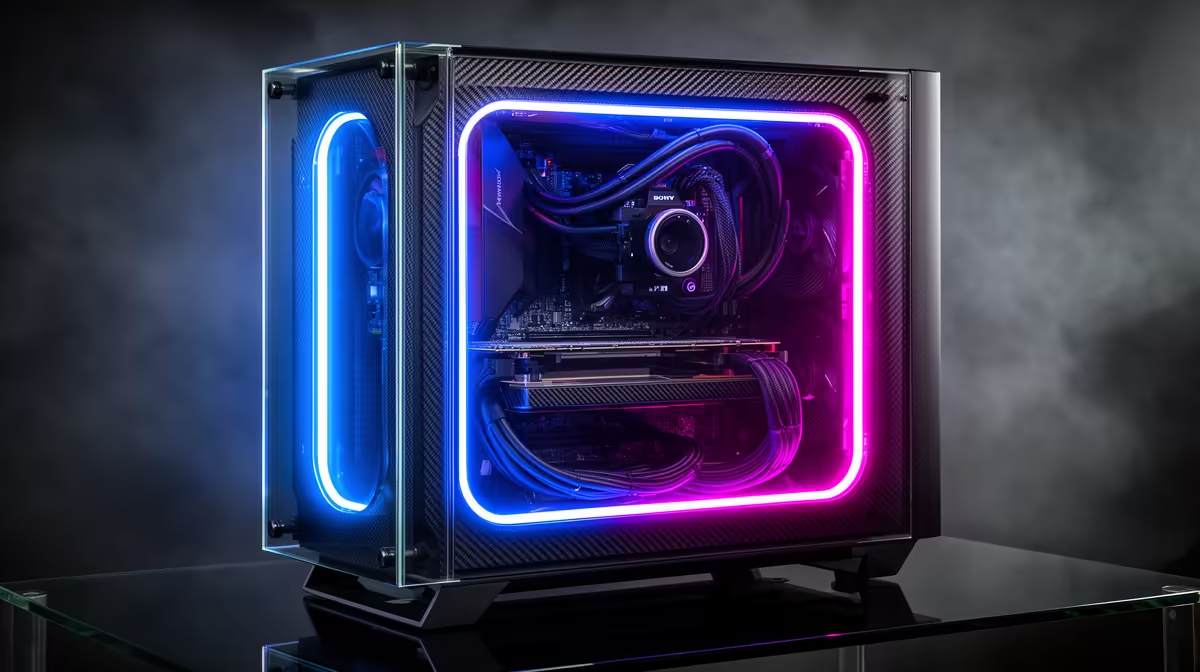
The key is choosing a case where the glass panels are on both the left (showcase) and right (cable management) sides, but the right-side panel has a deep recessed channel of at least 25mm behind the motherboard tray. That depth hides cables from the glass view.
Why Dual Glass Complicates Cable Hiding 🔍
A traditional single-glass case has a solid steel panel on the right side where cables live. That solid panel forgives sloppy bundling because nothing is visible. Add tempered glass on the right side and every cable run behind the tray becomes part of the aesthetic.
The engineering solution is adequate behind-tray depth. Cases with 20mm or less behind-tray depth give you almost no room to route fat 24-pin ATX cables and PSU modular bundles without them pressing against the glass. The minimum comfortable depth for a dual-glass build is 25mm; 30mm or more gives you room to bundle and stack cables neatly.
Choosing the Right PSU for Glass Builds 💡
A fully modular PSU is non-negotiable in a dual-glass build. Semi-modular units come with a fixed bundle of cables (the 24-pin, EPS, and sometimes a PCIe cable) that cannot be removed even if unused. Those fixed cables add bulk that fights the tight routing needed behind a glass right panel.
For a mid-range gaming build in SA, a fully modular 750W to 850W PSU sits in the R1,400 to R2,200 range locally. For high-end builds with an RTX 5080 or above, step to a fully modular 1000W unit. Look for PSUs with flat ribbon-style cables rather than rounded cable sets as they press flat against cable channels and leave more room behind the tray.
Routing Strategy and Tools That Actually Work 🛠️
Plan cable routes before you install the motherboard. Feed the 24-pin ATX cable through its dedicated grommet, route it behind the tray toward the top of the case, then bring it forward through the motherboard tray cutout nearest the connector. EPS 8-pin cables (or dual 8-pin for high-end boards) should come up along the left spine of the tray before going through the top cutout.
Velcro cable ties outperform zip ties for glass builds because they allow adjustment after the panels close if a cable bunches against the glass. Use white velcro ties if your build is a white-themed case, black for dark builds. Standoff cables (short, right-angle adapters for GPU PCIe power) reduce the loop of cable that would otherwise fold back over itself near the GPU area, which is one of the most visible zones through the left glass panel.
Test Cable Routes Dry First ⚡
Before tightening any cable ties or closing panels, plug all cables in loosely and close both glass panels to check for any points where cables press against the glass. A cable touching the glass will leave a smudge mark and can create slight panel-seating issues on cases with magnetic latches.
FAQ
Do dual tempered glass cases run hotter than mesh cases?
Yes, typically 3 to 8 degrees Celsius warmer at full load because glass panels restrict passive airflow. Cases with dual glass compensate by relying entirely on active fan cooling, so ensure you have adequate intake and exhaust fan count rather than expecting passive convection to help.
What behind-tray depth should I look for in a dual glass case?
Aim for at least 25mm of behind-tray depth for standard ATX builds. E-ATX builds with larger 24-pin cables and dual EPS connectors benefit from 30mm or more. Check the case technical specifications page, as this detail is not always listed in the marketing headline.
Can I use cable extensions in a dual-glass build?
Yes, and many builders prefer sleeved cable extension kits as a styling element visible through the left glass panel. Keep extensions short (15cm to 20cm) to avoid adding excess cable length that folds and bunches. Premium sleeved extension kits are available locally and run R250 to R600 depending on brand and sleeve style.
Want a showcase build that looks clean on both sides?
Browse dual tempered glass PC cases and cable management accessories at Evetech, stocked locally with nationwide delivery.