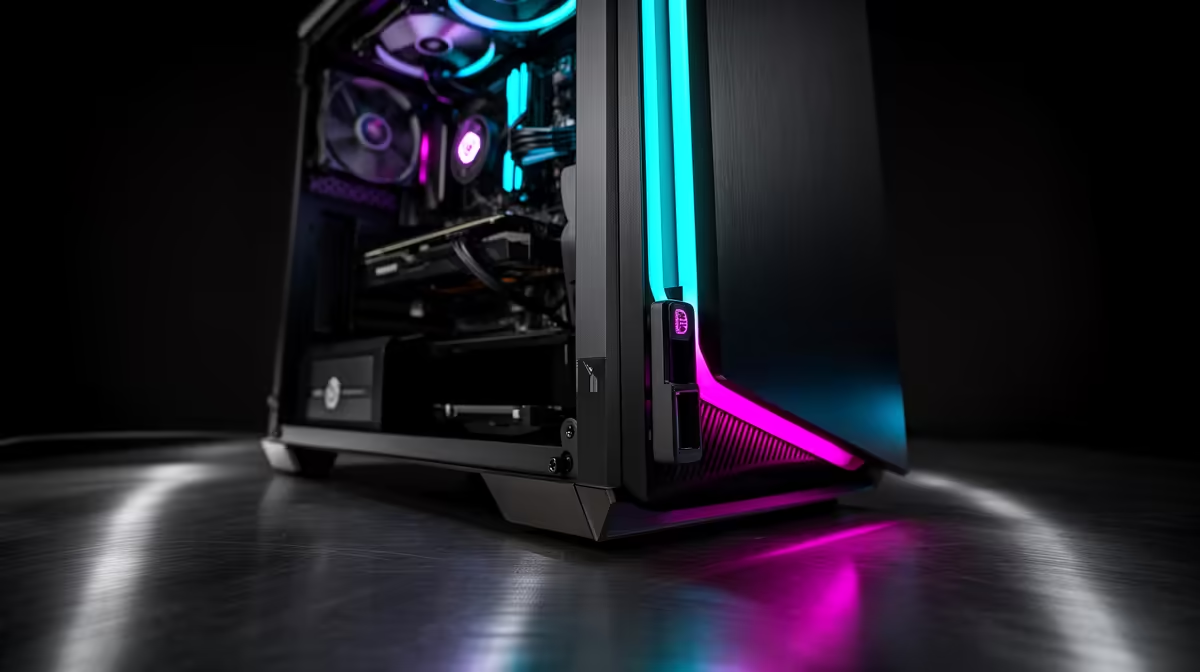
Quick Answer
Tool-free side panels use a hinged latch, push-button release, or thumb-screw mechanism rather than Phillips screws. To open, press or slide the release and swing or slide the panel away. To reseat, align the panel guide rails and push until the latch clicks. The entire process takes under 20 seconds, compared to 2 to 4 minutes for screw-secured panels.
Types of Tool-Free Panel Mechanisms 🔧
There are three common tool-free mechanisms in 2026 gaming cases. The first is a hinged swing-open panel with a single thumb-latch at the rear edge. Press the latch and the panel pivots open on a hinge like a car door. This is the sturdiest mechanism and least likely to develop looseness over hundreds of open and close cycles.
The second type uses dual thumb-screws at the rear that loosen by hand until the panel slides backward off guide rails. This is more secure during transport but slower than a hinge mechanism. The third type, found in budget cases, uses magnetic contact points with no physical latch. These panels can detach accidentally when the case is moved, which is a risk for South African builders who transport systems to LAN events.
Practical Workflow for Quarterly Maintenance 🌟
Power down completely and unplug from the wall. Release the side panel and set it aside on a soft surface to avoid scratching the tempered glass. Use a compressed air canister held 15cm from components and blow dust from the CPU cooler, GPU heatsink fins, and case fan blades in short bursts.
After dusting, check that all RAM sticks and GPU PCIe connectors are fully seated. During shipping or after movement, these connectors can shift slightly and cause boot errors. Tool-free access makes this a normal part of quarterly maintenance rather than an occasional hassle requiring a screwdriver search.
For South African homes in areas with higher ambient dust levels such as the Highveld during dry winter months, quarterly cleaning is the minimum. Monthly cleaning of front mesh filters keeps internal dust manageable between full cleanings.
When Tool-Free Panels Are Useful During Upgrades 💡
Upgrading RAM, swapping an NVMe SSD, or checking cable seating are all tasks where tool-free access dramatically reduces friction. A Ryzen-platform upgrade from DDR5 4800 to DDR5 6000 takes under five minutes with tool-free access versus ten to fifteen when hunting for a screwdriver.
For a GPU swap from an RTX 4070 to an RTX 5070 Ti, tool-free access means the GPU retention latch, PCIe connector, and power cable are accessible within seconds of sitting down at the workstation. Creator PCs used for hardware review or content production benefit most from the long-term convenience.
Tempered Glass Panel Care Tip ⚡
Always hold a tempered glass panel by the metal frame or bracket, not the glass surface. Fingerprints on the inner surface are difficult to clean without full removal and create distracting smears visible under RGB lighting. A clean dry microfibre cloth clears most prints from the outer surface without scratching.
FAQ
Do tool-free panels stay secure during gaming sessions?
Yes. Quality hinged latch panels with a positive click mechanism do not rattle or shift during operation. Magnetic-only panels are less reliable during vibration from bass-heavy audio setups or LAN transport.
Can I add a tool-free mechanism to a case that uses screws?
Not easily. Tool-free mechanisms are built into the panel and case frame design and cannot be retrofitted to cases designed for Phillips screws. Select a case that includes this feature from the manufacturer.
Are tool-free panels standard on cases above a certain price point?
Most cases above R1,800 from reputable brands include at least a thumb-screw side panel. Hinged latch mechanisms are more common from R2,200 upward. Budget cases below R1,200 frequently use traditional screws on both side panels.
Want faster access for upgrades and maintenance?
Evetech stocks gaming cases with tool-free hinged and latch side panels across mid-tower and full-tower form factors so maintenance fits into a five-minute slot.