Quick Answer
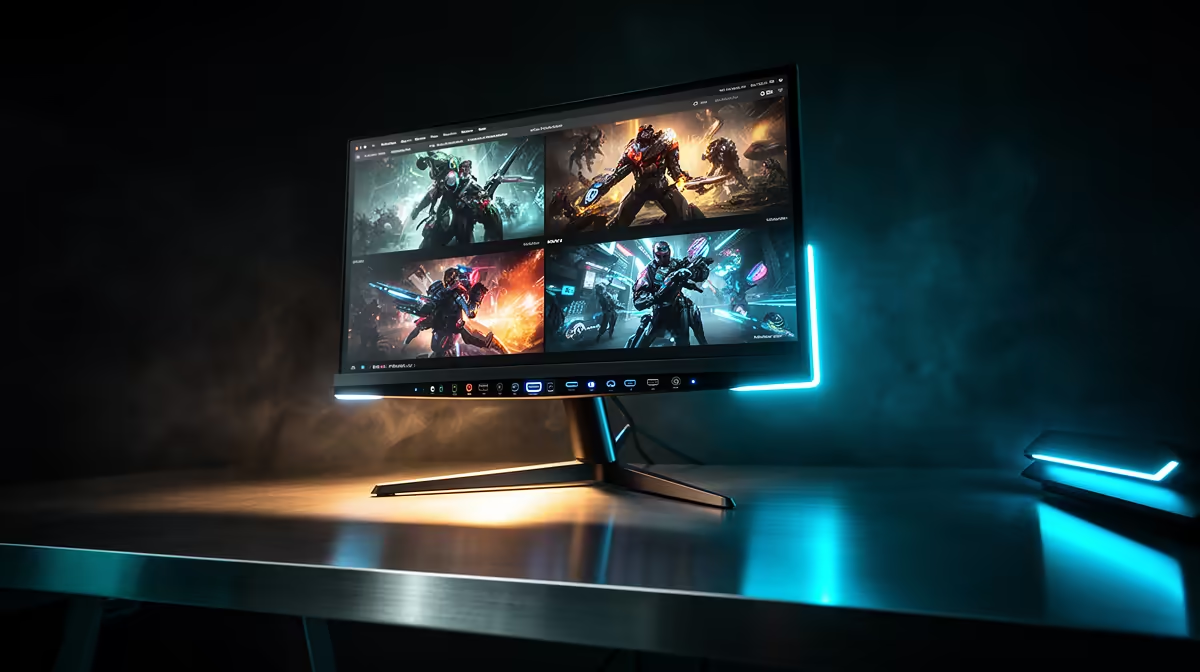
Having USB-C, DisplayPort and HDMI on one monitor means your gaming PC, work laptop, and console can each stay permanently cabled with no hot-swapping. Switch between them via the OSD in under two seconds, and USB-C can simultaneously charge a connected laptop at up to 90W depending on the panel.
How Each Port Serves a Different Device 🔧
DisplayPort 1.4 carries the highest bandwidth of the three standards. It is the right connection for a dedicated gaming PC running an RTX 5070 or RX 9070 XT, delivering 4K at 160Hz with DSC. HDMI 2.1 handles consoles: a PlayStation 5 or Xbox Series X uses 4K at 120Hz over HDMI 2.1, and the cable carries audio return (ARC) back to a soundbar without a separate optical cable. USB-C with DisplayPort Alt Mode and Power Delivery covers work laptops. A single USB-C cable from a MacBook or ThinkPad carries the video signal at up to 4K 60Hz and charges the laptop, removing the need for a separate power brick. For South African remote workers juggling a work machine and a gaming rig, this three-port configuration means the desk never needs rewiring.
Picture-by-Picture and Source Switching 🖥️
Higher-end 32-inch 4K monitors support Picture-by-Picture (PbP) and Picture-in-Picture (PiP) modes. PbP splits the screen vertically and dedicates half to each source; PiP floats a small window from the second source in a corner. This is practical when you need a video call on your laptop while monitoring a game download on the PC. Check that the monitor's PbP mode supports the resolution you want on each half; some panels drop to 1080p per source to manage bandwidth. Most 32-inch 4K monitors with USB-C include a built-in USB hub, adding two to four USB-A ports on the side of the monitor active for whichever source is in focus.
Keeping Cables Tidy on a South African Desk 🗂️
Route the DisplayPort cable to the PC tower once, the HDMI to the console once, and the USB-C to the laptop docking position once. Use cable clips or the monitor's integrated cable channel and leave all three cables permanently in place. For SA students in res who move setups frequently, labelling each cable at both ends removes guesswork when reassembling after a move.
USB-C Power Delivery Check ⚡
all USB-C ports on monitors supply power. Look for "USB-C with PD" and confirm the wattage: 65W covers most ultrabooks at full charge, but some gaming laptops need 90W or higher. A lower PD rating will still charge slowly during heavy use.
FAQ
Can I run two gaming sources at full 4K 160Hz simultaneously?
No. PbP mode splits available bandwidth; each half typically runs at a reduced resolution or refresh rate. For full 4K 160Hz use the active single-source mode. PbP is designed for productivity and monitoring tasks.
Does switching inputs cause noticeable lag on modern monitors?
Input switching on current 32-inch 4K panels takes one to three seconds during which the screen briefly goes black. This is a signal handshake process and is not noticeable during normal use between tasks.
Is HDMI 2.1 cable length an issue for SA console setups?
Standard HDMI 2.1 passive cables work reliably up to about 2 metres at full bandwidth. For longer runs, active HDMI 2.1 cables are available locally and maintain signal quality up to 5 metres without signal repeaters.
Need one monitor for your PC, console, and laptop?
Evetech stocks multi-input 4K gaming monitors with USB-C Power Delivery, all carrying local warranty and ready to ship across South Africa.