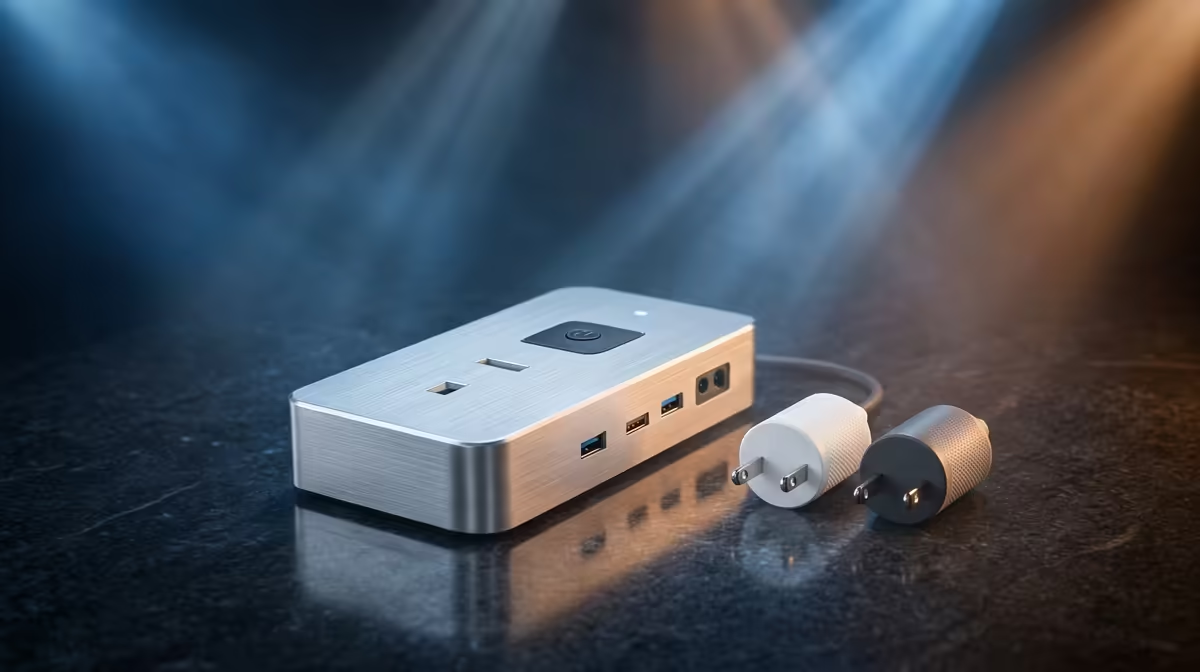
A hybrid worker should choose a smart plug set by the devices that need safe scheduling or remote control. Plugs should not be used to hard-cut computers, storage or equipment that requires an orderly shutdown. Start with lamps or other manufacturer-approved loads.
Audit every intended appliance
Read the device power rating and plug specification, including motor or heating loads. Test one unit locally before enabling remote routines. Confirm manual control remains available if the app, cloud service or Wi-Fi fails. Review account security, household sharing and whether schedules still run after a router restart.
Avoid placing plugs where heat builds or where stacked adapters create strain. Do not use them as a substitute for surge protection or backup power. A simple timer may be more dependable when remote access provides no real benefit.
Smart plugs used for lamps can support a consistent video-call background, but schedules should respect daylight and occupancy. Verify that a restored cloud account cannot expose household routines to an old phone. Remove unused users, enable strong authentication and keep firmware support in mind when evaluating long-term convenience.
Household members should retain a physical switch for essential lamps. Automation is most useful when it adds convenience without making ordinary use depend on a phone account.
No smart-plug set SKU or verified price appears in the supplied facts. Compare load rating, app support, manual override, security updates, warranty and local replacement options.
Automating a home workspace? > Browse Evetech smart-home options after checking device loads.