Why Linux for Gaming? The South African Edge 🇿🇦
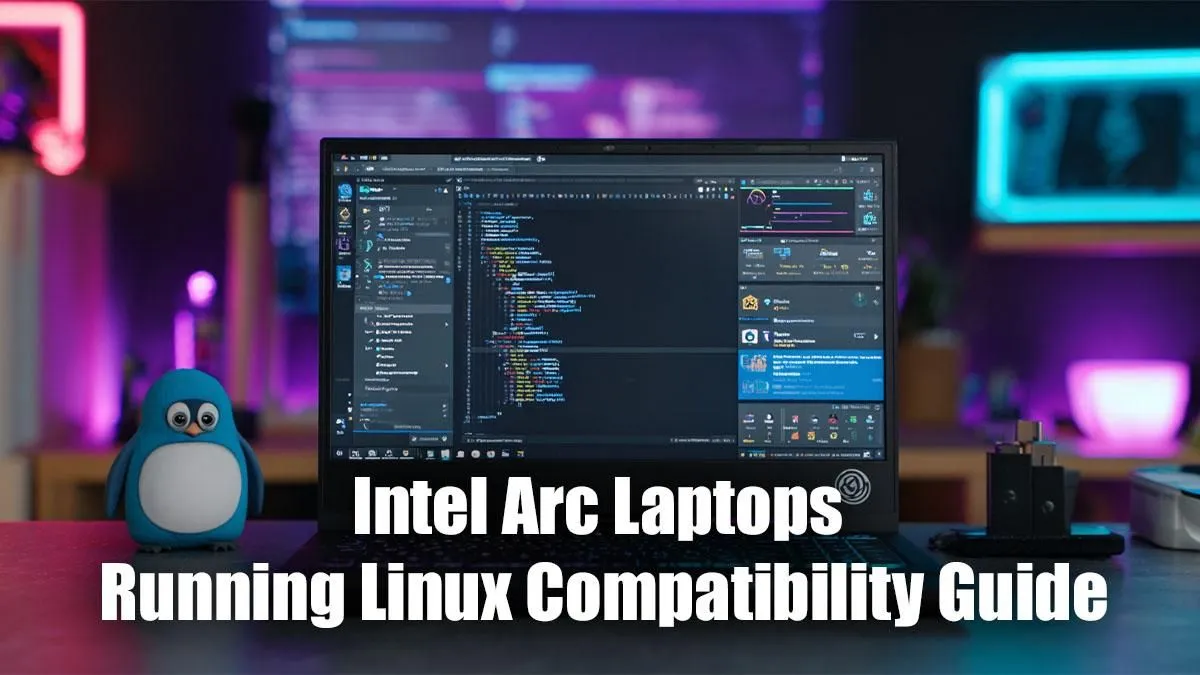
Hey, Mzansi gamers and tech enthusiasts! Ever felt that itch to ditch the conventional and dive into the world of Linux, seeking ultimate control and maybe even a performance edge? You're not alone. But when it comes to cutting-edge hardware like Intel Arc graphics, the question inevitably pops up: how well do Intel Arc Laptops on Linux really play together? It's a journey, not a sprint, and we're here to guide you through optimising your experience, from initial setup to smooth gaming.
For many South Africans, Linux isn't just about open-source philosophy; it's about stretching your rand further, customising your system to perfection, and often, enjoying a snappier, less resource-intensive operating system. The appeal of a lighter OS for gaming on the go, or even for a dedicated home rig, is undeniable. But integrating newer hardware, especially a relatively fresh GPU architecture like Intel Arc, requires a bit of savvy.
Decoding Intel Arc's Linux Compatibility Journey
Intel's entry into the discrete GPU market with their Arc series has been an exciting development, bringing more competition and innovation. However, like any new hardware, getting it to sing perfectly with Linux often requires some groundwork. Initially, Intel Arc's Linux compatibility was a work in progress, but Intel has been remarkably proactive, pushing significant improvements directly into the Linux kernel and Mesa graphics drivers.
Today, the situation is far more optimistic. Modern Linux distributions, especially those with newer kernels, offer much better out-of-the-box support for Arc GPUs. This means that running an Intel Arc laptop on Linux is no longer a niche experiment but a viable option for many. You'll primarily rely on the open-source i915 kernel driver and the Mesa 3D graphics library for optimal performance. Keeping these components updated is crucial for tapping into the full potential of your Arc graphics.
Getting Started: Essential Steps for Intel Arc on Linux
So, you've got your eye on an Intel Arc-powered laptop and you're ready to install Linux. Where do you begin?
- Choose Your Distro Wisely: Not all Linux distributions are created equal when it comes to bleeding-edge hardware support. Fedora, Ubuntu (especially the latest LTS versions or interim releases), and Arch Linux are often recommended due to their quicker adoption of newer kernels and driver updates. These distros tend to provide a smoother path for Intel Arc laptops on Linux.
- Kernel Version is King: For solid Arc support, you'll want a Linux kernel version 6.0 or newer... ideally 6.2 or later for the best experience. Check your chosen distro's default kernel or look into how to easily update it.
- Mesa Drivers: Stay Current: Mesa is your open-source OpenGL and Vulkan implementation. Ensure you're running a recent Mesa version (22.x or newer, with 23.x being even better) to leverage the latest performance optimisations and bug fixes for Arc.
Pro Tip: Firmware First
Before diving into OS installation, ensure your laptop's BIOS UEFI firmware is updated to the latest version. Manufacturers often release updates that improve hardware compatibility, which can be critical for new GPUs like Intel Arc. This small step can save you hours of troubleshooting later!
Optimising Performance: Gaming with Intel Arc on Linux
Once your system is set up, the real fun begins: gaming! Performance with Intel Arc on Linux has seen impressive gains. While it might not always match Windows performance frame-for-frame in every title, the gap is narrowing. Much of your gaming success will depend on Proton, Valve's compatibility layer that allows Windows games to run on Linux.
Modern Proton versions (e.g., Proton GE) are continually optimised, often including specific workarounds and performance enhancements for new hardware. Keep your Steam client and Proton versions updated. For those looking to get the best bang for their buck on a new machine, remember that Evetech offers a fantastic range of laptop specials for sale in South Africa, ensuring you get great value, no matter your preferred OS.
Troubleshooting Common Issues
Even with the best preparation, you might encounter a hiccup or two. Here are some common issues and their solutions for Intel Arc Laptops on Linux:
- Display Glitches/Artifacts: Often resolved by updating your kernel, Mesa drivers, or ensuring your monitor cable is fully seated and compatible.
- Performance Dips: Check if your game is running through Proton, and experiment with different Proton versions. Ensure your power management settings aren't throttling your GPU.
- Game Crashes: Verify file integrity on Steam. If using a custom Proton build, try switching to an official one or a newer GE release.
- Flickering/Tearing: Enable
ForceCompositionPipeline or ForceFullCompositionPipeline in your display manager settings if available, or try a different desktop environment.
The Linux gaming community is incredibly supportive. Forums like r/linux_gaming and your distribution's specific forums are invaluable resources for troubleshooting.
Choosing Your Rig: Finding the Right Intel Arc Laptop for Linux
When considering an Intel Arc laptop for your Linux setup, look for models that pair the Arc GPU with a strong Intel Core processor. While the Arc GPU handles graphics, a robust CPU ensures your system isn't bottlenecked elsewhere. Plenty of powerful Intel laptops are available, and you can explore Evetech's range of Intel laptops on special to find the perfect match.
While we're focusing on Intel Arc today, it's worth noting that Evetech also stocks a wide selection of AMD laptops on special, offering fantastic alternatives with mature Linux support if you're exploring all your options. Ultimately, the best gaming laptop for you is one that fits your budget and performance needs, whether you're eyeing an Arc-powered machine or another high-performance system. You can always check out Evetech's best gaming laptop deals for the latest and greatest.
The journey with Intel Arc Laptops on Linux is an exciting one, full of potential and continuous improvement. With a little effort and the right resources, you can unlock a powerful and highly customisable gaming experience.
Unleash Your Linux Gaming Potential
Ready to dive into the world of Linux gaming with cutting-edge hardware? Evetech has the perfect laptop to power your adventures. Shop now at Evetech for performance that leaves lag in the dust.