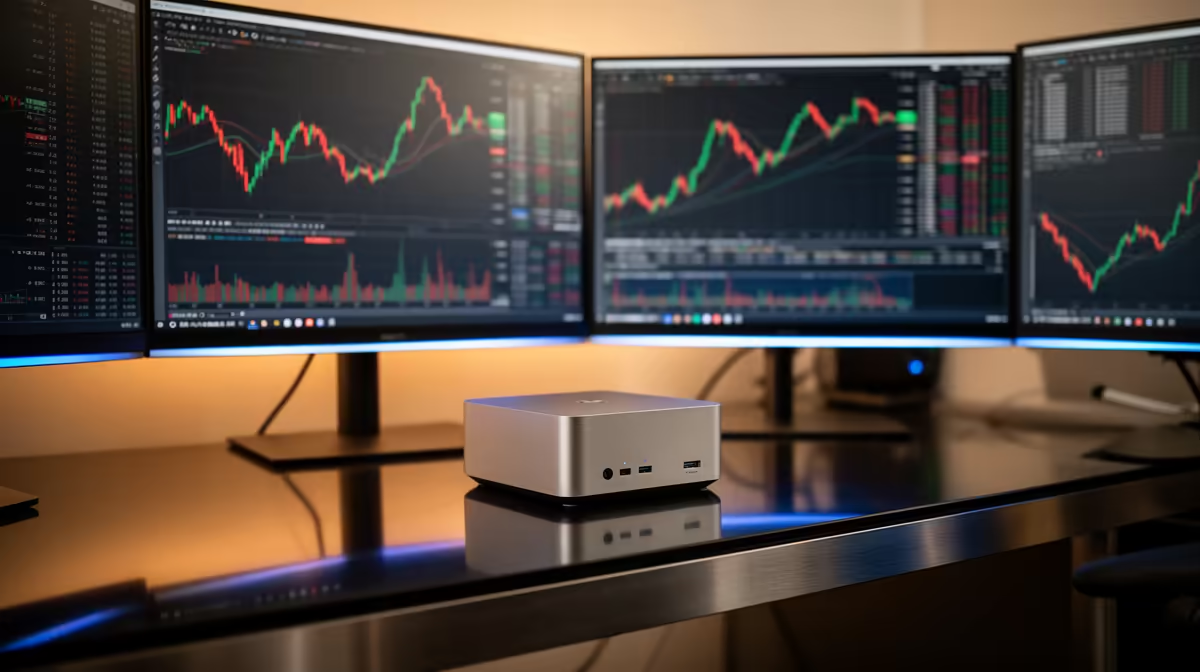
The UM750L 16GB/1TB at R4,600 suits a student or entry creator who wants a compact desktop for light photogrammetry prep, image sorting, and project admin before moving heavy processing elsewhere. For this workload, the included 16GB spec matters more than chasing the cheapest box, and a future RAM kit upgrade path is worth checking before you commit.
Mini PC picks for the realistic starting point
The Minisforum NAB6 Lite i5 8GB/512GB at R4,150 is the budget-friendly option if your scan sets are small and you mainly need a tidy machine for photo management, masking, notes, browser work, and file transfers. Its 8GB/512GB spec is workable for lighter jobs, but it is not the one to choose if you expect large image sets to stay comfortable.
The NINKEAR M7 16GB/512GB at R4,650 is a stronger balance for a creator desk because the 16GB spec gives you more breathing room while keeping the price close to the entry models. If your projects involve many high-resolution photos, the UM750L 16GB/1TB at R4,600 is especially attractive because the 1TB storage gives more local space for source images and exports.
SA creator desk reality
Photogrammetry can quickly turn into a storage and memory problem, even before final processing. The NINKEAR M8 16GB/1TB at R8,350 makes sense if you want more headroom in the same compact format, while the GEEKOM A8 Max 32GB/1TB at R12,900 is the better pick when 32GB memory is the priority for bigger project handling.
Ready to choose the right mini pc?
Compare the listed compact models by memory, storage, and price before picking the best fit for your desk.