


Using GitHub Copilot: Complete Beginner's Guide for SA Developers
Using GitHub Copilot: Complete Beginner's Guide for SA Developers. Everything you need to know with SA-specific pricing and recommendations.
Read moreIPS vs OLED comparison: discover which offers sharper text for study and productivity. 📚✨ Explore key differences and performance metrics.
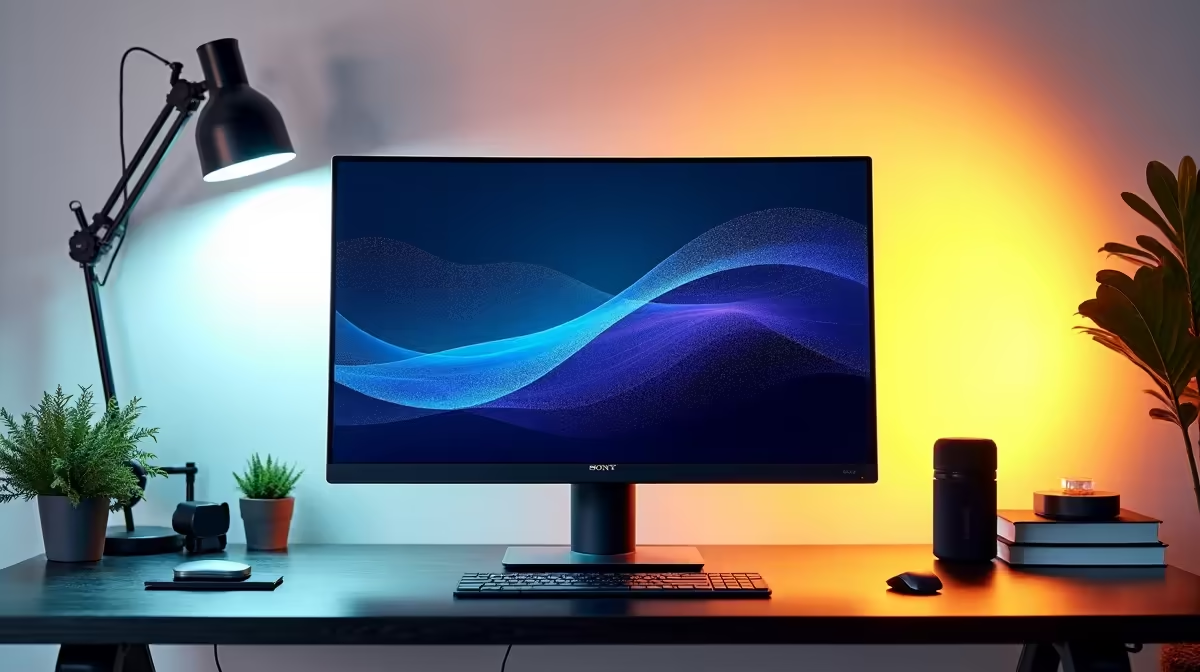
Ever finished a long day of coding or studying, and your eyes feel like they've run a marathon? That screen-induced fatigue is a real drag. The culprit might be your monitor’s panel technology. When it comes to crisp, clear text for hours of work, the debate often boils down to two titans: IPS vs OLED for text clarity. Making the right choice is crucial for productivity and eye comfort, especially when that same screen pulls double duty for gaming.
Before we dive into the tech, let's talk about why this even matters. Poor text clarity isn't just an annoyance; it can lead to genuine eye strain. This happens because of tiny colour distortions around the edges of letters, known as "colour fringing." Your brain and eyes work overtime to correct this, leading to fatigue.
For anyone staring at documents, code, or spreadsheets all day, a monitor that excels at displaying sharp text is non-negotiable. The better the text rendering, the longer you can work or study comfortably.
In the battle of IPS vs OLED for text clarity in study and office environments, IPS (In-Plane Switching) panels have a natural advantage. Here’s why:
Most IPS monitors use a standard RGB (Red, Green, Blue) subpixel layout. Think of it as a simple, clean grid. Operating systems like Windows are specifically optimised to render text on this layout. The result? Incredibly sharp, clean text with no weird colour fringing. It’s the gold standard for a reason, and it's why IPS has dominated the professional and office space for years.
For most users, an IPS panel offers the best balance of price, performance, and text clarity. You can find some fantastic best PC monitor deals that won't break the bank.
OLED (Organic Light Emitting Diode) panels are famous for their perfect blacks, infinite contrast, and vibrant colours. For movies and gaming, they are simply breathtaking. 🚀 However, when it comes to text, they have a potential weakness.
Many OLED monitors use alternative subpixel layouts like PenTile or WBGR. These arrangements are fantastic for media but can confuse the text-rendering algorithms in Windows. This can result in that pesky colour fringing, making text appear slightly fuzzy or haloed, especially on smaller fonts.
While not everyone notices it, if you're sensitive to visual detail or spend 8+ hours a day reading on screen, it could be a deal-breaker. That said, the issue is less noticeable on high-density screens, so investing in high-resolution 4K and 5K monitors can significantly mitigate the problem.
No matter your monitor, you can improve text clarity. On Windows, search for "Adjust ClearType text" in the Start Menu. This built-in tool lets you fine-tune how fonts are displayed on your specific screen, often making a noticeable difference.
So, when comparing IPS vs OLED for text clarity, who wins?
Ultimately, the best way to decide is to see them for yourself if possible. You can explore our full range of PC monitors to compare specs and find the perfect fit.
The panel is just one piece of the puzzle. To create the ultimate productivity setup, consider these factors too:
After a long day of work, that same monitor needs to be ready for action. Thankfully, many modern displays are fantastic all-rounders, perfect for after-hours sessions on our wide selection of gaming monitors.
Find Your Pixel-Perfect Monitor Ready to banish blurry text and upgrade your productivity and play? Explore our massive range of monitors tailored for every need and budget. Shop the best PC monitor deals at Evetech for performance that puts you ahead.
IPS excels in text clarity and color accuracy, ideal for reading in study settings. ✅
IPS panels reduce glare and deliver consistent colors for comfortable all-day productivity. 📊
OLEDs have excellent contrast but may cause fatigue from uneven backlighting during prolonged use. ⚠️
IPS ensures sharper text rendering, crucial for precision in academic or office tasks. 📄
IPS typically offers brighter displays for well-lit offices; OLED struggles with high ambient light. 💡
IPS panels resist burn-in better than OLED, making them ideal for static content. 📈
IPS combines crisp text, reduced eye strain, and accurate colors for extended study hours. 🎓
Using GitHub Copilot: Complete Beginner's Guide for SA Developers. Everything you need to know with SA-specific pricing and recommendations.
Read more
Back-to-School Headset Buying Guide for SA 2026. Everything you need to know with SA-specific pricing and recommendations.
Read more
Mesh Front Panel Setup and Configuration: Complete Tutorial. Comprehensive coverage with SA insights, Rand pricing, and practical recommendations.
Read more
Black Screen: Troubleshooting Guide #1. Everything you need to know with SA-specific pricing and recommendations.
Read more
The Complete 2026 Guide to Storage in South Africa. Everything you need to know with SA-specific pricing and recommendations.
Read more
1000W PSU Not Working After Load Shedding: Recovery Guide. Everything you need to know with SA-specific pricing and recommendations.
Read more
AMD RX 9050 XT: Rumoured Specs, Price & Release. SA-focused analysis with local pricing data, real-world insights & actionable buying advice.

Can RTX 4080 Super Run AI Workloads for SA Developers Detailed answer with SA data, expert analysis & practical recommendations for local buyers.

Can RTX 4090 Run AI Workloads for SA Developers Detailed answer with SA data, expert analysis & practical recommendations for local buyers.

Top Settings for Intel Arc B580 at Ultrawide 1440p picks evaluated on performance, value & SA availability with current Rand pricing from Evetech.

RTX 4060 CS2 Low Settings at 1080p: FPS Results. Real-world benchmark data, FPS numbers & performance analysis. What SA gamers can actually expect.

Visual Artifacts: Possible GPU Issue Issue #1. Diagnosis steps, proven fixes & when to seek professional help. SA-specific support info included.

Can the RTX 4090 Handle 1440p 144Hz Gaming. Performance testing verdict with real data & practical recommendations for SA buyers.

Top ASUS GPU Under R15000 picks evaluated on performance, value & SA availability with current Rand pricing from Evetech.

GTA 6 Max Settings on RTX 5070. Tested & verified settings for best FPS and visual quality on SA hardware budgets.

Cyberpunk 2077 Max Settings on RTX 5080. Tested & verified settings for best FPS and visual quality on SA hardware budgets.

Starfield Max Settings on RTX 5070 Ti. Tested & verified settings for best FPS and visual quality on SA hardware budgets.

Top RTX 5090 Under R5000 picks evaluated on performance, value & SA availability with current Rand pricing from Evetech.