Quick Answer
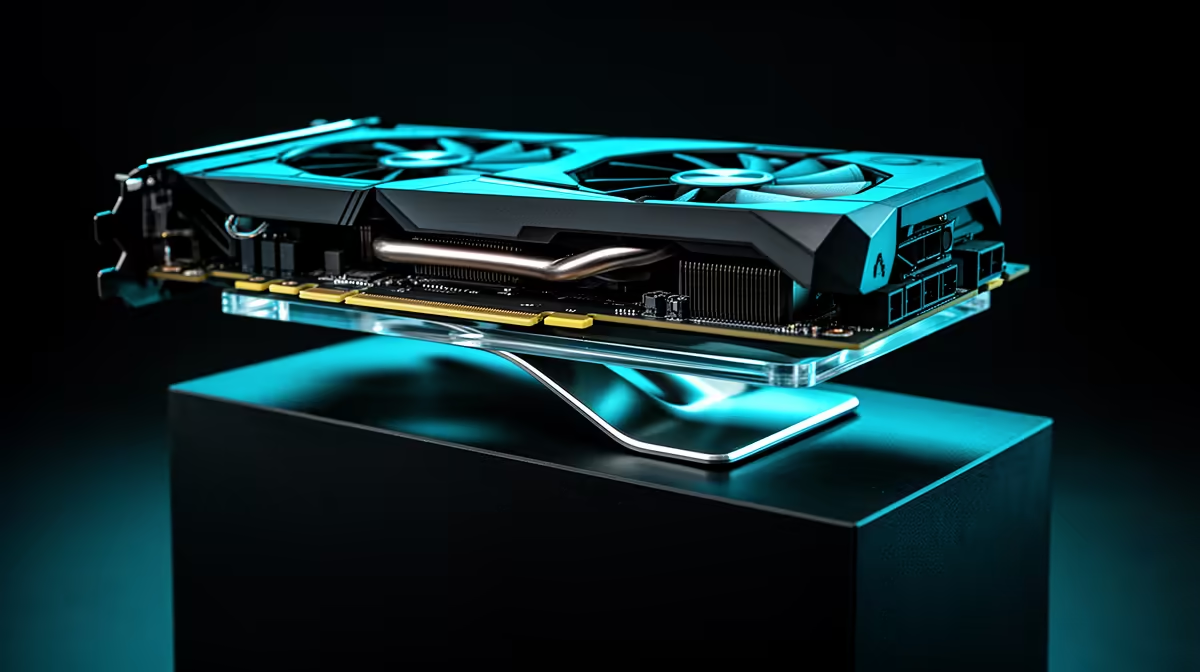
Yes, a GPU support bracket is worth it for any modern high-end card. Flagship GPUs like the RTX 5080, RTX 5090, and RX 9070 XT weigh between 1.6 kg and 2.1 kg, and that load causes measurable sag in the PCIe slot over months of use. A bracket costing R150 to R450 is cheap insurance on hardware worth R15,000 to R35,000.
What GPU Sag Actually Does to Your Hardware 🔧
GPU sag is the downward deflection of a heavy graphics card away from the horizontal plane of the PCIe slot. Modern three-slot cooler designs mean the heatsink and fan array extend further from the PCB, shifting the centre of gravity away from the slot's mechanical support. The result is leverage stress on the PCIe x16 connector and the edge of the slot itself. In most cases sag causes no immediate failure, but over twelve to twenty-four months it can contribute to micro-fractures on solder joints near the connector, intermittent contact inside the slot, and visible downward bend on the GPU bracket. These are not theoretical risks; they are a documented maintenance concern in the enthusiast community and are particularly relevant in SA where warranty support requires shipping the card back to a local agent, taking it out of your hands for weeks.
The Case for Fitting One Now, Not Later 🛡️
A GPU bracket fitted at build time costs R150 to R450 and takes about five minutes to install. Waiting until you see visible sag means the stress has already been applied to the PCIe slot. Given that high-end GPUs in the SA market currently sit between R15,000 and R35,000 for cards like the RTX 5080 and RX 9070 XT, protecting that investment with a R300 bracket is objectively sound. Many premium cases include a bracket in the box (the Lian Li O11 series, for example), but most mid-range cases do not, so an aftermarket bracket is a common addition to any high-end build.
Choosing Between Bracket Types 🖥️
Three main designs exist: floor-mounted posts that adjust in height via a telescoping or notched mechanism, PCI-slot-mounted arms that hook under the GPU shroud, and magnetic or adhesive pads that press against the case side panel. For heavy cards above 1.5 kg, floor-mounted metal posts with a silicone contact pad offer the most reliable support. PCI-slot arms work acceptably for mid-weight cards but can flex if the arm extends too far. Adhesive systems are adequate for lighter builds only. In all cases, confirm the bracket is rated for your card's weight before purchasing.
Check Sag Before You Need a Bracket ⚡
Place a spirit level or a straight edge along the top of your installed GPU shroud. Even 3 mm to 5 mm of downward deflection at the far end of the card is enough to justify a bracket. If you see more than that, fit one immediately.
FAQ
Do GPU support brackets void the warranty on the graphics card?
No. A support bracket contacts the GPU shroud externally and does not alter the card in any way. It cannot affect the manufacturer's warranty. Always use a rubber or silicone-tipped bracket to avoid scratching the shroud finish.
Will a bracket fix existing sag or only prevent new sag?
A bracket will return the GPU to a level position and hold it there from the moment it is installed. It does not reverse any micro-damage that may have already occurred inside the PCIe slot, but it will stop further stress accumulating.
Are GPU brackets case-specific?
Most are designed to fit a range of mid and full-tower ATX cases, but small-form-factor cases often require compact or custom solutions. Check your case's internal dimensions and PCIe slot-to-floor clearance before ordering.
Protecting a high-end GPU in your build?
Evetech stocks GPU support brackets sized for modern three-slot cards. Browse the accessories section to find one rated for your card's weight.