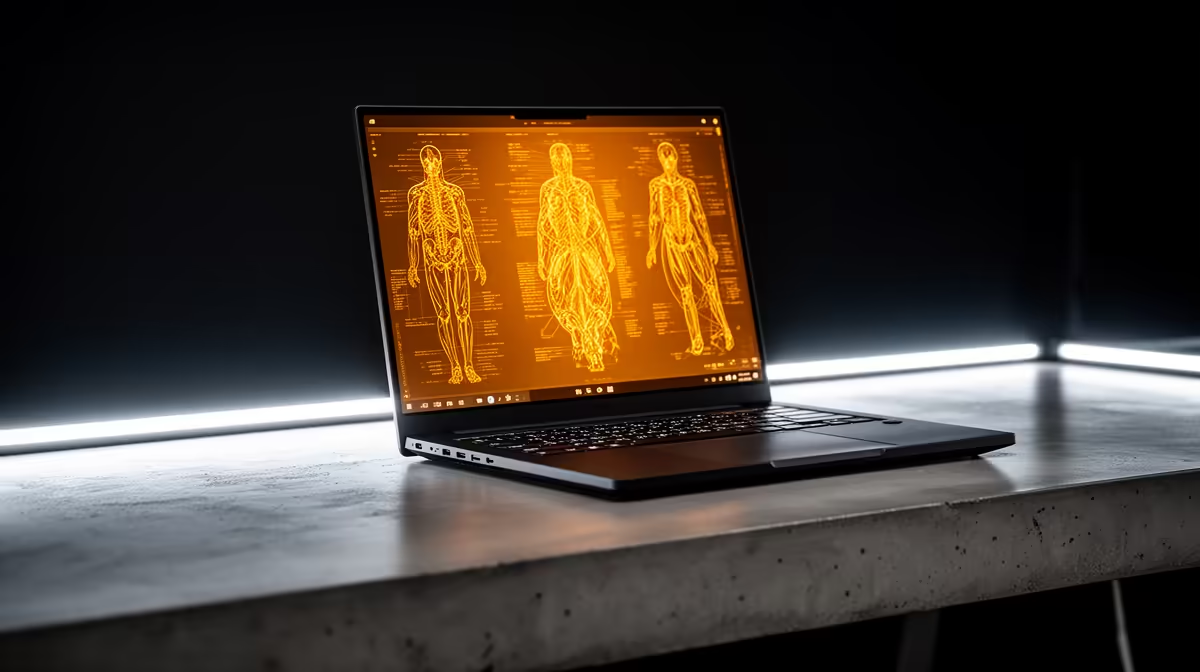
ASUS Vivobook S14 OLED at R10,719 suits a medical student who wants a laptop with an OLED screen for lecture notes, anatomy diagrams, PDF reading, and light creative work without jumping straight to a gaming machine.
Best laptop picks for study and creator work
A creator-focused choice makes sense when the screen matters more than raw gaming power. The ASUS Vivobook S14 OLED at R10,719 is the most natural fit here because OLED is useful for long reading sessions, slide decks, colour-rich diagrams, and media work around coursework. It keeps the setup student-friendly while still feeling more polished than a basic note-taking machine.
The ASUS ExpertBook P1503 i5 at R9,858 is the more practical budget option if the priority is typing, browser research, video calls, and everyday campus admin. Its i5 spec is enough for normal student workloads, and the lower price leaves more room for accessories like a mouse, sleeve, or external storage.
For heavier multitasking, the Lenovo IdeaPad Slim 3 i7 at R13,400 and ASUS Vivobook X1504VA i7 at R13,999 give stronger i7 headroom for many tabs, large documents, and study apps open together. The Lenovo LOQ RTX3050 at R9,500 is better only if the student also wants RTX3050 graphics for visual workloads or gaming after class, but it is less subtle as a daily campus machine.
Medical student desk setup in SA
A realistic desk setup is usually a laptop, charger, phone, notebooks, and maybe a second screen later. The ASUS ExpertBook P5405 at R12,700 is worth considering if the student wants a more serious daily work machine, while the ASUS Vivobook S14 OLED at R10,719 remains the sharper pick when reading comfort and visual clarity matter most.
Ready to choose the right laptop?
Use ASUS ExpertBook P1503 i5 at R9,858 as the student desk benchmark, then check whether its listed spec matches the space, workload, and upgrade path.