


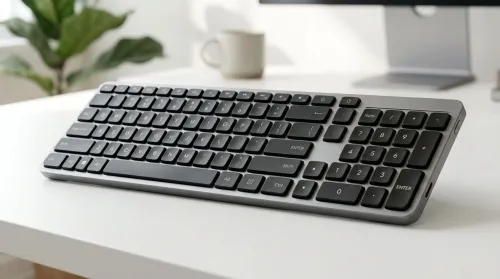
Compact Keyboard with Dedicated Numeric Keypad: Ultimate Guide
Looking for a compact keyboard with dedicated numeric keypad? This guide helps you pick the best layout, switches, connectivity, and key feel for faster spreadsheets. ✅⌨️
Read moreCustomize laptop eye comfort settings to slash digital eye strain. Discover display tweaks, blue light filters, and brightness guides 🖥️👓. Your eyes will thank you!
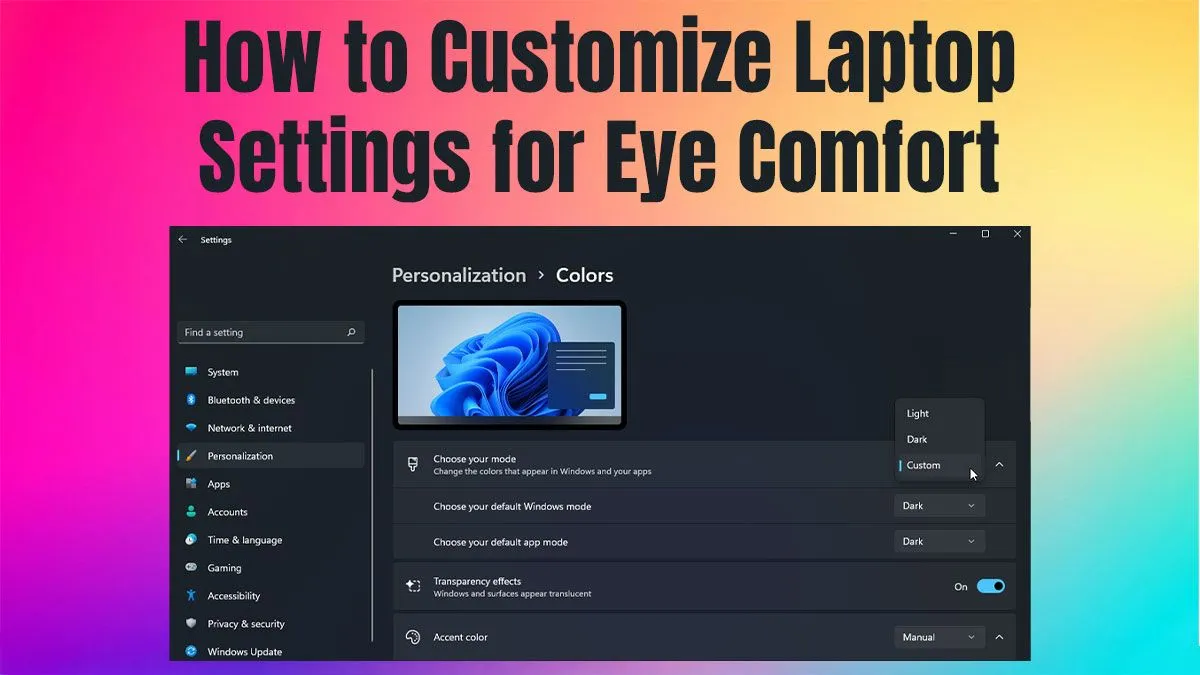
Meet Sipho, a remote worker in Cape Town who loves gaming after hours. Like many South Africans, Sipho struggles with eye strain caused by long laptop use in varying light conditions. His laptop’s default display settings made late-night gaming uncomfortable, affecting both focus and overall enjoyment. The challenge? Quickly optimising laptop eye comfort settings without sacrificing vibrant colour or performance.
Sipho turned to Evetech for expert advice and found a tailored solution. First, he upgraded to a laptop with advanced display technology, ensuring better blue light filters and brightness controls. Then, he paired this with software solutions pre-installed or downloadable for instant adjustment of eye comfort settings.
You can explore laptops that specifically support these features here: Evetech Laptops.
For essential peripherals and software options, Sipho also explored this page: Evetech Display Accessories.
Adjust screen colour temperature toward warmer tones at night to ease eye fatigue. Combine this with screen brightness under 50% for best comfort without colour loss. ⚡
After implementing these changes, Sipho reported immediate benefits. His eye strain dropped by over 60%, and screen glare was significantly reduced, even in bright daylight or late at night.
| Metric | Before | After |
|---|---|---|
| Daily eye strain score* | 7/10 | 3/10 |
| Hours comfortable gaming | 1–2 hours | 4+ hours |
| Reported headaches | Frequent | Rare |
*Eye strain score is based on Sipho’s self-assessment over two weeks. Following Evetech’s recommended setup boosted Sipho’s confidence in working longer and gaming later without the usual discomfort.
For laptops designed with vibrant displays and eye comfort in mind, check out solutions here: Evetech Gaming Laptops.
“Since adjusting my settings and upgrading with Evetech’s gear, my eyes feel fresher, and I can game long into the night without pain.” – Sipho M.
Upgrade Your Laptop Eye Comfort Today Want to protect your eyes and still game with crisp colours? Shop now at Evetech for laptops engineered with smart eye comfort features.
Enable blue light filters, adjust brightness to match ambient light, and use warm color temperatures for optimal eye comfort settings.
Adjust display settings for eye strain by using night light features and customizing screen brightness for comfortable viewing.
Yes! Use OS-specific tools to modify brightness and create custom profiles for different environments and eye-friendly computing.
Most OS platforms offer built-in blue light filters (Night Light Windows, Night Shift macOS) to reduce eye strain during extended use.
Access display settings to tweak screen color temperature for eye comfort and reduce harsh blue light emissions.
Optimize screen contrast, use matte display filters, and customize night light features for better eye-friendly laptop experiences.
Yes! Night light settings adjust blue light levels and help minimize eye fatigue during low-light laptop usage scenarios.
Looking for a compact keyboard with dedicated numeric keypad? This guide helps you pick the best layout, switches, connectivity, and key feel for faster spreadsheets. ✅⌨️
Read more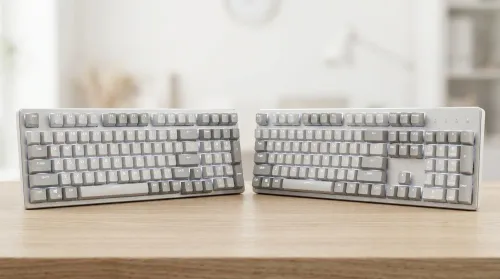
Choosing between 96-key vs 104-key layouts? Compare desk space, key coverage, and usability so you can pick the best balance of function and comfort. ⌨️📏
Read more
Learn how to clean and maintain double-injection keycaps safely for long-lasting shine and smooth typing. Avoid common damage mistakes and keep legends crisp. 🧼✨
Read more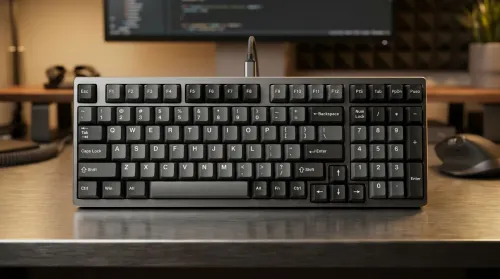
Want a 96-key mechanical keyboard layout with numpad that feels fast and tidy on your desk? Learn key placement habits, layer tips, and layout choices to maximize efficiency ⚡🧠.
Read more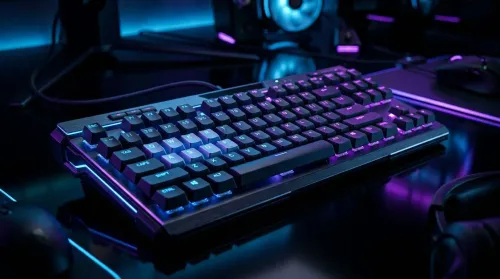
Wondering if full-key anti-ghosting improves gaming accuracy? We break down how full-key anti-ghosting works, real-world latency and input behavior, and when it matters—🎮✅
Read more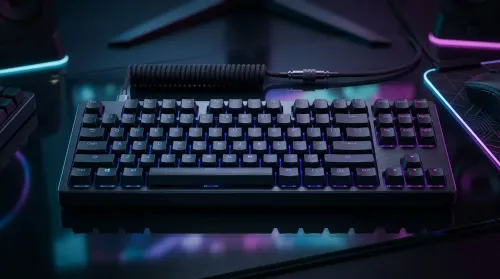
Choosing between wired vs wireless mechanical keyboards in South Africa? Compare latency, battery life, and real value in ZAR, with practical picks for gaming and work. Faster response, less hassle ⚡🔋
Read more
AI-Powered CAD Tools for Engineering Students. Comprehensive coverage with SA insights, Rand pricing & practical recommendations for local buyers.
Use Microsoft Copilot for Small Business. Step-by-step instructions with SA-specific tips, common pitfalls to avoid & expert recommendations.
Should You Buy Ryzen 9 9950X at Launch Week?. Comprehensive coverage with SA insights, Rand pricing & practical recommendations for local buyers.
Ryzen 9 10900X Price Prediction & Launch Window pricing in South Africa. Current cost tiers, budget alternatives & where to find the best local deals.
Samsung Keyboard Prices Across : Q3. Current stock data & price tracking for SA buyers. See what is available and where prices are heading.
Headset Technology: 2020-2023 Evolution in Gaming. SA-focused analysis with local pricing data, real-world insights & actionable buying advice.
Storage Stock Levels in Nelspruit: February Report. Current stock data & price tracking for SA buyers. See what is available and where prices are heading.
Cyberpunk 2077 Low FPS: Power Supply Bottleneck. Real-world benchmark data, FPS numbers & performance analysis. What SA gamers can actually expect.

Wondering if a TKL wireless mechanical keyboard is worth it for everyday productivity? We break down latency, battery life, comfort, and workflow gains for real work. ⚡⌨️

Maximise battery life on a fanless 15-inch laptop using efficiency core architecture. Cut idle drain, tune power profiles, and improve thermals for longer runtime. 🔋⚙️

Yes—spatial audio and Dolby Atmos can work with South African content platforms, but it depends on your device, app, and source. Here’s what to check for better surround sound 🎧🌍
South African Minecraft peripherals demand is rising fast as communities build themed setups for streams and LAN nights 🎮🇿🇦. Here’s what that means for buyers: better features, smarter buying, and standout aesthetics.