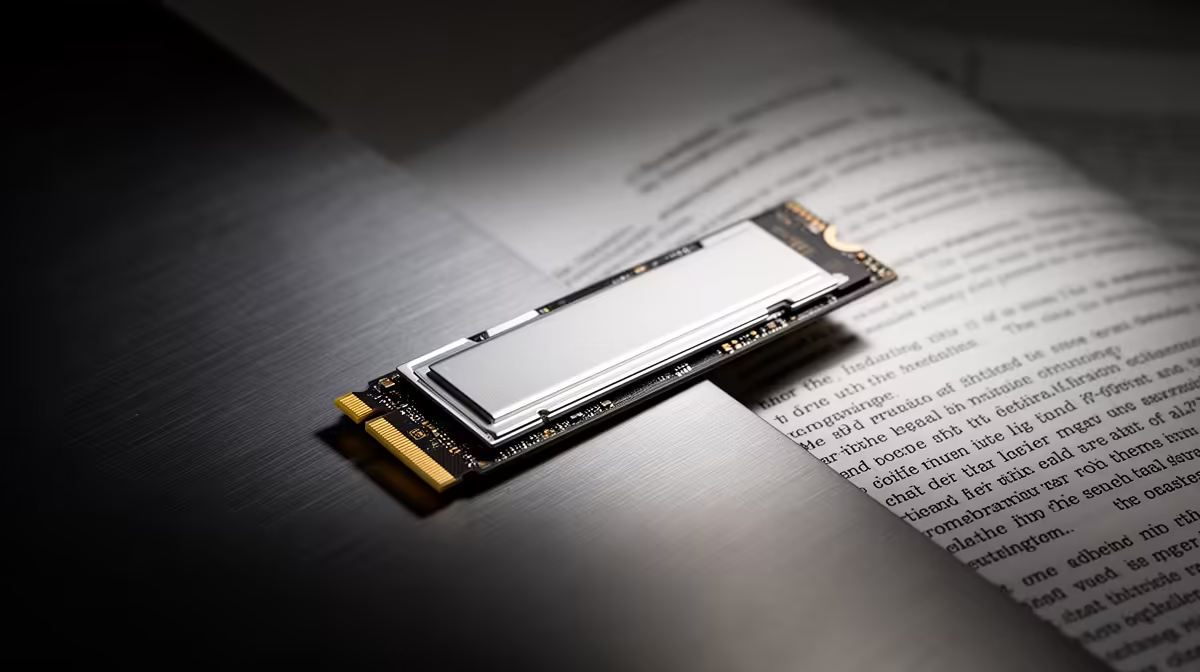
ADATA LEGEND 900 1TB NVMe at R948 suits a law student who needs affordable, fast storage for case notes, PDFs, recordings, and a growing research library. A nvme ssd is the right upgrade when the laptop already supports M.2 NVMe storage and the student wants quicker file search, faster app launches, and less waiting during exam-season multitasking.
Best value pick for student storage
The ADATA LEGEND 900 1TB NVMe at R948 is the sensible first choice because the listed 1TB capacity gives enough room for lecture slides, scanned textbook chapters, Teams downloads, and offline folders without pushing the budget too far. For most study laptops, that 1TB NVMe upgrade is the sweet spot before spending extra on a higher-end drive.
WD Blue SN5000 NVMe at R998 is the alternative to consider when the student wants a mainstream NVMe drive and can spend slightly more than the ADATA option. It keeps the same practical upgrade category, which matters more for coursework than paying for a premium model that will mostly sit idle while reading, writing, and annotating documents.
Samsung 990 PRO at R4,648 makes sense only if the laptop is also used for heavier work alongside studies, such as large project folders, media editing, or demanding multitasking. It is still an NVMe SSD, but its price places it in a performance tier that most note-taking and legal research workflows do not need.
Law student desk setup in South Africa
For a campus or res desk, the ORICO NVMe M.2 enclosure at R160 is useful if the old drive must become portable storage after the upgrade. It can hold an NVMe M.2 drive externally, which is practical for carrying archived notes between a laptop, home desk, and library computer area.
Ready to choose the right SSD?
Match should student choose nvme to WD Blue SN5000 NVMe at R998, then let its listed spec decide whether it belongs on the desk.