Quick Answer
LCD AIO coolers offer genuine value in monitoring visibility and build aesthetics, but they add R800 to R1,800 to the cost of an equivalent standard pump block AIO. The thermal performance difference is negligible; the real question is whether live sensor display and visual customisation justify the premium for your specific build.
What the LCD Actually Adds 🖥️
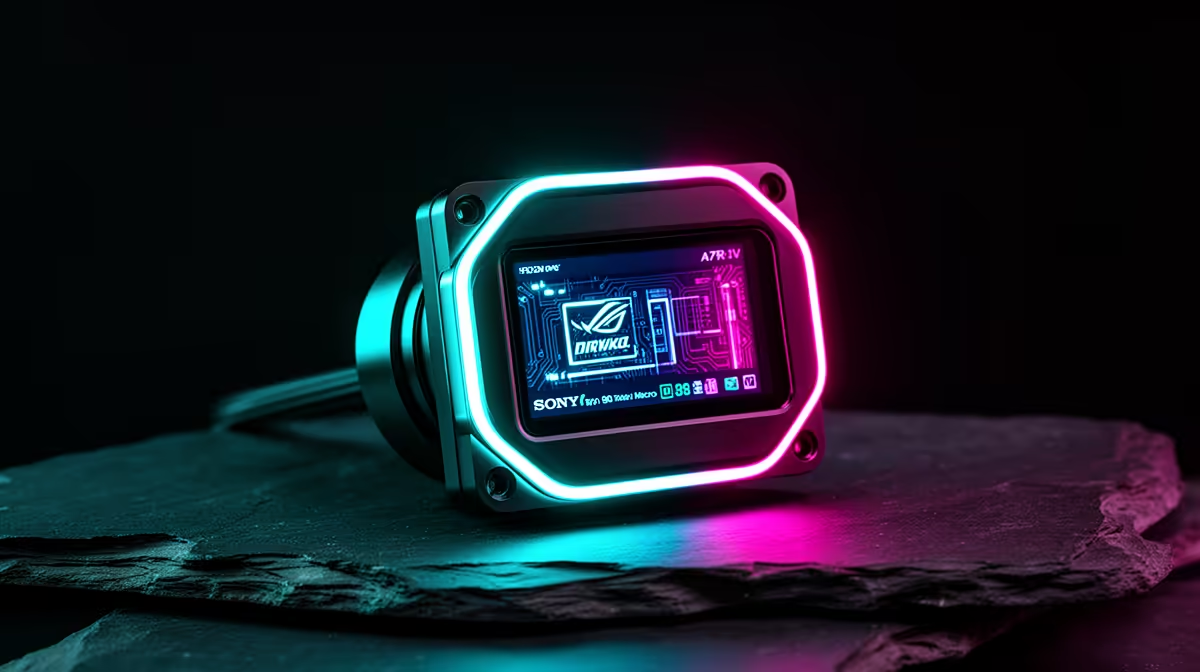
An LCD pump block gives you a persistent real-time display of CPU temperature, clock speed, fan RPM or GPU temperature without a secondary monitoring overlay on your gaming screen. For a build used heavily for overclocking, where watching thermal headroom matters during stress tests, this is a genuinely practical feature. A 3.5-inch display also functions as a visual centrepiece in a windowed case, replacing the need for an RGB pump block as an aesthetic focal point. Flagship LCD AIOs like the Corsair iCUE Elite LCD or ASUS ROG Ryujin III pair this monitoring capability with strong thermal performance, keeping a Ryzen 9 9950X below 85 degrees Celsius under sustained Cinebench loads.
Where Standard Pump Blocks Win 💰
A standard pump block AIO from a reputable brand at the same radiator size cools identically to an LCD-equipped model. The pump, radiator fins, and fan array determine thermal performance, not the pump block face. For a builder who monitors temperatures through a taskbar widget, a second monitor, or simply does not need live readouts on the pump, there is no thermal reason to choose an LCD AIO. The cost saved, R800 to R1,800 on an equivalent unit, can go toward a faster SSD, a better GPU, or a higher-quality radiator fan set that actually improves temperatures. Standard pump blocks with clean ARGB lighting are also widely available and look excellent in windowed builds without the software dependency that LCD units require.
Factoring in the SA Price Reality 🎯
In South Africa's market, an LCD-equipped 360mm AIO sits in the R3,800 to R5,500 range. A comparable non-LCD 360mm AIO from the same brand family lands at R2,200 to R3,500. For a high-end build where total component spend is R25,000 or above, a R1,500 premium for an LCD pump block is proportionally modest and within reason if aesthetics and monitoring matter. For a mid-range R15,000 gaming build, that R1,500 is better directed elsewhere. Evetech stocks both categories across multiple brands so you can compare exact model pricing before deciding.
Test the LCD Software Before You Commit ⚡
Download the manufacturer's companion app such as iCUE or CAM and check user reviews for stability before purchasing an LCD AIO. Some LCD implementations have historically had software bugs that cause display flickering or high CPU idle usage. Current firmware often resolves these, but confirming software maturity is worth five minutes of research.
FAQ
Does the USB connection for the LCD affect system performance?
No. The USB 2.0 internal header used by the LCD pump block draws negligible bandwidth and CPU resources. It does occupy one internal USB header on your motherboard, which matters only if you have a high-density system with many USB-connected components competing for headers.
Are LCD AIO coolers harder to install than standard units?
The installation process is nearly identical. The only additional step is routing the USB cable from the pump block to the motherboard header. This adds two to three minutes to the process and is straightforward on any mid or full-tower case with accessible headers.
Can the LCD display be turned off for a cleaner look?
Yes. All LCD AIO manufacturer software includes a display-off mode that blanks the screen while the pump continues to operate normally. You can schedule display hours or switch to a static colour rather than live monitoring data if you prefer a subtler look.
Deciding between an LCD AIO and a standard pump block?
Compare both options across the 240mm and 360mm range at Evetech and find the right cooler for your build budget and aesthetic goals.