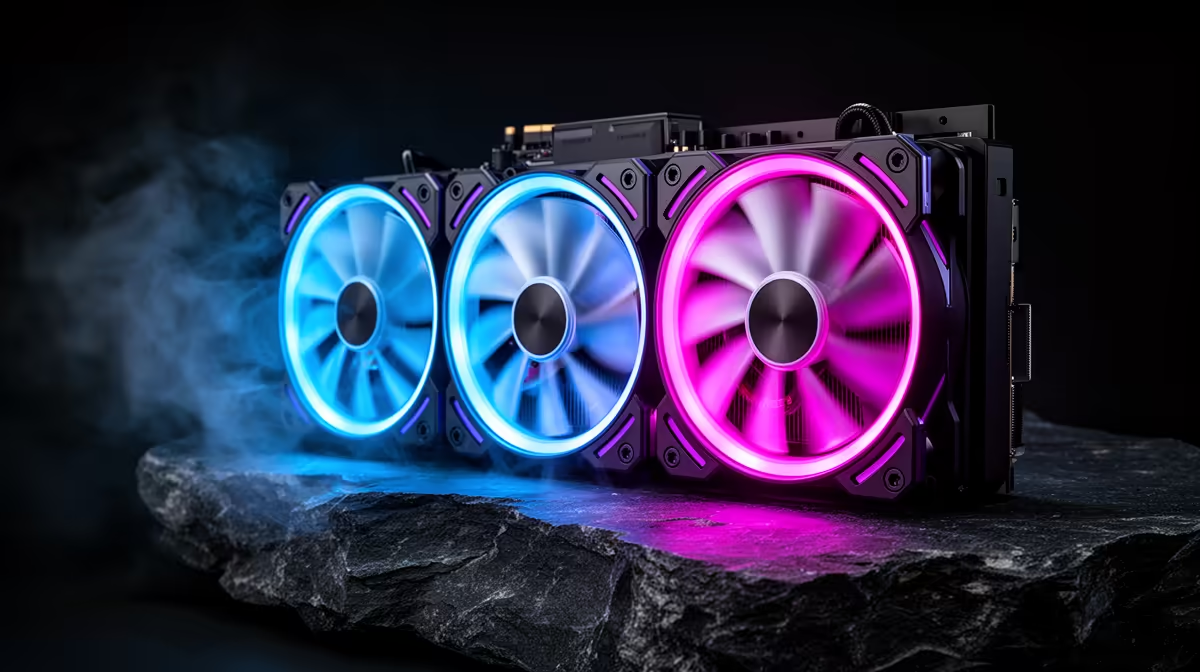
UNI FAN systems reduce the number of individual fan cables, but they add generation-specific connectors, controllers and software. The Lian Li UNI FAN price in South Africa should therefore cover the exact kit and every expansion fan. Check the live model route and compare the installed wiring result with ordinary ARGB fans.
Quick Answer
South African UNI FAN listings and Rand totals depend on generation, colour, size and kit. A starter pack may include control hardware that a single expansion fan lacks. Use Evetech's live gaming PC deals and available component options as a complete-system comparison before choosing the premium cable-saving route.
🔗 Understand what daisy-chaining saves
Traditional ARGB fans can have a power lead and a lighting lead for each fan. A linked fan system lets neighbouring units share connections through a physical bridge or side contact.
This can reduce cable bundles behind the motherboard tray and leave fewer plugs near a radiator. The group still needs power, control and lighting somewhere.
Count fan groups, not only fan quantity. Three front fans may form one linked group, while rear and top positions need separate leads.
Check the maximum fans per group and controller from the exact generation documentation. Electrical and software limits still apply.
Linked fans need frames aligned in the supported direction. Reverse-blade models, lighting orientation and connector position should be planned before mounting.
The convenience is strongest in visible builds with several fans. A two-fan dark case may gain little from the ecosystem.
🧩 Keep generation and controller compatibility straight
UNI FAN is a family name. Different generations can use different physical connectors, cables, hubs and software support.
Record the complete model code for every fan and starter kit. Do not assume two Lian Li products join because their frames look alike.
Confirm whether the package includes a controller hub or only an expansion lead. Product photos can show a complete system around one fan.
Check motherboard USB, SATA power, PWM and ARGB header requirements. The hub needs each connection routed safely.
Mixing generations in one chain should be attempted only where Lian Li's current documentation states support. Separate groups or controllers may be required.
Update controller software after a clean hardware test and save the working version. Lighting is secondary to stable fan control.
🌬️ Match fan performance to the mounting job
For a radiator or dense filter, check pressure behaviour and thickness. Airflow through open space is a different task.
Confirm radiator screw length through the cooler manual. A screw that reaches too far can damage the radiator.
Use arrows or current documentation to verify airflow direction. Reverse-blade versions can look similar and move air the opposite way.
Record component temperature, room temperature, RPM and fan curve under a repeatable load. Compare alternatives at the same cooling result.
Listen for tone and resonance. Linked frames can transmit vibration between fans. Tighten evenly and use supported pads.
Test cold start at the lowest intended PWM setting. Raise the curve floor if a group fails to begin without a higher pulse.
Do not run fan and lighting current beyond header or hub ratings. Split power only through supported controllers.
🌈 Build lighting that remains maintainable
Choose one controller path where possible. Multiple RGB applications can fight for devices or add startup delays.
Check whether motherboard synchronisation is supported with a non-Lian Li board and which cable or software mode it requires.
Build a simple static colour first. Confirm every LED and fan responds before creating effects.
Label controller ports by physical fan group. A future replacement should not require tracing every lead.
Save a dark or low-brightness profile. Bright moving effects can reflect in the monitor and add distraction.
Keep spare link pieces and proprietary cables with the PC box. A lost connector can make a common fan replacement difficult.
💰 Compare the complete RGB fan kit
Price the exact starter kit, expansion fans, controller, adapters and number of groups. Do not compare one expansion fan with a full standard three-pack.
Use Evetech's PC best-sellers to see local complete systems and their lighting layouts. A case with included ARGB fans can change the value equation.
Compare a standard PWM ARGB kit on cooling, noise, cable count, controller needs and local support. The UNI FAN case is strongest when cable reduction saves real build effort.
For a used kit, count every bridge, lead and controller cable. Inspect frame contacts, blades and LED diffusers.
Confirm each fan belongs to the same stated generation by label and connector. Mixed boxes can contain parts that cannot form one group despite matching colours.
Test each fan alone, then as a group. Run low, middle and high speed, every controller port and a full lighting colour cycle.
Start the group from a cold PC at the lowest curve point. Watch every rotor. One fan can fail to start while the controller still reports RPM from another.
Check hub power connectors for heat marks or repairs. Keep the model list and wiring map with the build notes.
Move the case gently after power is off and confirm linked frames remain locked. A loose bridge can interrupt lighting or control after transport.
Export the lighting and fan profile where supported. Take a screenshot of controller port assignments. A software reinstall should not turn physical wiring into guesswork.
Frequently Asked Questions
What does daisy-chaining save?
It reduces separate leads between neighbouring fans and can simplify visible cable routing. Each group still needs supported power and control.
Do UNI FANs need a controller hub?
That depends on generation, kit and desired controls. Read the exact product's connection diagram and box contents.
Are UNI FANs good for radiators?
Choose a model whose pressure, thickness and mounting suit the radiator. Confirm screw length and airflow direction.
Is the extra cost worth it?
It can be when a multi-fan build benefits from fewer cables and integrated lighting. Compare complete kits at equal cooling.
Do they work with non-Lian Li motherboards?
Basic fan and lighting control can depend on standard headers or the controller. Verify the current motherboard-sync path for the exact kit.
Can generations share one daisy chain?
Never assume it. Use Lian Li's current compatibility documentation for the precise fan and controller models.
What budget alternative works?
Choose a local PWM ARGB kit with the correct pressure, size and controller support. Compare cable count and cooling with the complete UNI FAN package.
Ready to plan an ARGB cooling layout?
Check Evetech's current PC and component ranges, then price fans, controller and cable groups as one build.