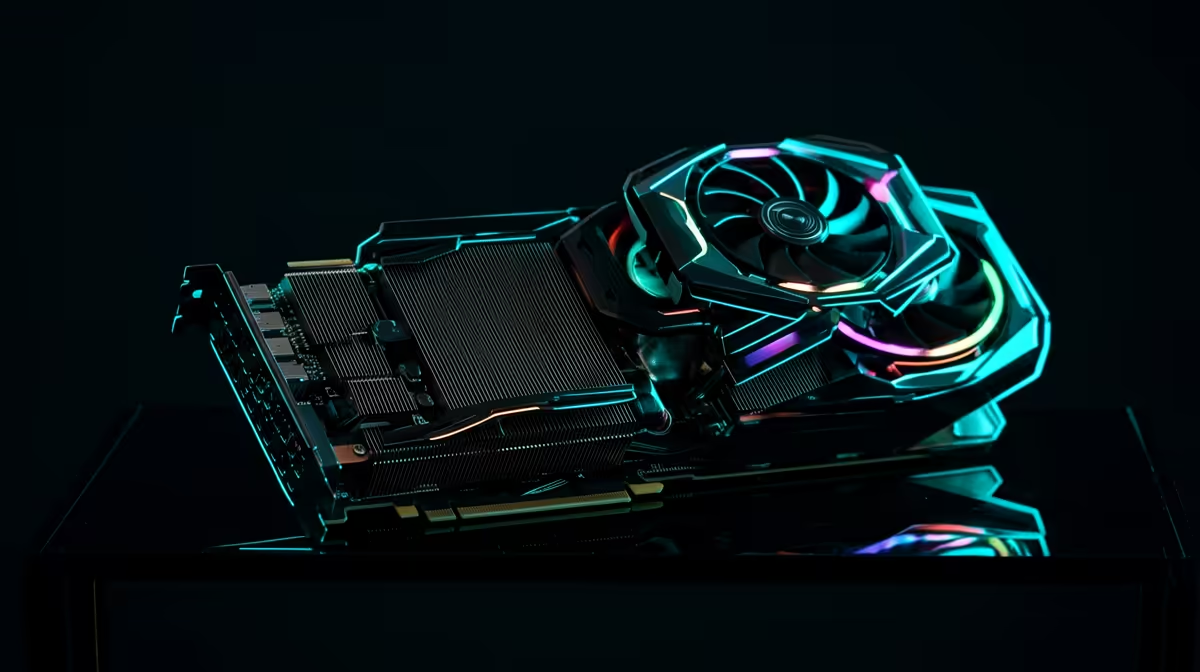
Running AI video generation locally rather than subscribing to a cloud render service comes down to one number above all others: how much VRAM sits on your graphics card. Local AI video generation hardware lives or dies on that figure, because the models that turn a prompt into moving footage hold enormous tensors in memory while they work. LTX-2, which arrived in January 2026, can produce 4K video with synced audio on the right card, while Alibaba's Wan 2.2 targets a more modest 720p. This is the hardware hub for running both on GPUs you can actually buy in South Africa.
Quick Answer
VRAM is the gatekeeper for local AI video. LTX-2 generates 4K synced audio-video on a 24GB to 32GB card such as the RTX 4090 or RTX 5090, typically with fp8 quantisation at 720p on 24GB. Wan 2.2 runs at 720p on the RTX 4090. Anything below 24GB struggles with production settings.
Why VRAM Is the Whole Story
Video models do not just hold weights. They hold every frame's latent representation in memory simultaneously while the model denoises the sequence, so memory demand climbs sharply with resolution and clip length. This is why a card that breezes through image generation can fall over on video. The practical floor for serious local video work has settled at 24GB, with 32GB giving real headroom for higher resolutions and longer clips.
The two models this hub covers sit at different points on that curve. LTX-2 is the more capable and more demanding, reaching into 4K with synced audio on top-tier consumer cards. Wan 2.2 uses a mixture-of-experts design and is more attainable, producing solid 720p output on a 24GB RTX 4090. Neither runs comfortably on the 8GB and 12GB cards that dominate gaming rigs.
The GPUs Worth Building Around
RTX 5090 (32GB)
The 32GB RTX 5090 is the most capable consumer option for local video. It supports LTX-2 at 720p with fp8 quantisation, handles longer sequences before running short on memory, and gives you the broadest model compatibility of any single card you can put in a desktop. If you intend to push toward 4K or iterate quickly, the extra memory over the 4090 is the difference that matters.
RTX 4090 (24GB)
The 24GB RTX 4090 remains a strong choice and is the realistic baseline for production-quality local video. It runs Wan 2.2 at 720p and handles LTX-2 at 720p with fp8 quantisation. For most creators starting out, this is the entry point where the experience stops feeling like a constant fight against memory limits.
Below 24GB
Cards with 12GB or 16GB can run distilled or heavily quantised variants at lower resolutions, but you trade quality, speed and clip length for the privilege. They are fine for experimenting, not for output you intend to publish. When sizing a rig, the AI PC range at Evetech illustrates how high-VRAM cards integrate into a complete workstation build, and the top-selling GPUs at Evetech make clear which high-memory options South African buyers are actually choosing.
Beyond the GPU: The Rest of the Rig
A capable card needs support. Having 32GB of system RAM on hand keeps model loading and offloading from becoming the choke point, and fast NVMe storage matters because model files and output are large. A power supply sized correctly for a 4090 or 5090 draw prevents throttling under sustained load. A 4K LTX-2 generation can write substantial files quickly, so storage headroom is not optional. The GPU sets the ceiling, but a starved system around it leaves performance on the table.
Quantisation and practical generation time
Both LTX-2 and Wan 2.2 support fp8 quantisation, which reduces memory demand by roughly 20 to 40 percent against the bf16 baseline at a minor quality cost. On a 24GB RTX 4090, fp8 is effectively mandatory for LTX-2 at 720p and above; bf16 requires more headroom than a single 24GB card can provide for longer sequences. The quality loss at fp8 is not visually dramatic on most content, but it is measurable on fine texture and fast motion, so if absolute fidelity matters, the 32GB RTX 5090 gives you the room to work at bf16 for shorter clips.
Generation time is the other practical variable. At 720p, expect LTX-2 on an RTX 4090 to take several minutes for a clip of more than a few seconds, and longer at higher resolutions. Video models are substantially slower per output second than image models, so local video generation rewards a patient workflow: queue a generation, let it run, iterate. Building output speed into the setup from the start means sizing the GPU for the resolution you actually intend to publish rather than the minimum that technically works.
Storage for video output
Video files are large. A 10-second 4K clip at a reasonable quality setting can run to several gigabytes depending on the codec and bitrate. If your workflow involves batch generation or iterative refinement, a dedicated NVMe drive for model files and output is the practical choice rather than sharing a system drive. Plan for a drive with enough headroom to hold several generations at once without constantly clearing space between runs.
Workflow and software considerations
Both LTX-2 and Wan 2.2 run through ComfyUI, which has become the standard interface for local video generation pipelines. ComfyUI handles custom nodes, control inputs, and chained workflows more cleanly than older interfaces, and the community model nodes for both these models are actively maintained. Getting the ComfyUI environment set up correctly -- with the right Python version, CUDA version for your GPU generation, and the model files in the expected paths -- takes an hour or two the first time but is well-documented in both the LTX and Wan communities.
Workflow iteration is where the 32GB RTX 5090 shows its advantage most clearly. On a 24GB card, switching between LTX-2 and Wan 2.2 in the same session typically requires unloading one model before loading the other, since both are large. With 32GB, both can sit in memory simultaneously, which shortens the round-trip between testing one model and the other on the same prompt. For a workflow built around comparing outputs from different models, that time difference compounds quickly across a session.
Frequently Asked Questions
How much VRAM do I need for local AI video?
Realistically 24GB is the production floor and 32GB gives headroom. LTX-2 and Wan 2.2 both expect a 24GB-class card such as the RTX 4090 for usable 720p output, with the RTX 5090's 32GB opening up higher resolutions and longer clips.
Can the RTX 4090 run LTX-2?
Yes, at 720p with fp8 quantisation. The 24GB RTX 4090 also runs Wan 2.2 at 720p. For full 4K headroom and more comfortable iteration, the 32GB RTX 5090 is the stronger card.
What is the difference between LTX-2 and Wan 2.2?
LTX-2, released in January 2026, is more capable and can reach 4K with synced audio on top-tier cards. Wan 2.2 uses a mixture-of-experts architecture and targets 720p, making it more attainable on a 24GB card.
Can I generate AI video on an 8GB or 12GB card?
Only with distilled or heavily quantised variants at lower resolution, and with real compromises on quality and clip length. For anything you plan to publish, a 24GB-class card is the sensible minimum.
Do I need more than just a powerful GPU?
Yes. Plan for at least 32GB of system RAM, fast NVMe storage for the large model and output files, and a power supply rated for a high-end card. A strong GPU in a starved system underperforms.
Building a rig to run LTX-2 or Wan 2.2 at home? Match the right high-memory card to the rest of your workstation in the AI PC range at Evetech and skip the cloud subscription.