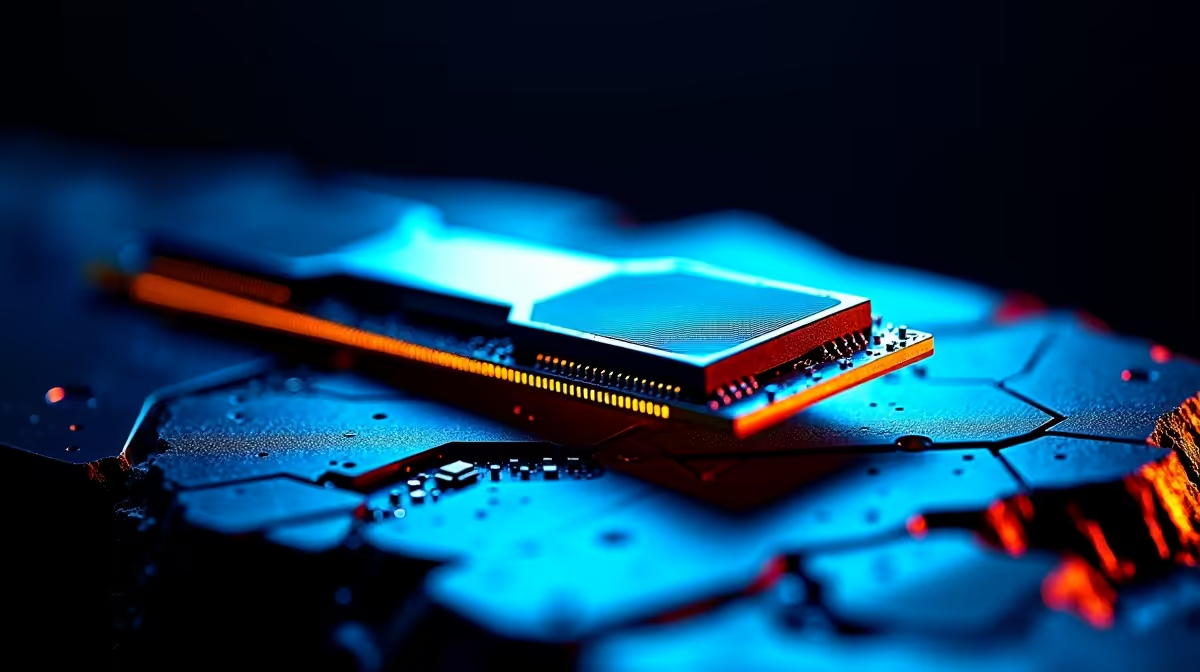
For years, thin-and-light laptops have soldered their memory straight onto the board, trading any hope of repair or upgrade for a few millimetres of thickness. LPCAMM2 breaks that compromise. It packages the same fast LPDDR5 and LPDDR5X memory into a slim, removable module you can unscrew and swap, where soldered LPDDR is fixed for the life of the machine. For repairability and long-term value, that distinction changes what a laptop is worth keeping.
Quick Answer
LPCAMM2 keeps laptop memory replaceable as a removable module, so you can upgrade capacity or swap a failed stick. Soldered LPDDR5X is permanently fixed and cannot be changed, meaning a memory fault can write off the whole board. LPCAMM2 laptops are clearly more repairable and longer-lived than sealed soldered equivalents.
How the Two Approaches Differ Physically
Soldered LPDDR mounts the memory chips directly onto the motherboard during manufacturing. The chips become a permanent part of the board, sitting close to the processor, which is excellent for space and signal efficiency but means the memory and the board are effectively one component. You cannot separate them without specialist rework equipment, and for a normal owner that means never.
LPCAMM2, short for Low Power Compression Attached Memory Module 2, takes the same low-power LPDDR5 and LPDDR5X memory and puts it on a compact module that attaches to the board with a compression connector and a couple of screws. It delivers the speed and power efficiency that previously required soldering, while staying removable. That is the breakthrough: you no longer have to choose between thin-and-light efficiency and serviceable memory.
Repairability: The Core Advantage
When memory fails
Memory can fail, and when soldered RAM does, the consequences are severe. Because the chips are fused to the motherboard, a single faulty memory chip can mean replacing the entire board, which is one of the most expensive components in any laptop. Out of warranty, that repair often costs enough to make the whole machine uneconomical to fix.
With LPCAMM2, a memory fault is a module swap. You remove a couple of screws, lift out the failed module, fit a new one, and the laptop lives on. The repair drops from a major board replacement to a quick, affordable part change, which is exactly the kind of fix that keeps a laptop out of early retirement.
Upgrading capacity later
The second repairability win is capacity. A soldered laptop is locked to the memory it shipped with forever, so if you bought 16GB and your workload grows, your only path is a new laptop. An LPCAMM2 machine lets you fit a higher-capacity module down the line, extending the useful life of hardware that is otherwise still perfectly good. For anyone whose needs creep upward over a few years, that flexibility is real money saved.
Performance and Efficiency: No Real Compromise
A fair question is whether making memory removable costs performance. With LPCAMM2 the answer is essentially no. The standard was designed to match the speed and low-power characteristics of soldered LPDDR5 and LPDDR5X, so you get comparable bandwidth and efficiency while keeping the module serviceable.
This is why LPCAMM2 matters more than earlier removable formats. Previous upgradeable memory could not deliver the low-power, high-speed profile that thin laptops demand, which is precisely why manufacturers soldered memory in the first place. LPCAMM2 closes that gap, removing the main technical excuse for sealing memory away. The wider DDR5 ecosystem these modules draw on is well represented in the Evetech DDR5 memory range, which gives a sense of how mainstream this generation of memory has become.
Long-Term Value and the Right-to-Repair Angle
Repairability is not only about convenience; it shapes how long a machine stays worth owning. A laptop whose memory can be replaced and upgraded has a longer practical lifespan, holds value better, and is less likely to be discarded over a single failed component. That matters to a buyer keeping a machine for years, and it sits squarely with the growing push for hardware that can be serviced rather than thrown away.
For a South African buyer weighing two otherwise similar laptops, the presence of LPCAMM2 is a meaningful tiebreaker. It means lower repair exposure if memory ever fails, and an upgrade path that postpones the next full purchase. Soldered memory is not automatically a dealbreaker, especially in the very thinnest designs where it remains common, but where you have the choice, removable memory is the more future-proof option.
Reading the spec sheet
The catch is that not every laptop advertises this clearly. Memory configuration often hides in the detailed specifications rather than the headline marketing, so check whether a model uses LPCAMM2 or soldered LPDDR before you assume it can be upgraded. If repairability matters to you, treat it as a spec to confirm, the same way you would check storage or the battery. When you are stocking up on memory for builds that do take standard modules, the options in the Evetech memory best-sellers cover the desktop side of the same DDR5 family.
Who Should Prioritise LPCAMM2
If you keep laptops for several years, buy at a memory capacity you might outgrow, or simply want the lowest repair risk, LPCAMM2 should weigh heavily in your decision. Professionals and students who plan to hold a machine through its full useful life benefit most, because the upgrade and repair flexibility compounds over time.
If you replace laptops frequently or buy with generous memory you will never exceed, the advantage matters less, and the thinnest soldered designs may still suit you. The point is to make the choice knowingly rather than discover, two years in, that your memory was sealed away all along.
Frequently Asked Questions
Can I upgrade LPCAMM2 memory myself?
In principle yes, since LPCAMM2 modules attach with a compression connector and screws rather than solder. The exact ease depends on how accessible the module is inside a given laptop, so check the model's serviceability before assuming a tool-free swap.
Is soldered LPDDR5X slower than LPCAMM2?
No. LPCAMM2 was designed to match the speed and efficiency of soldered LPDDR5 and LPDDR5X, so you get comparable performance while keeping the memory removable. The trade-off that once justified soldering has largely disappeared.
What happens if soldered laptop memory fails?
Because the chips are fused to the motherboard, a memory failure often means replacing the entire board, which is costly and can make an out-of-warranty laptop uneconomical to repair. This is the central repairability weakness of soldered memory.
How do I know if a laptop uses LPCAMM2 or soldered memory?
Check the detailed specifications rather than the marketing headline, since memory type is often buried there. If the spec does not state LPCAMM2 or describe the memory as upgradeable, assume it may be soldered and confirm before buying.
Is LPCAMM2 worth paying more for?
If you keep machines for years or want lower repair risk and an upgrade path, the long-term value usually justifies it. If you replace laptops often or buy ample memory upfront, the benefit is smaller and soldered designs may still suit you.
Repairable memory keeps a laptop worth owning for years. Whether you are choosing an LPCAMM2 notebook or building a desktop, explore the DDR5 memory range and memory best-sellers at Evetech to match the right modules to your machine.